 Lavkush
JavaScript array methods are ready-made functions that help you work with lists of data. The three most important ones are map(), which changes every item and returns a new array, filter(), which keeps only the items that pass a test, and reduce(), which combines all items into a single value. In this guide, you will learn these methods plus push, pop, find and forEach with simple examples and exact outputs.
A Quick Recap: What Is an Array?
An array is a single variable that stores many values in order. Each value has a position number called an index, and counting starts from 0.
const fruits = ["apple", "banana", "mango"];

console.log(fruits[0]); // "apple"
console.log(fruits[2]); // "mango"
console.log(fruits.length); // 3
Almost every real app uses arrays: a list of products, a list of students, a list of prices. Array methods are how you search, change and calculate things in those lists without writing long loops every time. The MDN reference for JavaScript arrays lists every method with its full syntax when you need the details.
Adding and Removing Items: push, pop, shift, unshift
These four basic methods change the array itself:
const numbers = [1, 2, 3];

numbers.push(4);      // add at the end
console.log(numbers); // [1, 2, 3, 4]

numbers.pop();        // remove from the end
console.log(numbers); // [1, 2, 3]

numbers.unshift(0);   // add at the start
console.log(numbers); // [0, 1, 2, 3]

numbers.shift();      // remove from the start
console.log(numbers); // [1, 2, 3]
A simple way to remember: push and pop work at the end of the array, while unshift and shift work at the start.
map(): Change Every Item
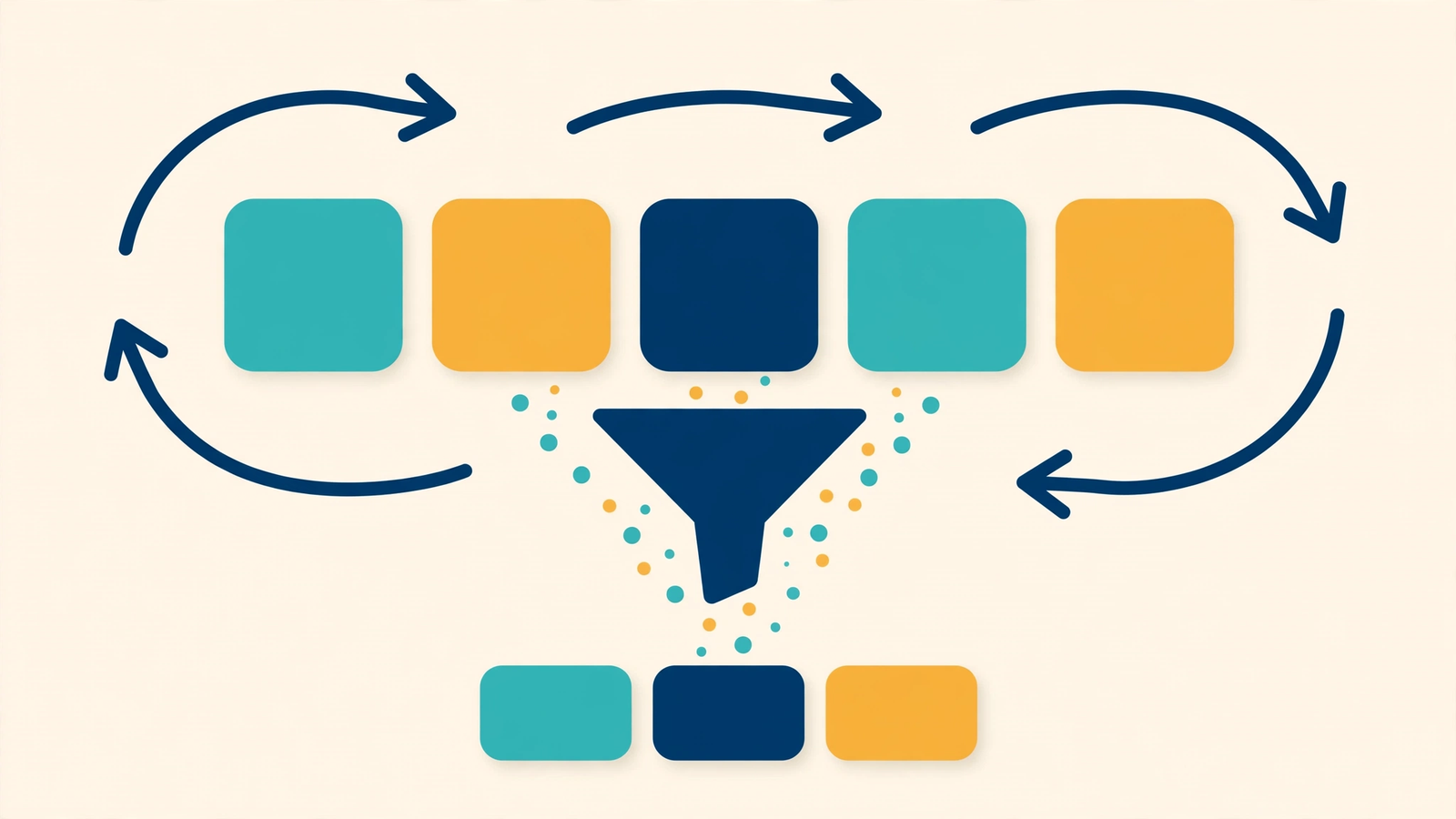
The map() method runs a function on every item and returns a new array with the changed values. The original array stays the same. Use it when you want to transform a full list.
const prices = [100, 200, 300];

const discounted = prices.map(price => price * 0.9);

console.log(discounted); // [90, 180, 270]
console.log(prices);     // [100, 200, 300] (unchanged)
A very common real use: turning a list of data objects into a list of names, or into HTML elements on a web page.
filter(): Keep Only Matching Items
The filter() method tests every item and returns a new array with only the items that pass the test. Use it when you want a smaller list, like only the students who passed an exam.
const marks = [35, 72, 18, 90, 55];

const passed = marks.filter(mark => mark >= 40);

console.log(passed); // [72, 90, 55]
If no item passes the test, filter() simply returns an empty array. Arrays and objects like these are also the base of JSON data, which we explain in our guide on the difference between XML and JSON.
reduce(): Combine Everything into One Value
The reduce() method walks through the array and builds one single result, such as a total, an average, or the largest number. It takes a starting value and adds each item to it, step by step.
const cart = [250, 499, 150];

const total = cart.reduce((sum, price) => sum + price, 0);

console.log(total); // 899
Here, sum starts at 0. First it becomes 0 + 250 = 250, then 250 + 499 = 749, and finally 749 + 150 = 899. Many beginners find reduce() confusing at first, but this one example covers 90 percent of real use — calculating totals.
forEach() vs map(): What Is the Difference?
Both run a function on every item, but there is one key difference. forEach() only performs an action, like printing, and returns nothing. map() returns a new array. So the rule is simple: if you need a new list, use map(). If you only want to do something with each item, use forEach().
const names = ["Asha", "Ravi", "Meena"];

names.forEach(name => console.log("Hello, " + name));
// Hello, Asha
// Hello, Ravi
// Hello, Meena
Finding Items: find() and includes()
The find() method returns the first item that passes a test. The includes() method only answers yes or no — is this value in the array?
const users = [
  { name: "Asha", age: 22 },
  { name: "Ravi", age: 17 }
];

const adult = users.find(user => user.age >= 18);
console.log(adult.name); // "Asha"

const colours = ["red", "green", "blue"];
console.log(colours.includes("green")); // true
JavaScript Array Methods Comparison Table
| Method | What it does | Returns | Changes original? |
|---|---|---|---|
| push() | Adds item at the end | New length | Yes |
| pop() | Removes item from the end | Removed item | Yes |
| map() | Changes every item | New array | No |
| filter() | Keeps items that pass a test | New array | No |
| reduce() | Combines all items | Single value | No |
| find() | Finds the first matching item | One item | No |
| forEach() | Runs code for every item | Nothing | No |
When your code is ready, save it in a proper project. Our beginner guide on what GitHub is and why it matters shows how developers store and share their practice projects.
Frequently Asked Questions
Which array method should a beginner learn first?
Start with push, pop, forEach and map. These four cover most daily work. Then learn filter and reduce.
Does map() change the original array?
No. map(), filter() and reduce() never change the original array. They give you a new result, which makes your code safer and easier to understand.
What is the difference between find() and filter()?
filter() returns all matching items in a new array. find() stops at the first match and returns only that one item.
Can I combine map and filter together?
Yes, this is very common. You can chain them, like numbers.filter(n => n > 10).map(n => n * 2), to filter first and then change the result.
Conclusion
Array methods are the heart of everyday JavaScript. Use push and pop to add and remove items, map to change a list, filter to select items, reduce to calculate a single value, and find to search. Practice each example in your browser console today, and very soon these methods will feel natural in every project you build. When you are ready to go deeper, the MDN JavaScript guide is the best free place to continue.
Leave a Comment