

Git Commands Cheat Sheet for Beginners: 20 Commands You Will Use Every Day
A Git commands cheat sheet for beginners: the 20 commands for setup, staging, commits, branches and syncing, explained in simple words with examples.
DevOps and server guides in simple English — Linux, hosting, deployment, CI/CD, Docker basics, server setup and troubleshooting.
A Git commands cheat sheet for beginners: the 20 commands for setup, staging, commits, branches and syncing, explained in simple words with examples.
A handy Docker cheat sheet for beginners: 25 commands for images, containers, volumes, networks, inspecting problems and cleaning up safely, with examples.
Learn the difference between a Docker image and a container in plain English, with a simple analogy, a clear table and real commands for beginners.
Git branches explained simply: create, switch, merge and delete branches with git branch, switch -c, merge, -d vs -D and push -u, plus common mistakes.
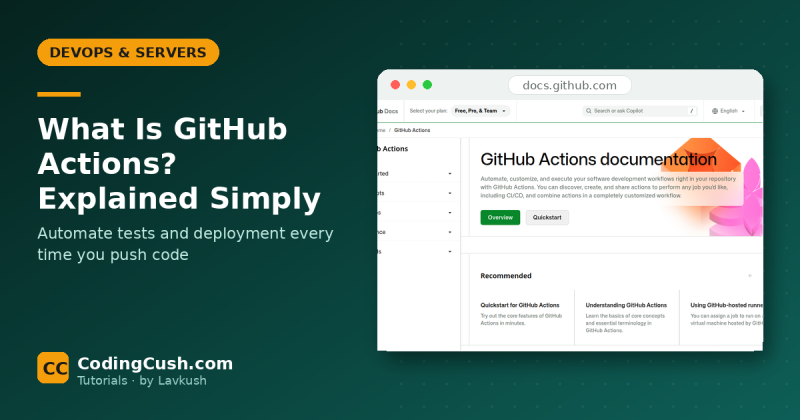
GitHub Actions explained simply: events, workflows, jobs, steps and runners, plus a first workflow file that runs automatically every time you push code.
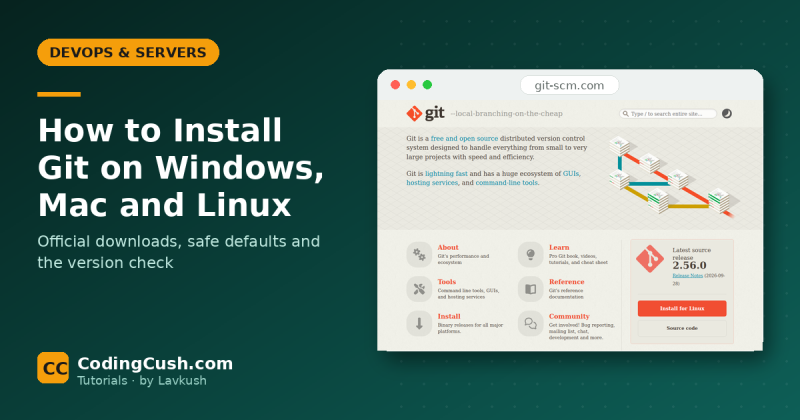
Install Git the simple way on Windows, Mac and Linux: official downloads, the right default options, the git --version check, and your first config settings.
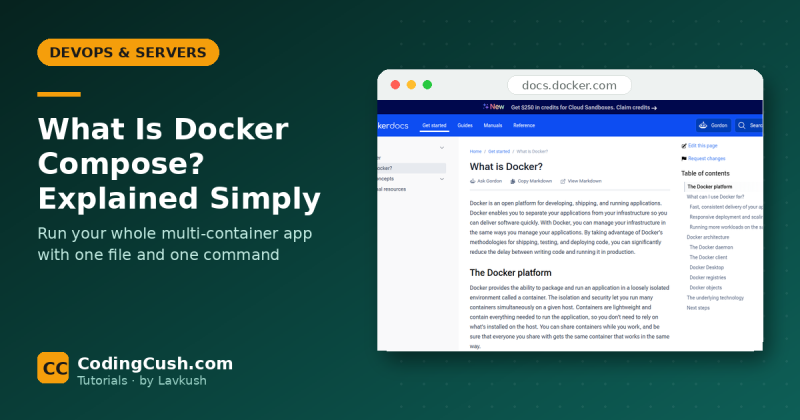
Docker Compose explained simply: run your web app, database and cache together from one docker-compose.yml file with a single command. Beginner friendly.
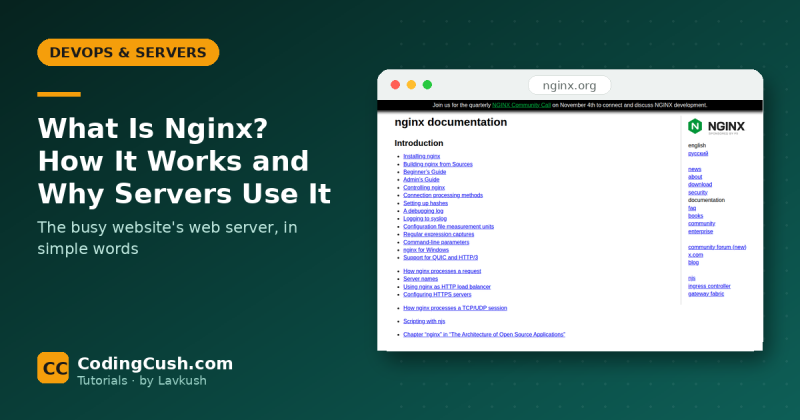
Nginx explained simply: what it is, how it serves websites so fast, reverse proxy, load balancing and caching, plus how it compares with Apache.
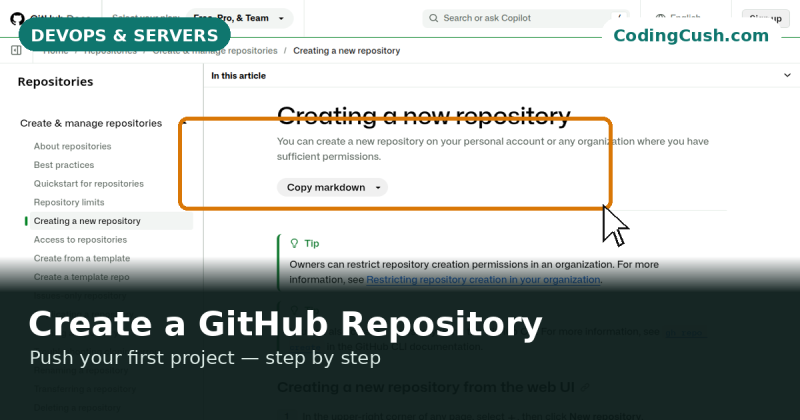
Create a GitHub repository and push your first project step by step: init, add, commit, remote and push — with the exact commands and simple explanations.
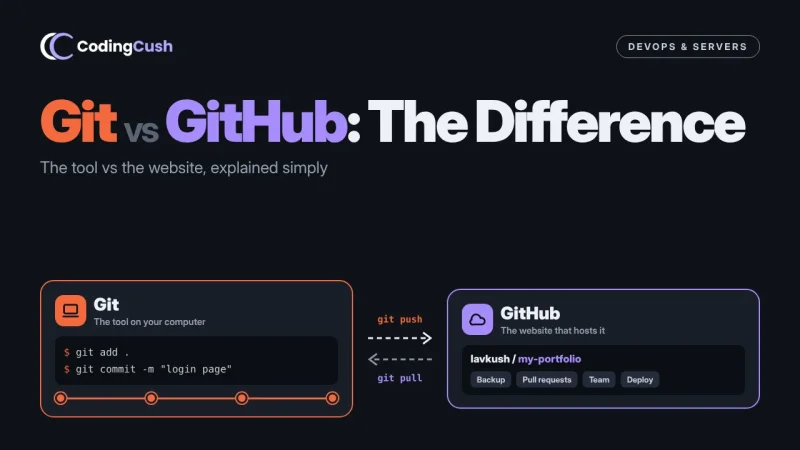
Git vs GitHub explained simply: Git is the tool that tracks changes on your computer, GitHub is the website that hosts and shares those projects online.
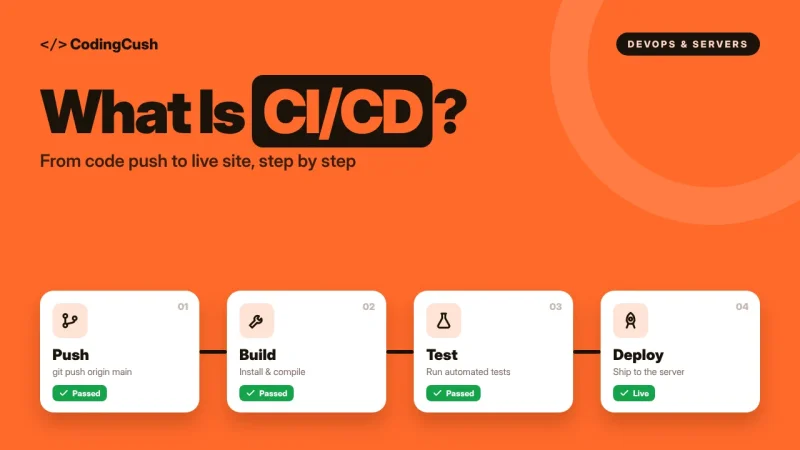
Learn CI/CD simply: what continuous integration and delivery mean, how a pipeline takes code from laptop to live site, and CI vs CD vs deployment explained.
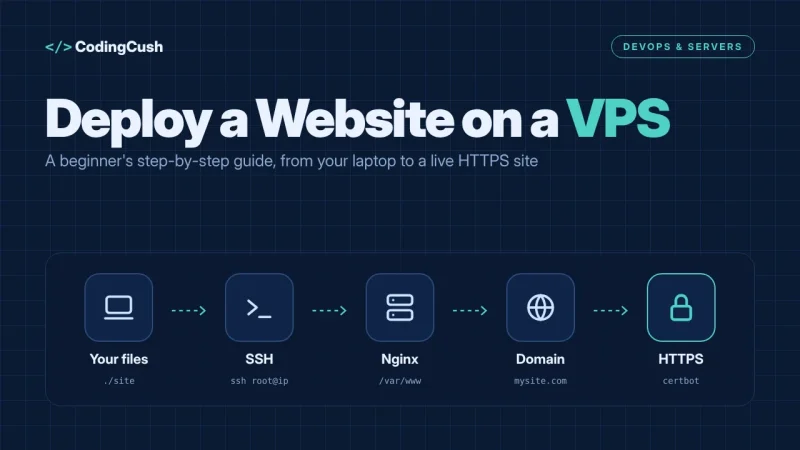
Deploy a website on a VPS step by step: SSH in, install Nginx, upload your files, point your domain and add free HTTPS — a friendly first-server guide.
Try a different word, or clear the filter to see everything on this page.


Join 620+ developers learning the simple way. One useful email when new tutorials land — no spam, ever.
You're on the list — the next tutorial will land straight in your inbox.
 Lavkush