

 Lavkush
Apache and Nginx are the two most popular web servers in the world, and both do the same basic job: they sit on your server, wait for a visitor to request a page, and send that page back to the browser. The difference is how they handle the work. Apache creates a new process or thread for each connection, while Nginx uses an event-driven design that handles many connections inside a few lightweight processes. Apache is famous for flexibility and .htaccess files; Nginx is famous for speed and low memory use. Neither is simply better for everyone. The right choice depends on your site, your server, and how much traffic you expect.
What Does a Web Server Actually Do?
When someone types your website address into a browser, the browser sends a request to your server. Something on that server must listen for the request, find or build the page asked for, and send it back. That something is the web server software.
If the visitor asks for a static file, like an image or a plain HTML page, the server reads it from disk and hands it over. If the visitor asks for a dynamic page, like a WordPress post, the server passes the request to a runtime such as PHP and sends back the finished HTML. Think of the web server as the front desk of a hotel: every guest arrives there first, and a good front desk never keeps the queue waiting. Apache and Nginx are both excellent front desks. They just organise their staff differently.
A Short History of Apache and Nginx
Apache HTTP Server launched in 1995, which makes it a veteran of the web. For many years it powered the majority of websites, and almost every hosting panel and control panel still supports it by default.
Nginx, pronounced "engine x", arrived in 2004. It was created by Igor Sysoev to solve a well-known challenge called the C10K problem: how do you handle 10,000 visitors connected at the same time without the server falling over? Older designs struggled because each connection cost a lot of memory, so Nginx was built from day one to solve exactly that. If you want the deeper story, our guide on what Nginx is and how Nginx works walks through its design in simple steps.
How Each Server Handles Connections
This is the heart of the comparison. Imagine a small coffee shop. In the Apache model, every new customer gets their own dedicated barista. That works while the shop is quiet. But when 500 customers walk in at once, you need 500 baristas, and baristas cost space and money. On a server, that cost is memory and CPU. Modern Apache has improved modes called MPMs, but the model remains heavier per connection than Nginx.
Nginx runs the shop differently. It hires a small team of very fast baristas, and each one juggles many customers at once. While one customer is deciding, the barista takes the next order. In technical words, Nginx is event-driven and asynchronous: a few worker processes each handle thousands of connections, working only when something happens. So whether 10 people or 10,000 are connected, Nginx uses roughly the same modest memory. On a small VPS, that can decide whether your site survives a traffic spike or politely falls over at the worst possible moment.
Static Content vs Dynamic Content
Static content means files that do not change per visitor: images, stylesheets, JavaScript files, and plain HTML. Nginx is famously fast at serving them, and many busy sites put it at the front purely to serve assets. Apache serves static files well too; on a small site you may notice no difference. The gap only shows at high connection counts.
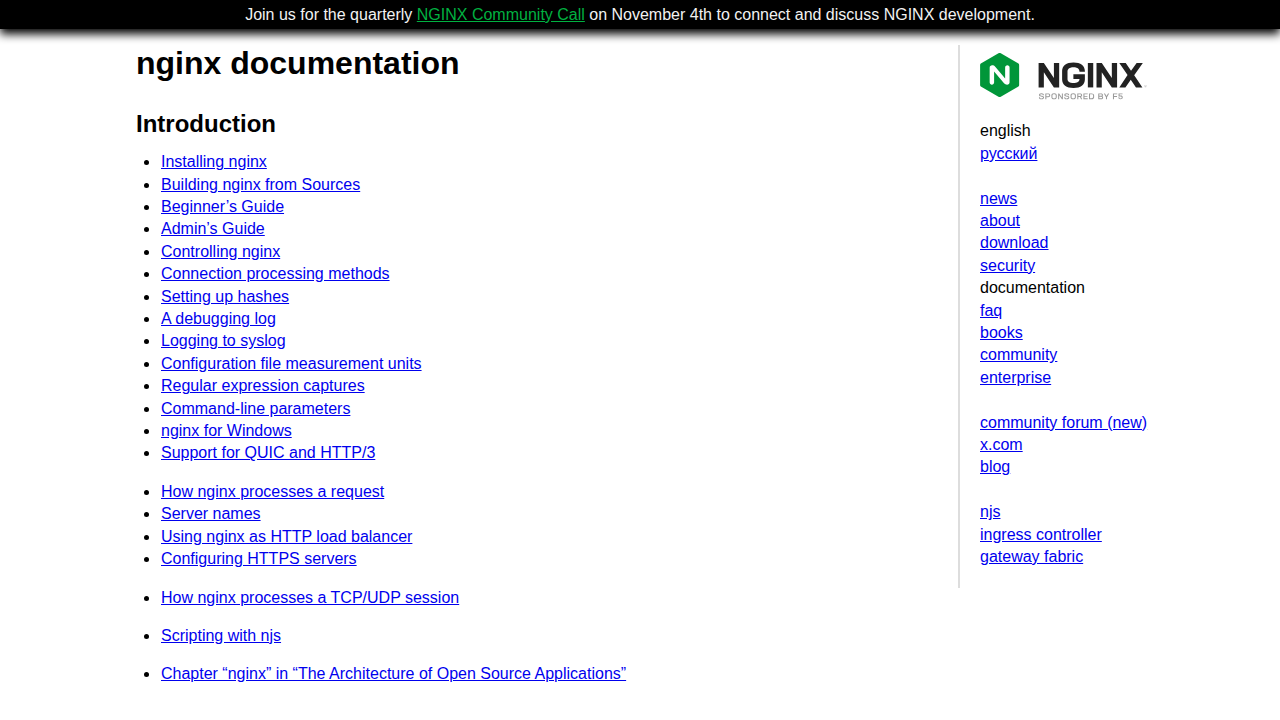
Dynamic content is more interesting. Apache has a long tradition of running PHP inside the server itself using a module called mod_php. Nginx never runs PHP inside itself. It passes PHP requests to a separate program called PHP-FPM, which returns the result. Both approaches work well, and WordPress runs happily on either stack. The official Nginx documentation recommends PHP-FPM as the standard way to connect Nginx and PHP.
.htaccess Files vs Central Configuration
One of Apache's most loved features is the .htaccess file, a small configuration file you can drop into any folder to change how Apache behaves there: redirects, password protection, rewrite rules, and more. You do not need root access, and changes apply instantly. Shared hosting became popular largely because of this trick. The trade-off is that Apache checks for these files on every request, which adds a little overhead, and scattered rules can be hard to track.
Nginx has no .htaccess equivalent at all. Every rule lives in one central configuration file, edited by the server administrator. That is less flexible for shared hosting users, but faster and easier to audit. The official Apache HTTP Server documentation covers .htaccess in detail. Here is a small Nginx server block, the basic building block of an Nginx site:
server {
    listen 80;
    server_name example.com www.example.com;
    root /var/www/example.com;

    index index.html index.php;

    location / {
        try_files $uri $uri/ =404;
    }
}
Read it top to bottom and it almost explains itself: listen on port 80, answer for this domain, take files from this folder, and return a 404 error if a file does not exist. Real sites add HTTPS and PHP handling on top, but the shape stays the same.
Apache vs Nginx at a Glance
| Feature | Apache | Nginx |
|---|---|---|
| First released | 1995 | 2004 |
| Connection model | Process or thread per connection | Event-driven, asynchronous |
| Memory under heavy traffic | Grows quickly | Stays low and steady |
| Static file speed | Good | Excellent |
| Per-folder config | Yes, .htaccess files | No, central config only |
| Running PHP | Inside the server with mod_php, or via PHP-FPM | Via PHP-FPM only |
| Best known for | Flexibility and compatibility | Speed and high traffic |
No single row should decide your choice. Real projects balance several rows at once.
Which One Should You Choose?
For WordPress on ordinary shared hosting, Apache is usually the practical answer, because your host has already set it up and .htaccess handles pretty permalinks and plugin rules automatically. Most beginners should use what their hosting provides and focus on the site itself.
For a VPS you manage yourself, Nginx becomes very attractive. It sips memory, serves static files brilliantly, and pairs cleanly with PHP-FPM. Our step-by-step guide on how to deploy a website on a VPS server shows where the web server fits into the full process. For high-traffic sites, busy stores, and APIs with many simultaneous users, Nginx is the common favourite, because its memory use stays steady under sudden spikes.
Apache still wins plenty of real projects. If you rely on .htaccess rules, specific Apache modules, or a control panel built around Apache, staying with Apache is a sensible decision, not a compromise. Whichever you pick, it also shapes the response metadata your site sends, so our explainer on HTTP headers explained simply is worth a read.
Using Nginx as a Reverse Proxy in Front of Apache
Plot twist: you do not always have to choose. A popular setup runs both servers together. Nginx sits at the front door as a reverse proxy, receiving every request first. It serves all the static files itself at high speed, and quietly passes only the dynamic requests, such as PHP pages, to Apache behind it. This gives you Nginx's speed for the heavy lifting, plus Apache's flexibility and .htaccess support for the application itself. Many large hosting companies use exactly this arrangement. The real lesson: these are tools with different strengths, and good engineers happily use both.
Frequently Asked Questions
Is Nginx faster than Apache?
For static files and many simultaneous connections, yes, Nginx is usually faster and uses far less memory. For a small site with modest traffic, the difference is tiny and visitors will not notice it.
Can WordPress run on Nginx?
Yes, WordPress runs very well on Nginx with PHP-FPM. You just handle permalinks and plugin rules in the central Nginx configuration instead of .htaccess files, because Nginx does not read .htaccess at all.
Is Apache outdated?
No. Apache is actively maintained, powers a huge share of the web, and its modern event MPM handles busy sites well. Older here means mature and widely supported, not obsolete.
Can I switch from Apache to Nginx later?
Yes. Many owners migrate when they move to a VPS. The main work is translating .htaccess rules into Nginx configuration and testing carefully before going live.
Conclusion
Apache and Nginx both deliver your website reliably, and both are free, proven, and well documented. Apache offers flexibility and .htaccess convenience. Nginx offers speed, low memory use, and grace under heavy traffic. Choose Apache for simplicity, Nginx for performance on your own server, or combine them for the best of both. Pick the tool that fits your project today; you can change your mind later.




Leave a Comment