

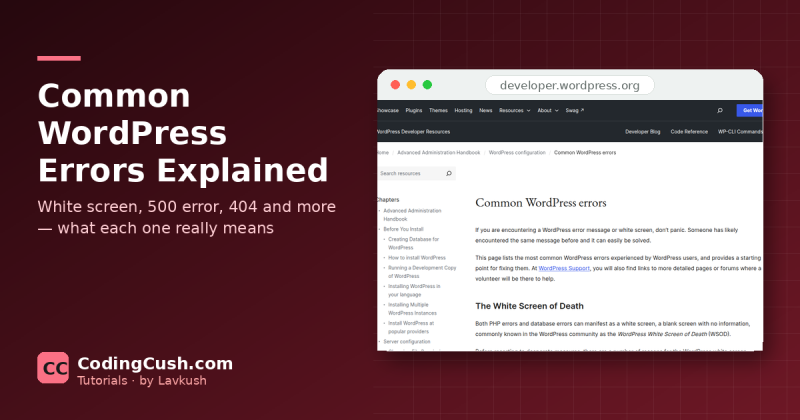
Common WordPress Errors Explained: White Screen, 500 Error, 404 and More
Fix common WordPress errors with confidence: white screen, 500 error, database connection, 404s and more, with safe first steps and a clear fix table.
Software tools, platforms and reviews
Fix common WordPress errors with confidence: white screen, 500 error, database connection, 404s and more, with safe first steps and a clear fix table.
WordPress.org is free self-hosted software with full control, while WordPress.com is a hosted service with limits. Compare cost, plugins and freedom here.
WordPress explained in simple English for beginners: what it is, what you can build with it, and how themes, plugins, posts and pages fit together.
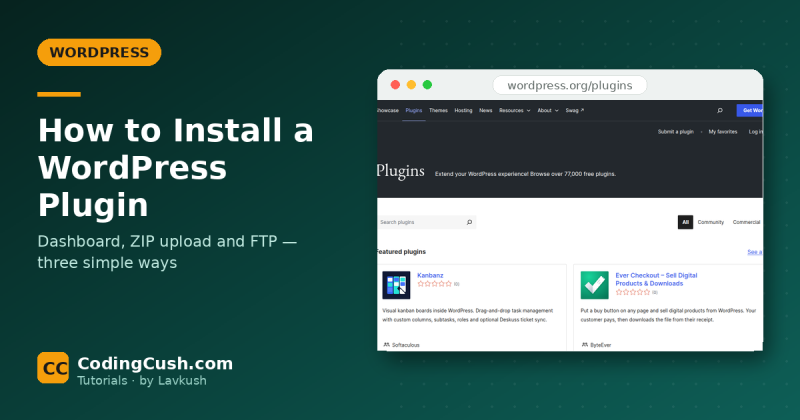
How to install a WordPress plugin three simple ways: from the dashboard, by uploading a ZIP file, and manually with FTP — plus the checklist to run afterwards.
Choosing a WordPress theme? Check updates, reviews, speed, mobile design, compatibility, support and safety first — 9 practical checks explained simply.
Back up WordPress safely, step by step: copy your files and database with a plugin or manually, store copies off your server, and learn how to restore them.
Installed SSL but the padlock is missing? Fix the WordPress mixed content error: find HTTP links hiding in your site and update them to HTTPS safely. Easily.
Locked out of WordPress admin? Seven safe ways to get back in, from a simple password reset by email to database and file fixes, in the right order. Start here.
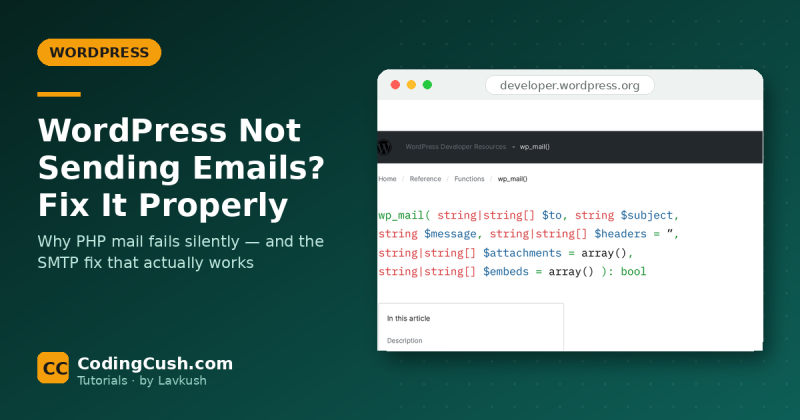
WordPress not sending emails? Learn why PHP mail fails silently, how to test it properly, and the SMTP fix that makes contact form emails arrive. Step by step.
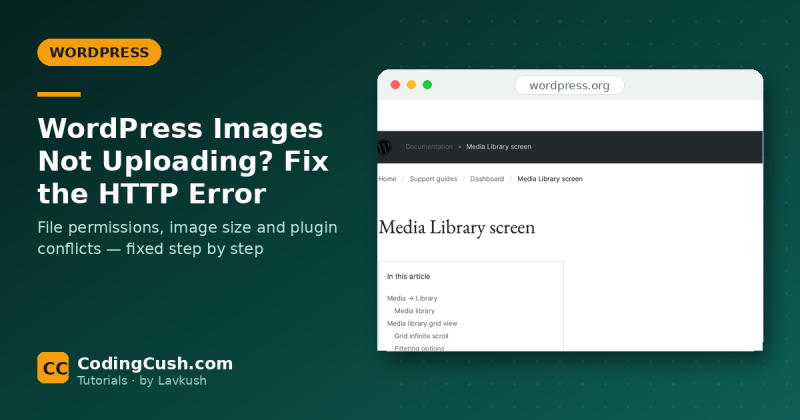
WordPress images not uploading? Fix the HTTP error and media library problems step by step: permissions, image size, plugins, memory and file names. Full guide.
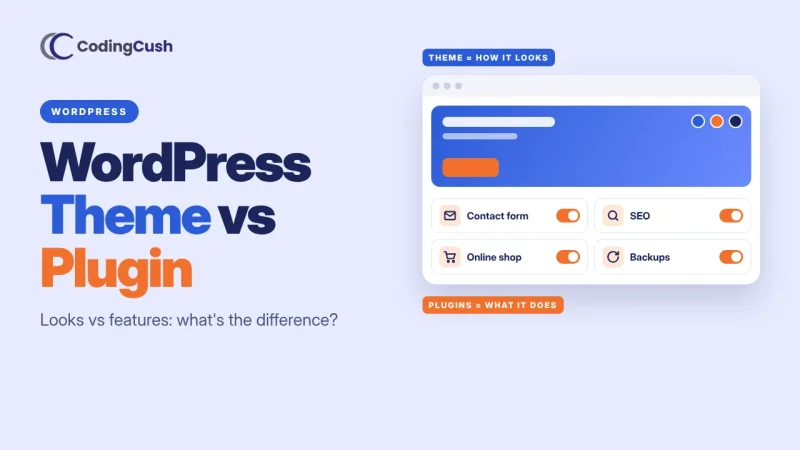
WordPress theme vs plugin explained simply: a theme controls how your site looks, a plugin controls what it can do. Full table, examples and FAQs inside.
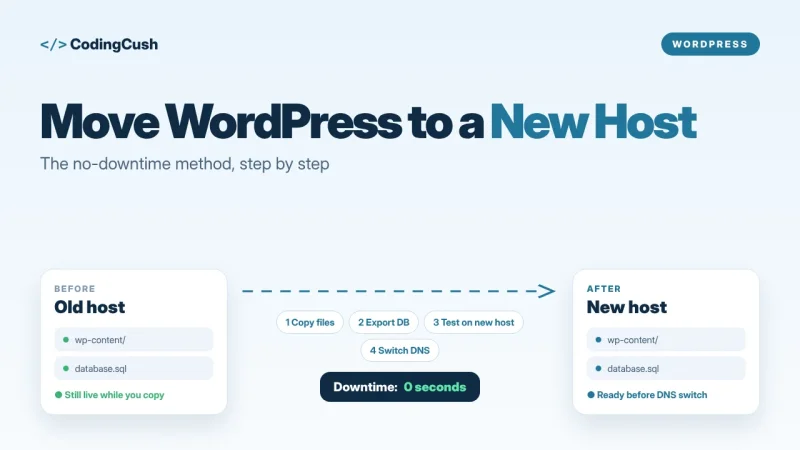
Move a WordPress site to a new host without downtime: copy files and database, test on the new server first, then switch DNS safely step by step.
Try a different word, or clear the filter to see everything on this page.


Join 620+ developers learning the simple way. One useful email when new tutorials land — no spam, ever.
You're on the list — the next tutorial will land straight in your inbox.
 Lavkush