Complete Webflow Course
Cheat Sheets
Everything from the CodingCush Webflow course in one place: step-by-step recipes with the exact settings, code snippets, quizzes and homework for every lesson. Built entirely on Webflow's free plan.
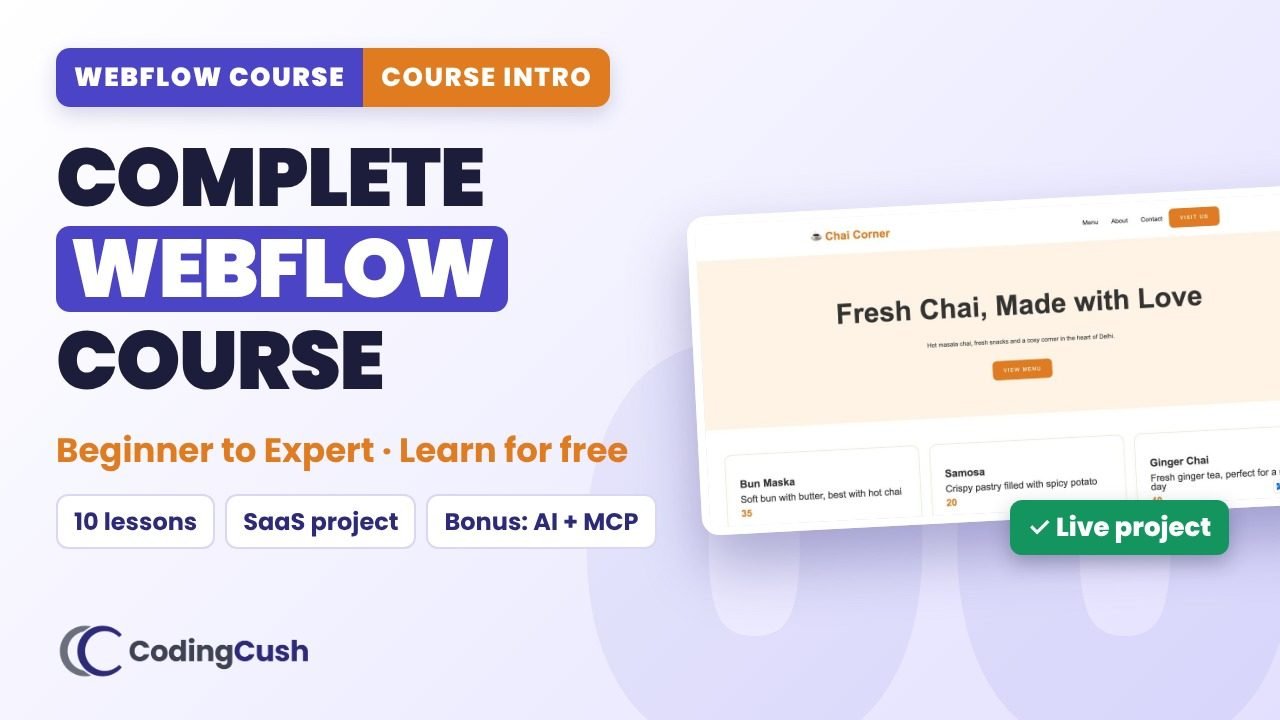 Course intro · 4:55
All lessons
Start hereCourse Intro: Beginner to Webflow Expert
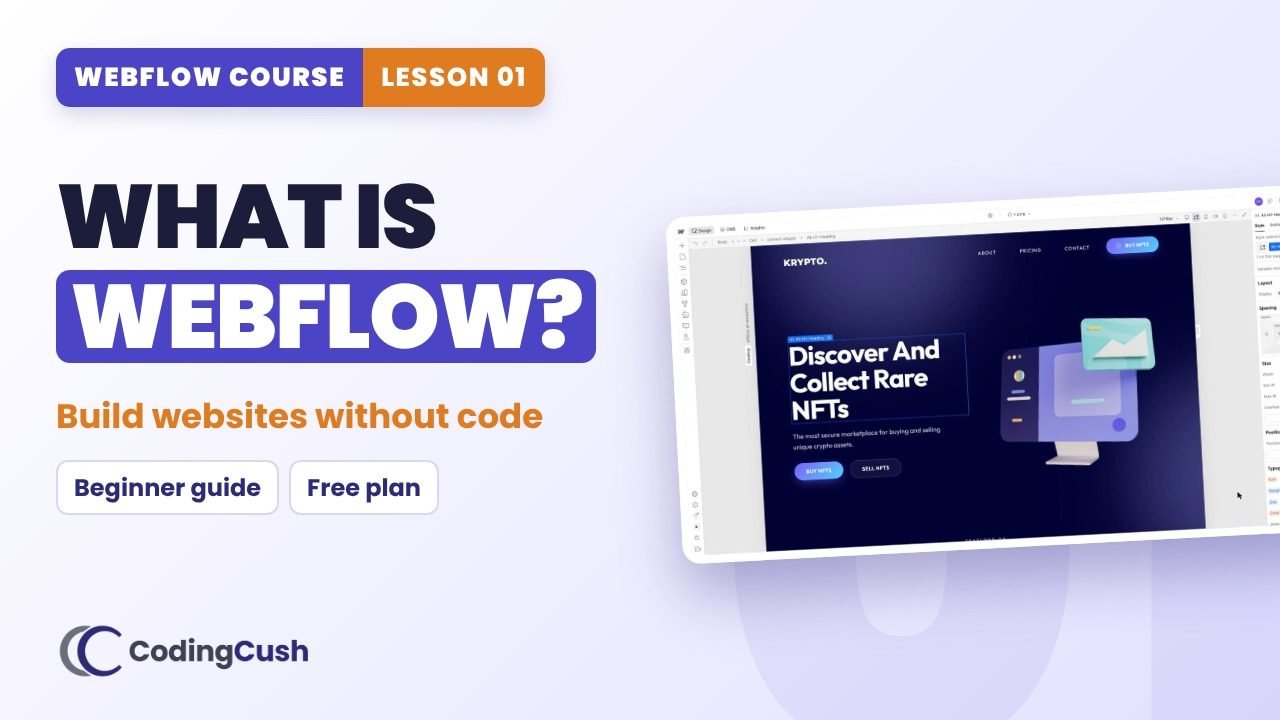
What is Webflow? Complete Beginner Guide
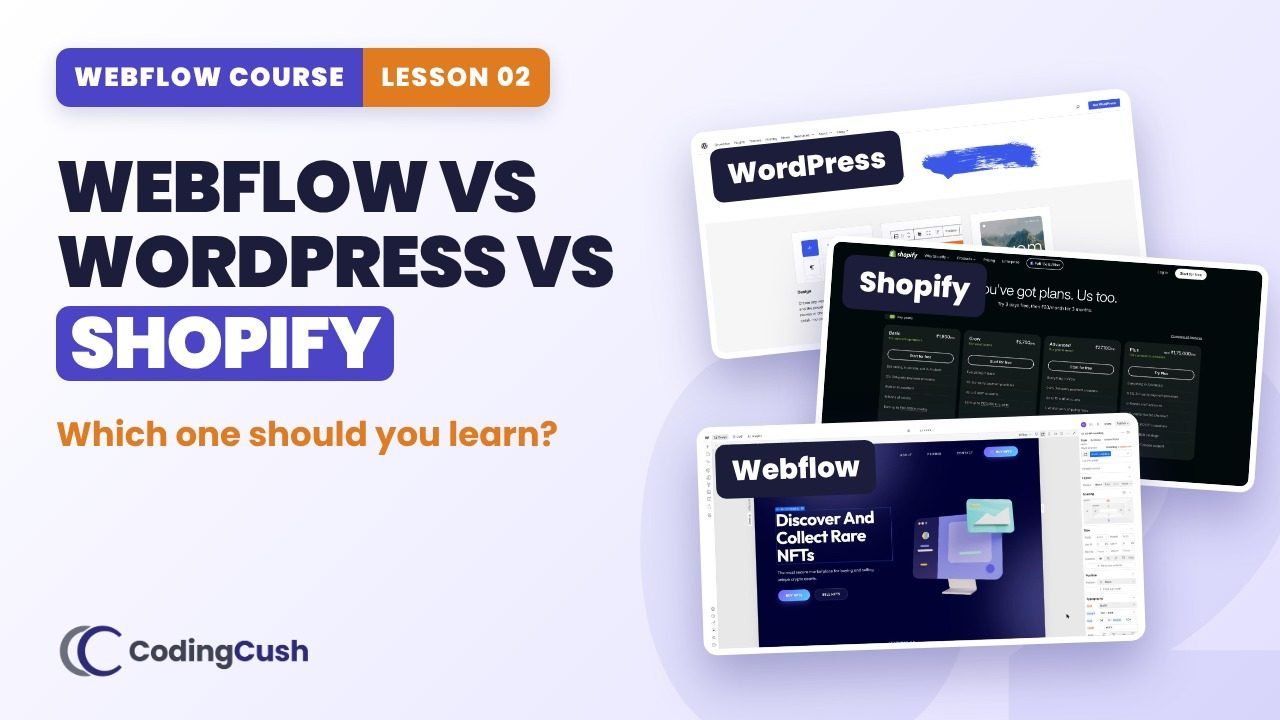
Webflow vs WordPress vs Shopify: Which Should You Learn?
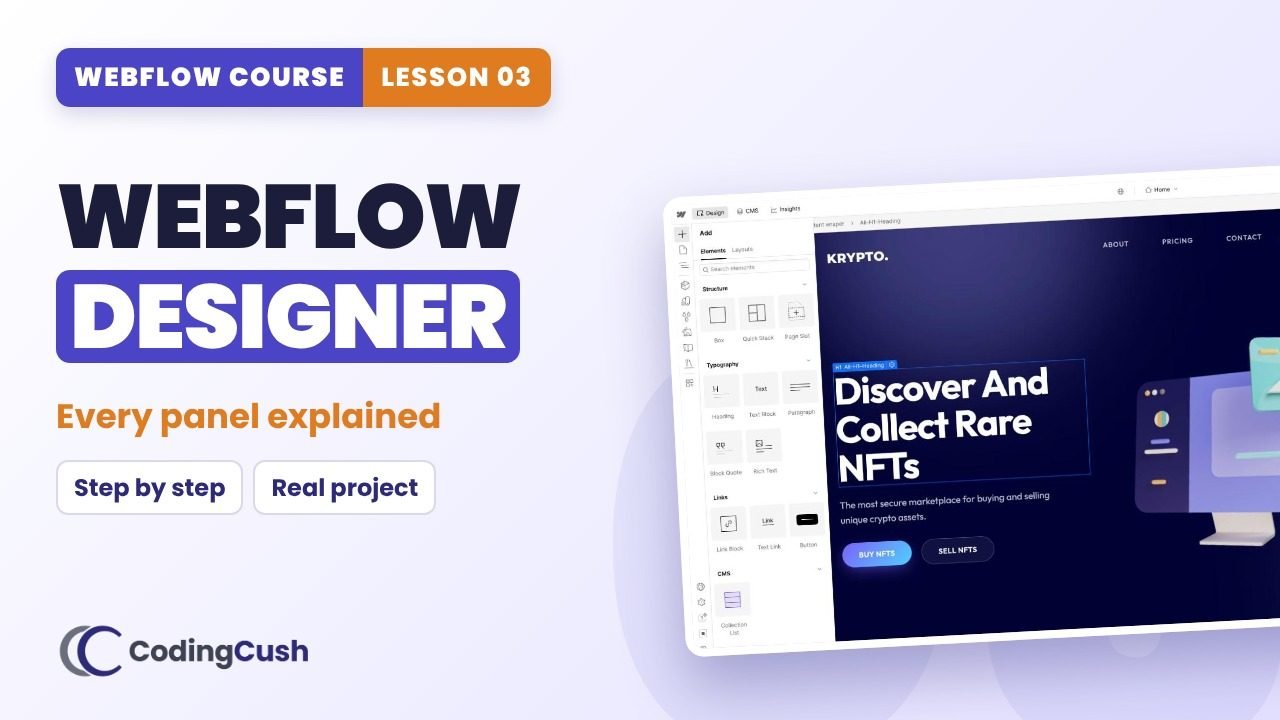
Webflow Designer: Every Panel Explained
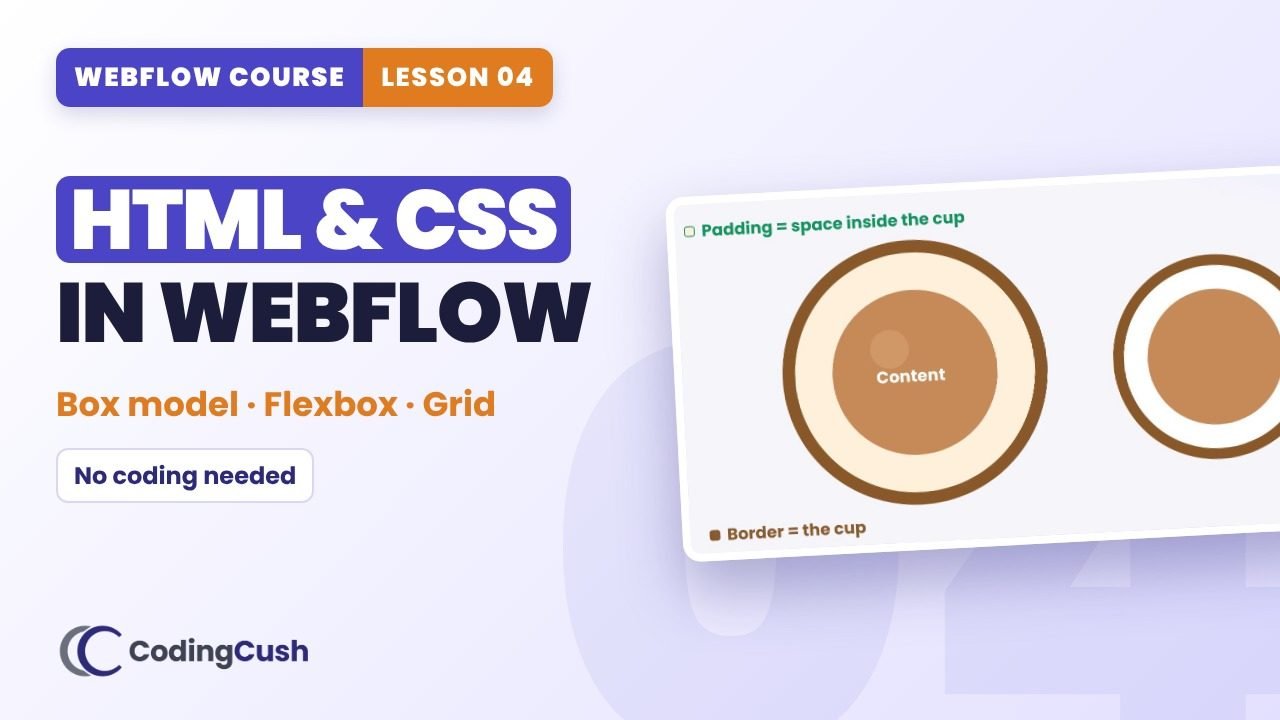
HTML & CSS in Webflow: Box Model, Flexbox and Grid
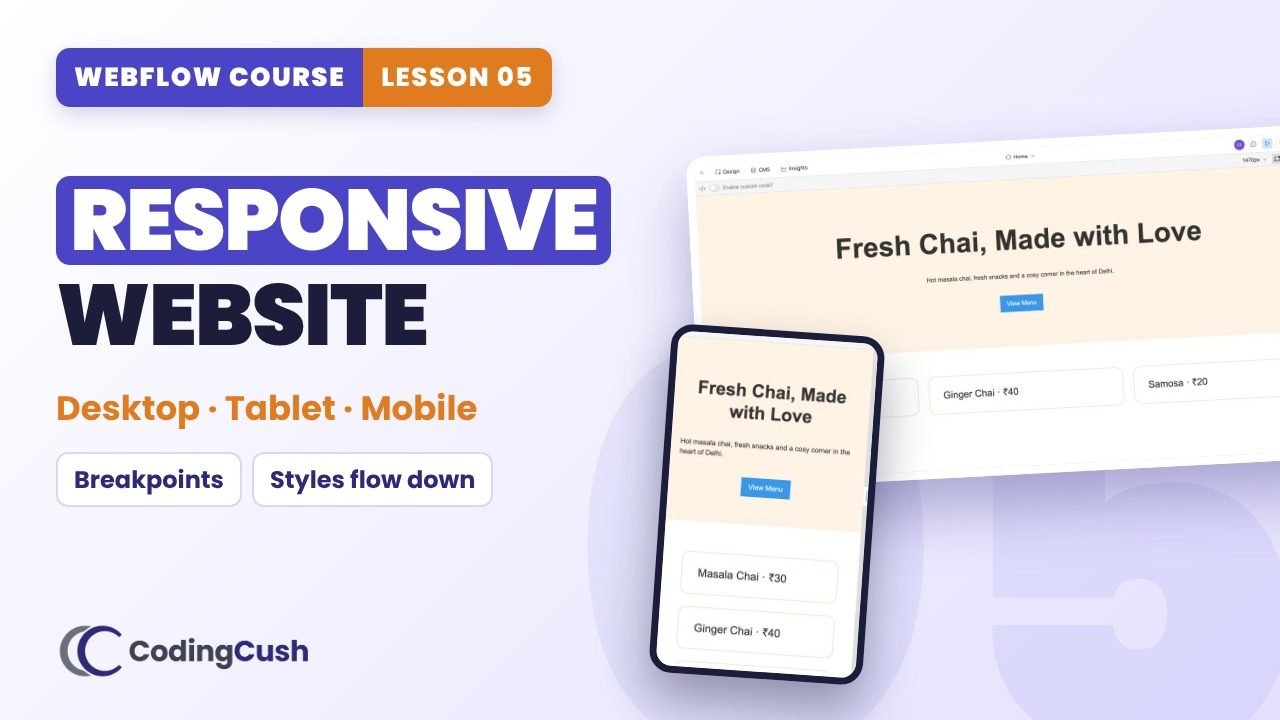
Build a Responsive Website in Webflow
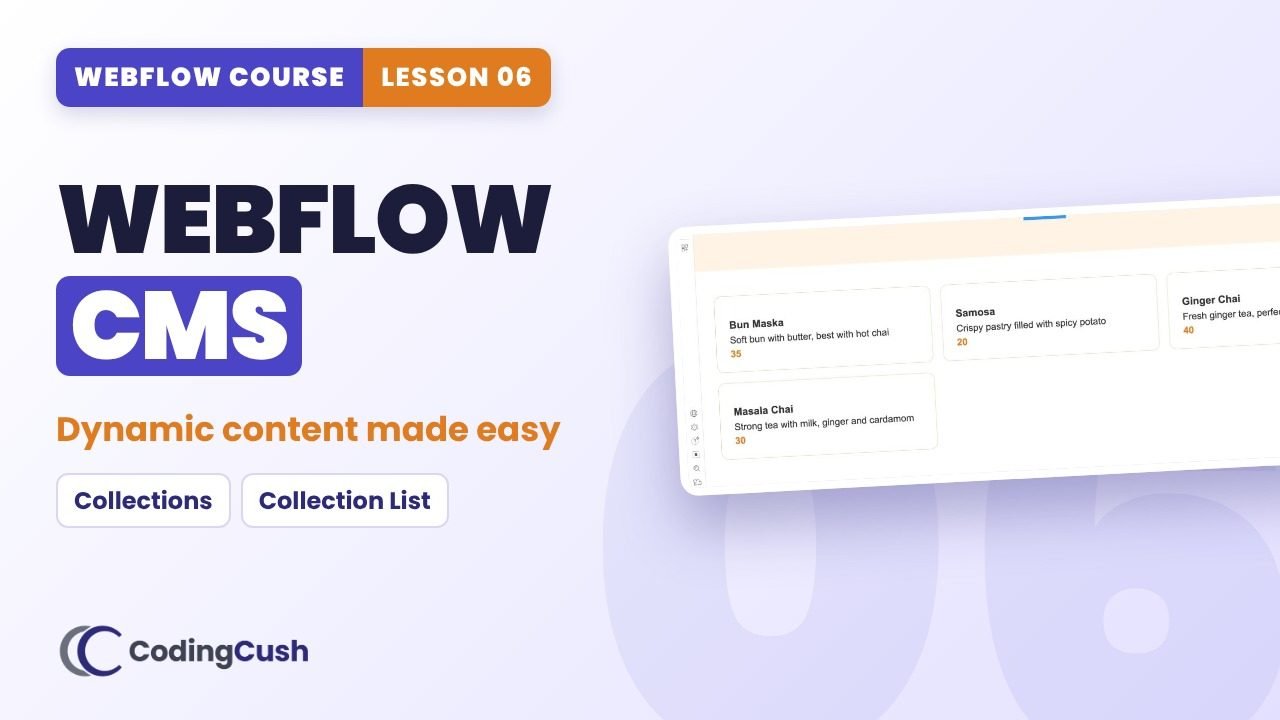
Webflow CMS: Collections and Dynamic Content
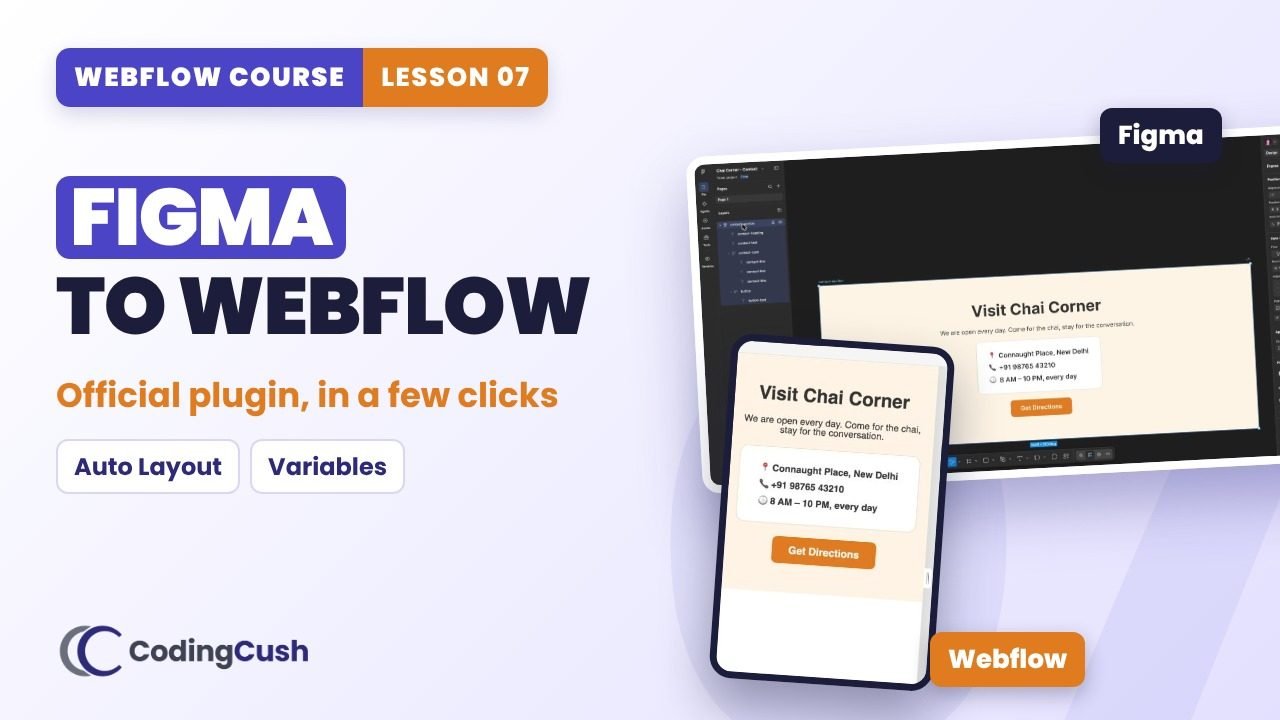
Figma to Webflow: Official Plugin, Step by Step
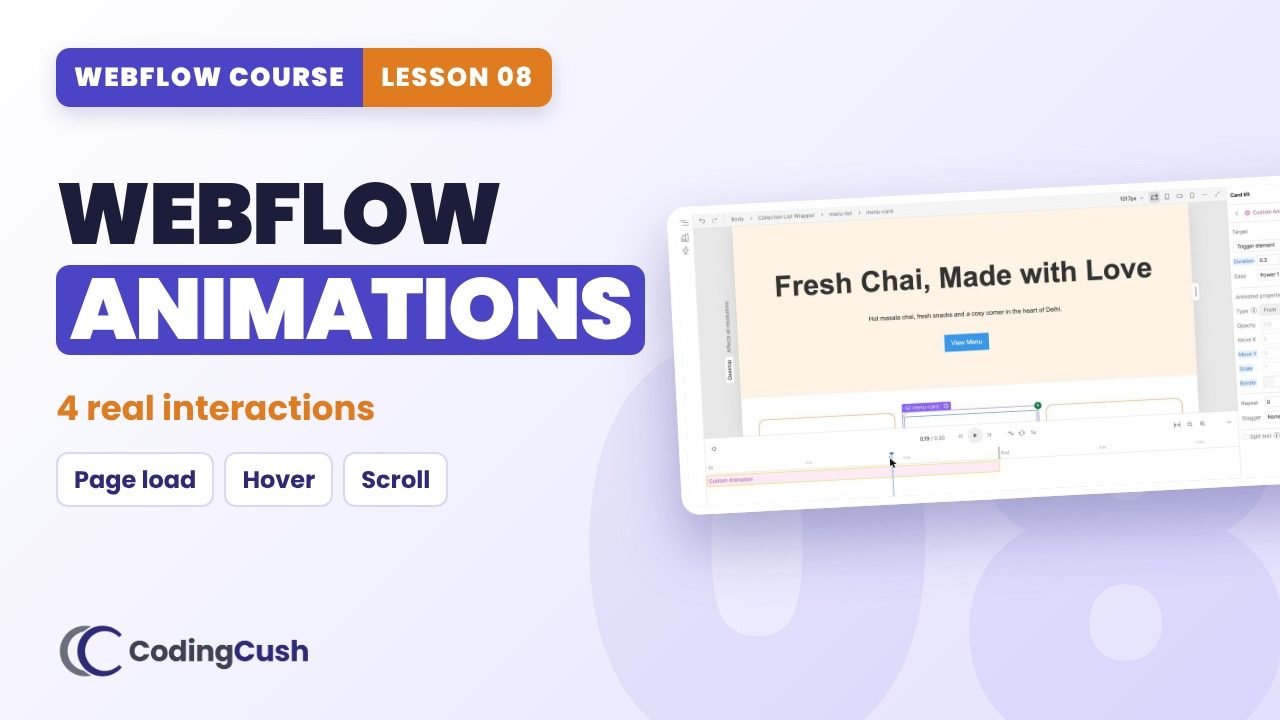
Webflow Animations & Interactions (GSAP Powered)
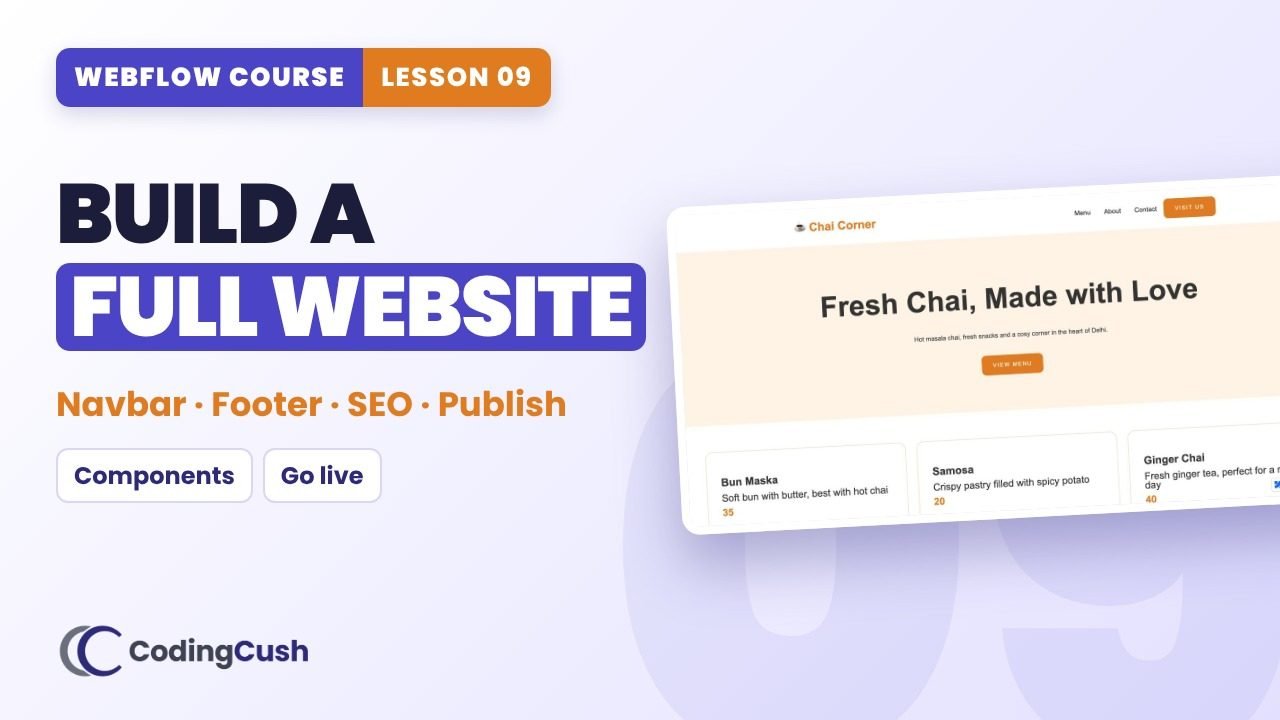
Build & Publish a Complete Website in Webflow
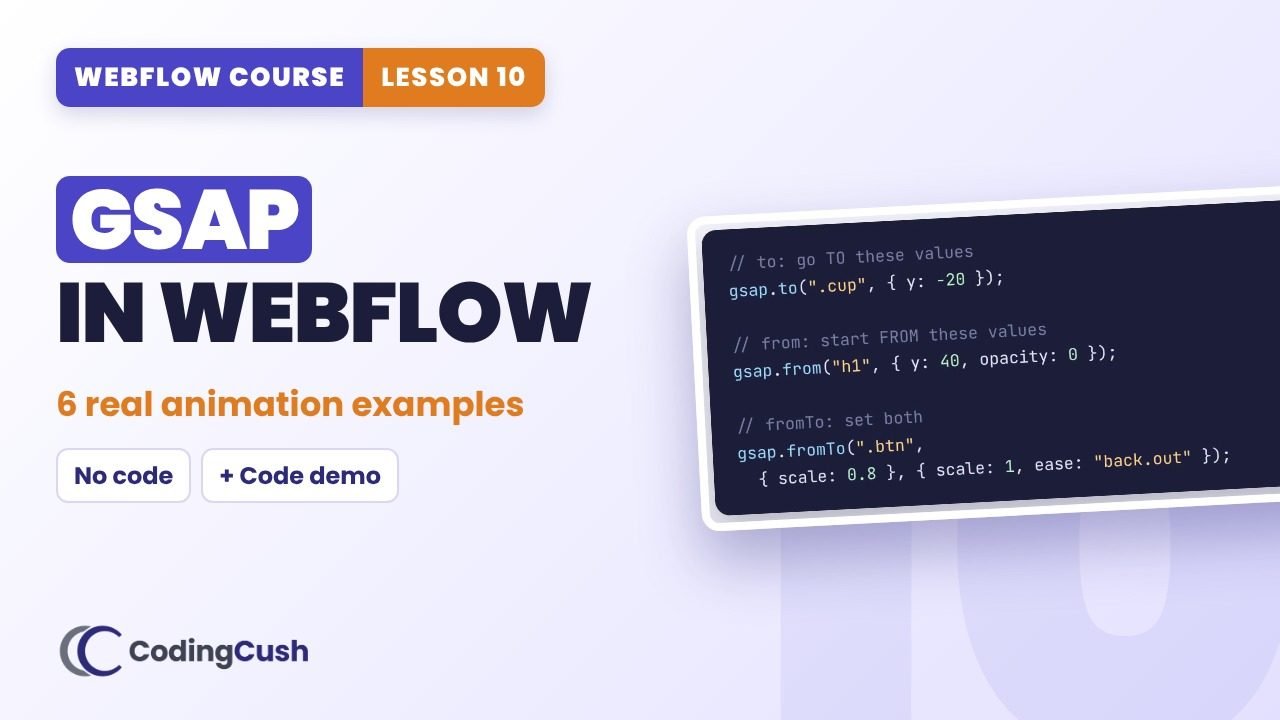
GSAP in Webflow: 6 Real Animation Examples
Coming soon
Build a Complete SaaS Website
Bonus episode
Bonus: A/B Testing, Webflow AI, MCP & Claude
What's inside every cheat sheet
Step-by-step recipe
Every click from the video, with the exact values, as a checklist you tick off.
Settings & code
Breakpoints, field types, triggers, eases and GSAP snippets with one-click copy.
Recap & quiz
The video's recap question plus a scored quiz with instant explanations.
Homework & mistakes
Your homework checklist and the common mistakes to avoid.
Lavkush Kumar
Web developer from Delhi with 6+ years in Webflow and CMS development, Webflow 101 certified. These cheat sheets are the notes I'd give a student sitting next to me.
Frequently asked questions
Is this Webflow course free?
Yes. The videos are free on YouTube and every lesson is built on Webflow's free Starter plan, so you do not need a paid plan to learn.
Do I need coding experience to learn Webflow?
No. The course starts from zero and explains every idea in simple words with real-world examples.
What do I get on each cheat sheet?
Key ideas, a step-by-step recipe with the exact values from the video, a settings and code reference, common mistakes, a recap, a scored quiz and homework.
How is my progress saved?
Enter your name and email once. Your ticked steps, quiz scores and completed lessons are saved to your student account, so you can continue on any device.
Watch the course on YouTube · CodingCush · Cheat sheets by Lavkush Kumar
Save your progress
Enter your name and email once. We'll remember your ticked steps, quiz scores and completed lessons, so you can continue on any device.
No spam. Only course updates, and you can unsubscribe any time.