Course Intro: Beginner to Webflow Expert
What the course covers, who it is for, what you will be able to build, and how to follow along. Start here.
💡Key ideas
What the course covers, who it is for, what you will be able to build, and how to follow along. Start here.
For beginners and professionals
No coding needed. Every lesson starts from zero and explains each step with a real-world example. Professionals learn the right way to build: clean structure, classes, CMS, responsive design and GSAP.
Practical, simple, free
We build a real website step by step inside Webflow. Every lesson runs on Webflow's free plan, so you do not need to buy anything to learn.
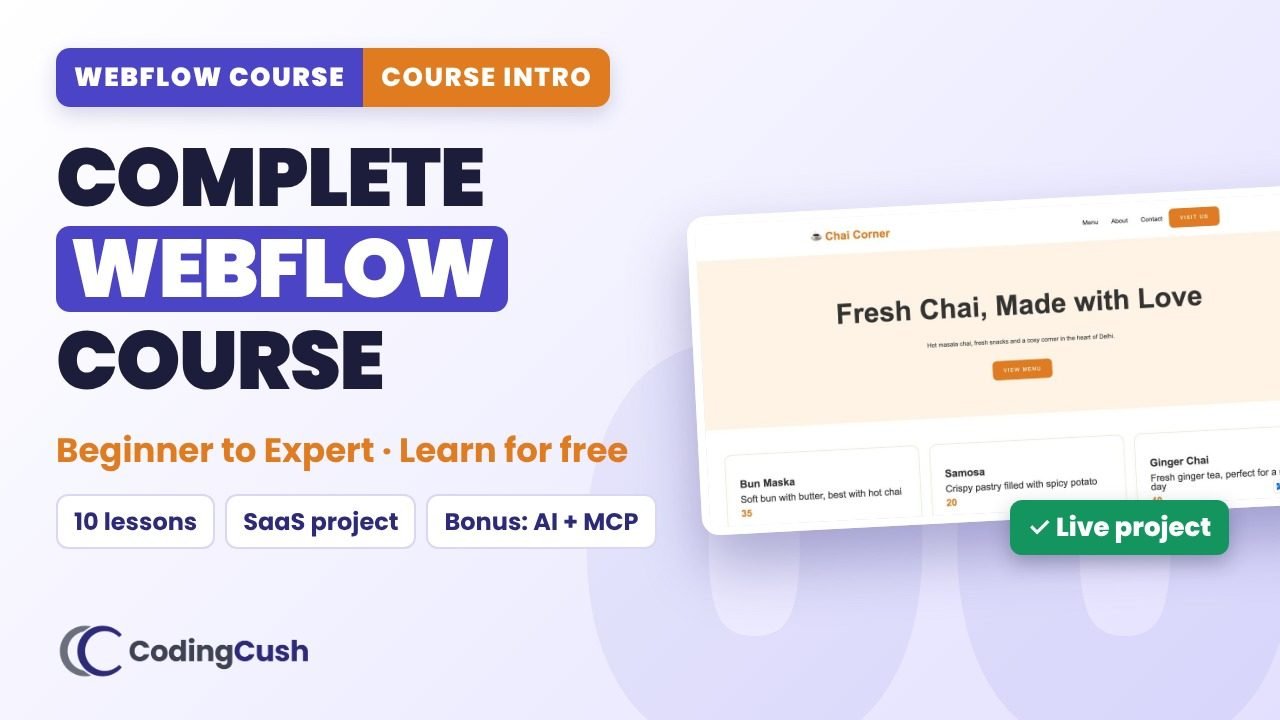
One real project: Chai Corner
A café website with a navbar, CMS menu, Figma contact page, animations and a live link. You build the same, then your own version.
Live projects for interviews
When you apply for a job or freelance work, open your live site and show it. A live project speaks louder than a certificate.
⏱️Chapters
Click a chapter to jump to that moment in the video.
📋Step-by-step
Tick each step as you build it in your own site. Your ticks are saved.
How to get the most from this course
⚙️Course roadmap
| Lessons | What you learn |
|---|---|
| 1, 2, 3 | What Webflow is · Webflow vs WordPress vs Shopify · the Designer, panel by panel |
| 4, 5 | HTML & CSS ideas · box model · Flexbox · Grid · responsive design |
| 6, 7 | Webflow CMS · Figma to Webflow |
| 8, 10 | Webflow Interactions · GSAP animation |
| 9 | Navbar, footer, components, SEO, publish live |
| 11 + Bonus | Complete SaaS website · A/B testing, Webflow AI, MCP, Claude, SEO for AI search |
⚠️Common mistakes
🧠Recap & quiz
First the recap question from the video, then the quiz. Your best score is saved.
Recap: What do you need to buy to follow this course?
Q1 of 3 · Which plan do you need to follow the lessons?
Q2 of 3 · What is the course project?
Q3 of 3 · What is the best thing to show an interviewer?
🏠Homework
Do this on your own site before the next lesson.
❓FAQ & key terms
Is this Webflow course free?
Yes. The videos are free on YouTube and every lesson is built on Webflow's free plan.
Do I need coding experience?
No. The course starts from zero and explains each idea in simple words with real examples.
What will I build?
The Chai Corner café website (published live), then a complete SaaS website after the core lessons.
Lesson 00 of 11 · All cheat sheets · Watch on YouTube
Save your progress
Enter your name and email once. We'll remember your ticked steps, quiz scores and completed lessons, so you can continue on any device.
No spam. Only course updates, and you can unsubscribe any time.