What is Webflow? Complete Beginner Guide
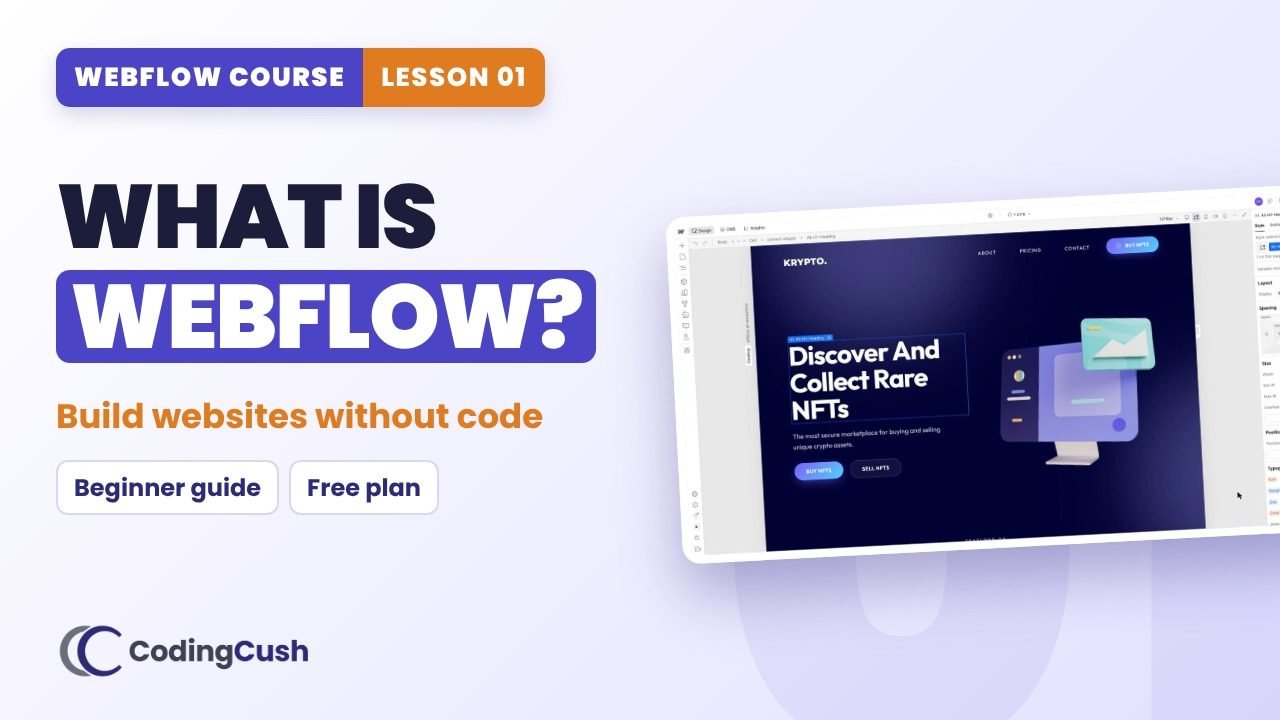
What Webflow is, its three parts (Designer, CMS, Hosting), who should learn it, and how to start for free.
💡Key ideas
What Webflow is, its three parts (Designer, CMS, Hosting), who should learn it, and how to start for free.
Webflow builds visually, writes real code
You drag elements, style them and see the result right away. Underneath, Webflow writes real HTML, CSS and JavaScript, so it works like real web development, only visual.
Part 1: The Designer
Where you build your website. Canvas in the middle, elements and structure on the left, styles on the right.
Part 2: The CMS
Stores content like blog posts, team members or products. Design one template, and Webflow fills it with each item.
Part 3: Hosting
Click Publish and your site goes live, fast and secure. No separate hosting or server setup.
⏱️Chapters
Click a chapter to jump to that moment in the video.
📋Step-by-step
Tick each step as you build it in your own site. Your ticks are saved.
Start with Webflow for free
⚙️Who is Webflow for?
| You are a… | Why Webflow helps |
|---|---|
| Designer | Your design goes live exactly as planned |
| Freelancer | Build client websites faster, hand over editing safely |
| Student / beginner | A job-ready skill that also teaches how websites work |
| Founder | Launch and edit your own website without a developer |
| Marketer | Build landing pages without waiting for a developer |
⚠️Common mistakes
🧠Recap & quiz
First the recap question from the video, then the quiz. Your best score is saved.
Recap: Can you name the three main parts of Webflow?
Q1 of 4 · A café has 20 menu items. What should you use?
Q2 of 4 · What does Webflow write while you design visually?
Q3 of 4 · Where do you build and style pages?
Q4 of 4 · Which plan do you need to start?
🏠Homework
Do this on your own site before the next lesson.
❓FAQ & key terms
Do I need to know coding to use Webflow?
No. You can build a complete website without code. Knowing the ideas behind it (classes, box model, Flexbox, Grid) helps, and Lesson 4 teaches them.
Is Webflow free?
You can build and publish a small site free on a webflow.io address. A paid site plan adds a custom domain and more pages.
Is Webflow good for e-commerce?
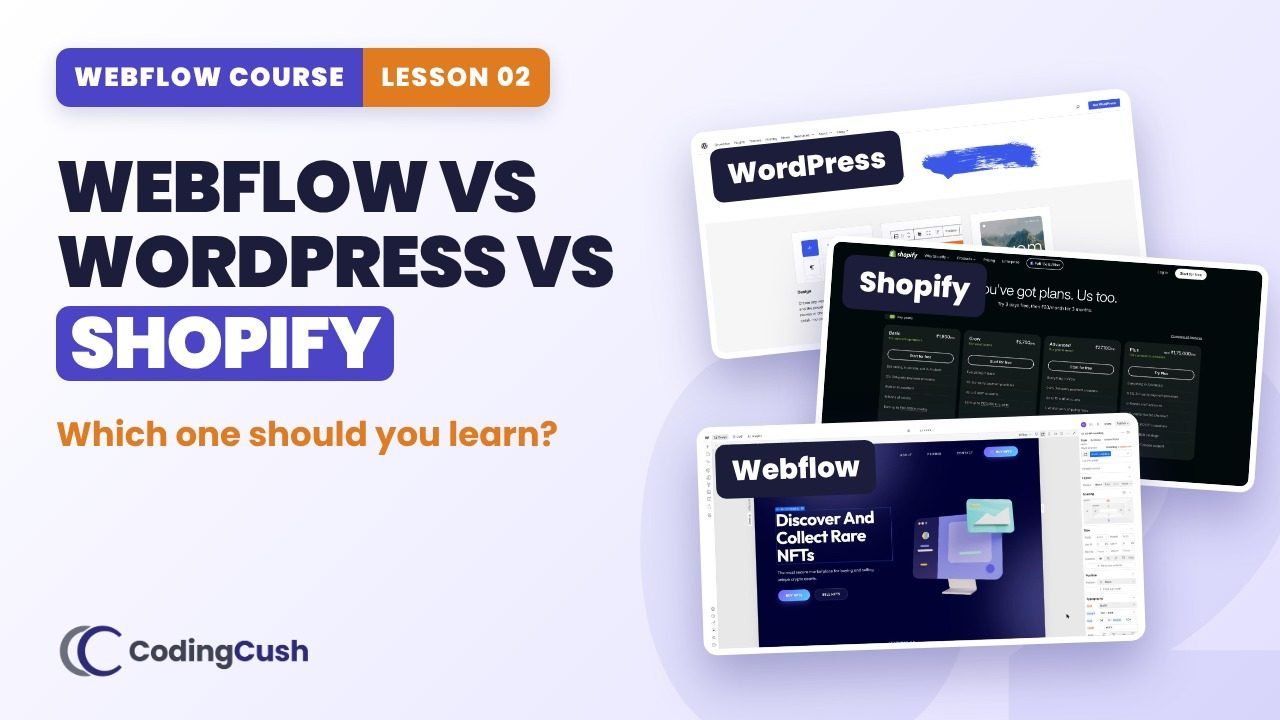
Webflow can sell products, but for a very large store Shopify is usually better. Lesson 2 compares them.
Lesson 01 of 11 · All cheat sheets · Watch on YouTube
Save your progress
Enter your name and email once. We'll remember your ticked steps, quiz scores and completed lessons, so you can continue on any device.
No spam. Only course updates, and you can unsubscribe any time.