Webflow CMS: Collections and Dynamic Content
What a CMS is, Collections, Fields and Items, field types, Collection Lists, connecting fields, and why drafts don't show.
💡Key ideas
What a CMS is, Collections, Fields and Items, field types, Collection Lists, connecting fields, and why drafts don't show.
Content separate from design
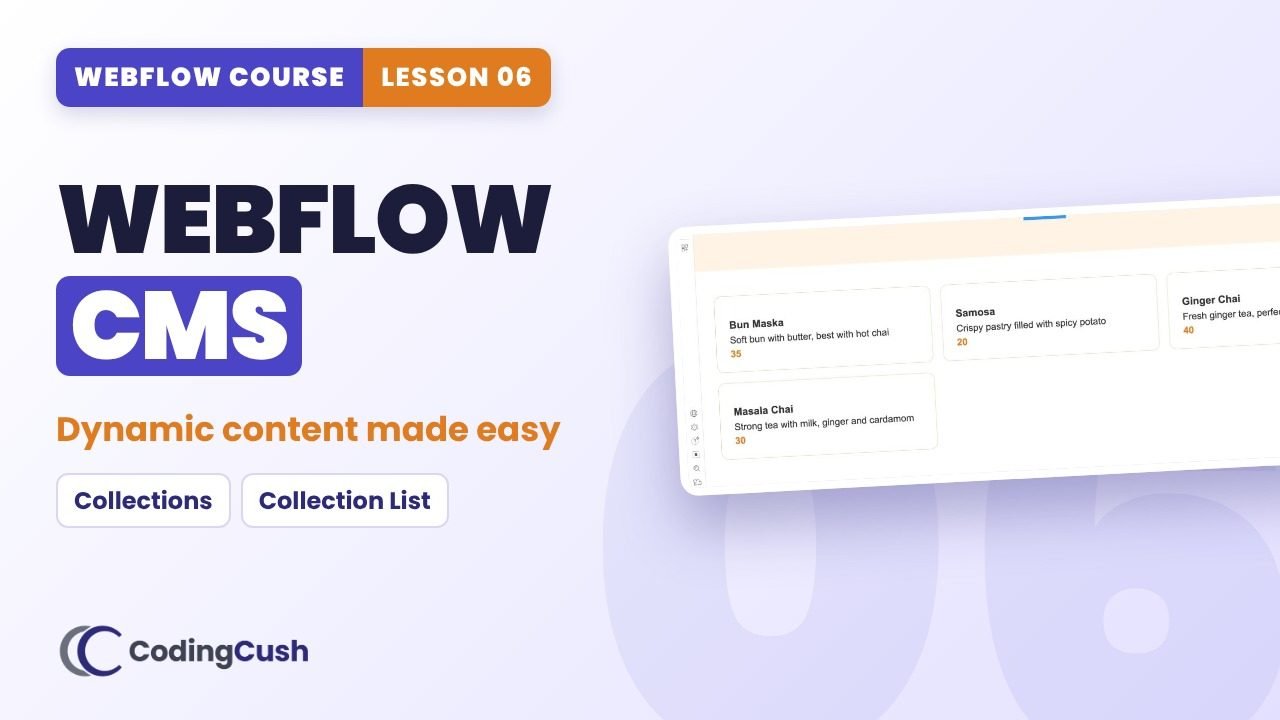
The design of the menu card stays the same. Only the dishes and prices change. The CMS is the list of dishes; your design shows them.
Three words
Collection = a group of similar content (Menu Items). Field = one piece of information (Price). Item = one entry (Masala Chai).
Collection List
Design one item, connect its fields, and Webflow repeats that design for every item. Add an item, the page updates by itself.
Template pages
Webflow creates one template page per Collection, so every dish or post can get its own page with the same design.
⏱️Chapters
Click a chapter to jump to that moment in the video.
📋Step-by-step
Tick each step as you build it in your own site. Your ticks are saved.
Create the collection
Add items
Show them on the page
⚙️Common field types
| Field type | Use it for |
|---|---|
| Plain text | Names, short descriptions |
| Rich text | Blog post bodies with headings and images |
| Image | Photos, thumbnails |
| Number | Prices, counts |
| Link | External URLs |
| Date | Publish dates, events |
| Switch | Yes/no flags like Featured |
| Option | A fixed list like Category |
⚠️Common mistakes
🧠Recap & quiz
First the recap question from the video, then the quiz. Your best score is saved.
Recap: What is the difference between a Collection, a Field and an Item?
Q1 of 4 · A new dish was added in the CMS but does not appear on the page. Most likely reason?
Q2 of 4 · 'Price' in Menu Items is a…
Q3 of 4 · What does a Collection List do?
Q4 of 4 · How do you connect a heading to the Name field?
🏠Homework
Do this on your own site before the next lesson.
❓FAQ & key terms
What is a Collection template page?
A page Webflow creates per Collection so every item gets its own page with one design.
Why is my CMS item not showing?
It is probably a draft. Queue it for publish or publish it.
Can the client add items without touching the design?
Yes. That is the whole point of the CMS.
Lesson 06 of 11 · All cheat sheets · Watch on YouTube
Save your progress
Enter your name and email once. We'll remember your ticked steps, quiz scores and completed lessons, so you can continue on any device.
No spam. Only course updates, and you can unsubscribe any time.