

 Lavkush
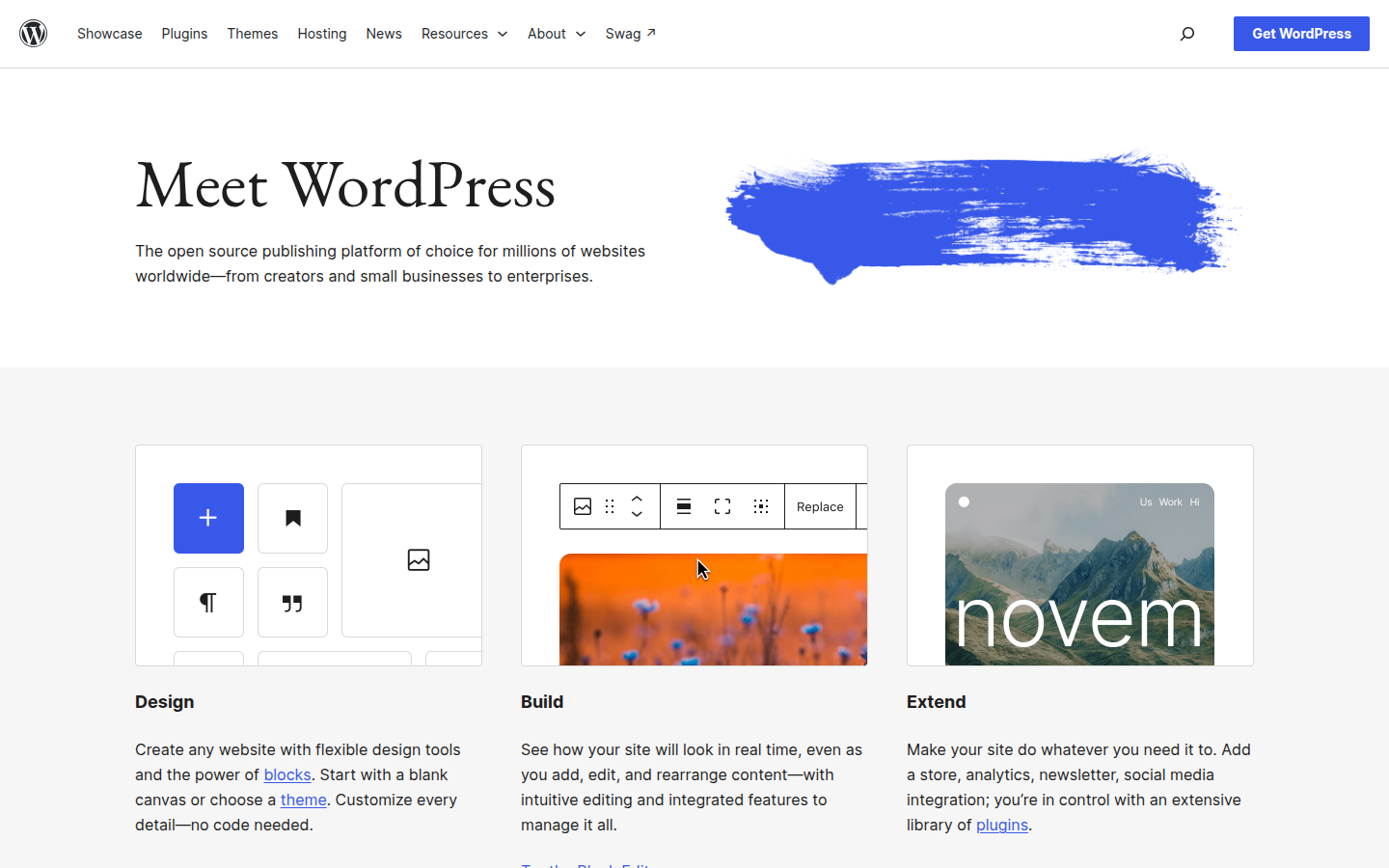
WordPress.org and WordPress.com use the same name but they are two different ways of getting a WordPress website. WordPress.org is the home of the free, open source WordPress software that you install on your own hosting, giving you full control over your site. WordPress.com is a hosted service run by the company Automattic, where you create an account and the platform looks after the technical side for you, in exchange for limits on lower plans. Same family, very different levels of freedom, cost and responsibility.
Why Two WordPresses Exist at All
This confusion catches almost every beginner, so please do not feel bad if it caught you too. The WordPress software was released as an open source project, which means anyone can download it, use it and modify it for free. That free software lives at WordPress.org, where you will also find thousands of free themes and plugins made by the community.
One of the co founders of WordPress later built a business on top of that same software. That business is WordPress.com, a service where you sign up, pick a name and start writing without buying hosting or installing anything. Think of it like this. The .org version is a free recipe book you take home and cook with in your own kitchen. The .com version is a restaurant that cooks using that same recipe book. Both can serve a lovely meal, but who controls the kitchen makes all the difference. If you are new to the whole idea, start with our plain English guide on what WordPress is, explained simply and then come back to this comparison.
WordPress.org: The Self Hosted Version
With WordPress.org, the software itself costs nothing, but you need two things to put it online. First, a domain name, which is your site address such as yourname.com. Second, web hosting, which is rented space on a server where your site lives. Together these usually cost a modest amount each year, and almost every decent host offers a one click WordPress install, so setup is far less scary than it sounds.
In return, you get complete control. You can install any theme, free or premium, and any plugin you like. You can add an online shop, a membership area, a booking system or a learning platform. You can place adverts, use any analytics or marketing tool, edit your site files, and move your entire site to a different host whenever you wish. Your website is genuinely yours, in the same way a house you own is yours.
The trade off is responsibility. Updates, backups and security are your job. The good news is that this sounds heavier than it is. WordPress can update itself automatically, good hosts include backups, and well known security plugins handle most of the worrying for you. Many beginners practise this version at home first, and our tutorial on how to install WordPress on localhost with XAMPP shows how to try it free on your own computer.
WordPress.com: The Hosted Service
With WordPress.com, you skip hosting and installation completely. You create an account at WordPress.com, choose a site name, and start publishing within minutes. Hosting, security, backups and software updates are handled for you behind the scenes. For someone who simply wants to write and never think about servers, that simplicity is very appealing.
The catch is that freedom depends heavily on your plan. The free plan gives you a subdomain address, such as yourname.wordpress.com, limited storage, and adverts placed on your site by the platform, which you do not earn money from. Lower paid plans remove those adverts and let you use your own domain, but bigger freedoms, such as installing custom themes and plugins from outside the platform, are reserved for the higher priced plans. On lower plans you choose from a curated set of themes and built in features instead.
Monetisation is also more controlled. Selling products and running your own advertising generally requires a higher plan. WordPress.com is still polished, safe and easy. It simply trades freedom for convenience, so make that trade with your eyes open.
WordPress.org vs WordPress.com Side by Side
| Point to compare | WordPress.org (self hosted) | WordPress.com (hosted) |
|---|---|---|
| Software cost | Free, open source | Free account available, paid plans for more features |
| What else you pay for | Your own hosting and domain name | Nothing extra to start; plan upgrades cost more |
| Control over your site | Full control, it is your site on your hosting | Limited by the rules and features of your plan |
| Plugins | Install any plugin you like | Only on higher plans; lower plans use built in features |
| Themes | Install any free or premium theme | Curated themes on lower plans; custom themes on higher plans |
| Making money | Complete freedom, adverts, shops, memberships | Restricted on lower plans; more options on higher plans |
| Maintenance | You handle updates, backups and security, often with host and plugin help | Handled for you by the platform |
| Site address | Your own domain from day one | Subdomain on the free plan; custom domain on paid plans |
| Best suited to | Businesses, blogs that will grow, shops and anyone wanting full ownership | Personal blogs and writers who want zero technical work |
A pattern appears in the table. Almost every freedom sits on the .org side, and almost every convenience sits on the .com side. The right answer depends on what you are building.
Which One Should a Beginner Choose?
For most beginners reading a tutorial site like this one, WordPress.org is the better long term choice. It is also the version nearly all tutorials, courses and YouTube guides mean when they simply say WordPress, including the guides here on CodingCush. The starting cost is low, the one click install removes the technical fear, and you never hit a wall where a simple plugin or theme suddenly requires an expensive upgrade. Your site can grow from a small blog into a shop or a business without needing to move house halfway through.
WordPress.com still makes sense in clear cases. For a personal diary or hobby blog, with no plans to sell anything, the hosted service is a calm and sensible home. Paying a little more to never think about maintenance suits many people.
Ask yourself three honest questions. Do I want to sell anything or run adverts one day? Do I want a specific design or features beyond basic blogging? Do I want my site to be fully mine? If you answered yes to any of them, choose .org. If you answered no to all three and value simplicity above everything, .com will look after you nicely.
Can You Move From WordPress.com to WordPress.org Later?
Yes, and people do it every week, so starting on .com is not a trap you can never escape. The usual path is simple in outline. You buy hosting and a domain, install WordPress from .org on that hosting, and then export your content from your .com site using its built in export tool, which gives you a file containing your posts, pages and comments. You import that file into your new self hosted site, reinstall a theme, and tidy up images and menus.
A few things need care. Your old address will differ unless you owned a custom domain, so you may want a paid redirect for visitors and search engines. The move takes an afternoon, which is one more reason to choose .org from the start if you want to grow.
Frequently Asked Questions
Is WordPress.org really free?
Yes, the software is completely free and open source. You only pay for hosting and a domain name to put it online, which together cost a modest yearly amount with most providers.
Is WordPress.com the same company as WordPress.org?
No. WordPress.org is run by the open source community and its foundation. WordPress.com is a commercial service run by Automattic that uses the same software.
Can I install plugins on WordPress.com?
Only on its higher priced plans. On the free and lower paid plans you use the features built into the platform instead of installing your own plugins.
Which WordPress do CodingCush tutorials use?
Our tutorials use the self hosted WordPress.org version, because it allows any theme or plugin and matches what most site owners, freelancers and employers work with.
Conclusion
The difference comes down to one idea. WordPress.org gives you free software and full ownership, with a little responsibility attached. WordPress.com gives you an easy hosted service, with limits that loosen as you pay more. For a hobby journal, .com is comfortable and safe. For anything you hope to grow, monetise or fully own, .org is the choice most beginners are happiest with, and it is the WordPress this site will keep teaching you, one simple step at a time.


Leave a Comment