 Lavkush
Docker is a free tool that packs an application together with everything it needs — code, libraries, and settings — into one neat box called a container. That container then runs exactly the same way on any computer: your laptop, your friend's laptop, or a server on the internet. This is why Docker is used by almost every software company today. In this guide, you will understand Docker in simple words, see how it works, and run your first container.
The Problem Docker Solves
Every beginner has heard this famous sentence: "But it works on my machine!" A developer builds an app on their computer, sends it to another computer, and it breaks. Maybe the new computer has a different version of PHP, a missing library, or different settings. Finding and fixing these small differences can take hours.
Docker removes this problem completely. Instead of sending only your code, you send the code plus the complete environment it needs, packed inside a container. If the container runs on your machine, it will run on every machine. Before Docker, many developers deployed apps directly on servers like the ones in our guide to the top free web hosting providers — and faced exactly these "works on my machine" problems.
What Is a Container in Simple Words?
Think of a lunchbox. Your lunchbox carries your full meal — food, spoon, and napkin — and you can eat the same meal anywhere: at home, at school, or in a park. A container is a lunchbox for software. It carries the app and everything the app needs, and the app "tastes" the same on every computer.
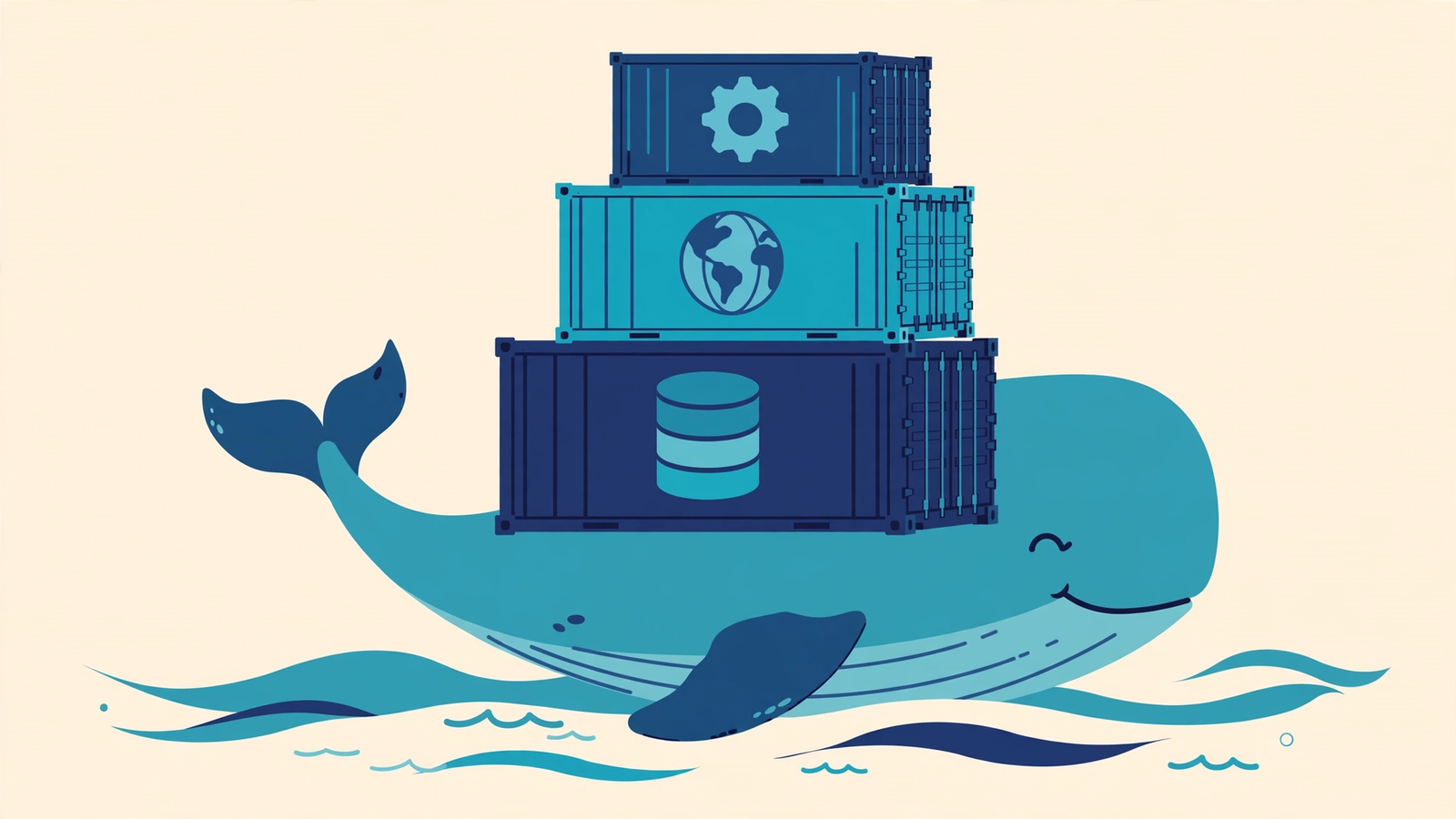
Shipping companies use standard metal containers so that any ship, train, or truck can carry any box. Docker copied this idea for software, and that is also where its whale-and-containers logo comes from.
How Does Docker Work?
Docker works in three simple steps. First, you write a small recipe file called a Dockerfile. It lists what your app needs, step by step. Second, Docker follows the recipe and builds an image — a ready, frozen package of your app. Third, when you start that image, it becomes a running container. You can start the same image many times and get many identical containers.
A program called the Docker Engine runs on the computer and manages all the containers. Containers share the computer's operating system kernel, which is why they are very light and start in seconds, not minutes.
Container vs Virtual Machine: The Key Difference
| Point | Container | Virtual Machine |
|---|---|---|
| What it includes | App + libraries only | App + full operating system |
| Size | Megabytes (small) | Gigabytes (large) |
| Start time | Seconds | Minutes |
| Speed | Almost like a normal app | Slower, uses more power |
| How many on one computer | Dozens easily | Only a few |
| Best for | Running apps anywhere | Running a different full OS |
In short, a virtual machine is like building a full separate house for every guest. A container is like giving every guest a private room in one shared, well-managed hotel.
The 4 Docker Words You Must Know
1. Image
An image is the packed, read-only template of your app — like an app installer file. You build it once and share it with anyone.
2. Container
A container is a running copy of an image. It is the live app itself. You can start, stop and delete containers anytime without touching the image.
3. Dockerfile
A simple text file with step-by-step instructions that tells Docker how to build your image.
4. Docker Hub
A public library of ready-made images. You can download official images of PHP, MySQL, WordPress and thousands of other tools for free, in one command. Developers usually store their own project code on GitHub and their images on Docker Hub — our guide on what GitHub is and why it is important explains the code side of this workflow.
Your First Docker Commands
After installing Docker Desktop, open your terminal and try these commands. This one downloads a tiny test image and runs it:
docker run hello-worldNow start a real web server in a container and open it in your browser:
docker run -d -p 8080:80 nginxVisit http://localhost:8080 and you will see the Nginx welcome page — a full web server running in seconds, with nothing installed on your computer except Docker. To see your running containers and stop the server:
docker ps        # list running containers
docker stop <container-id>
Why Developers and Companies Love Docker
- Same behaviour everywhere. Testing and production use the exact same container, so surprises almost disappear.
- Fast setup for new team members. A new developer runs one command and gets the full project environment in minutes, instead of spending a whole day installing tools.
- Easy to try new tools. Want to test MySQL or Redis? Run its container, try it, and delete it. Your computer stays clean.
- Saves server money. Many containers share one server comfortably, so companies run more apps on less hardware.
- Perfect partner for the cloud. AWS, Google Cloud and Azure all run containers, so Docker skills transfer directly to real jobs.
Frequently Asked Questions
Is Docker free to use?
Yes. Docker is free for students, learners, and small teams. Docker Desktop is free for personal and education use, which covers almost every beginner.
Do I need to learn Linux before Docker?
Only a little. Basic commands like cd, ls and mkdir are enough to start. You will naturally learn more Linux as you use Docker more.
What is the difference between an image and a container?
An image is the saved package, and a container is that package running live. One image can create many containers, just like one app installer can be installed on many phones.
Should beginners learn Docker?
Yes, but not on day one. First learn one programming language and build small projects. Then learn Docker — it is one of the most asked skills in DevOps and backend job interviews.
Conclusion
Docker packs your app and its full environment into a container that runs the same everywhere, which ends the "works on my machine" problem forever. You now know the main ideas — image, container, Dockerfile and Docker Hub — and the difference between containers and virtual machines. Install Docker today, run the two commands from this guide, and you have taken your first real step into the DevOps world.
Leave a Comment