 Lavkush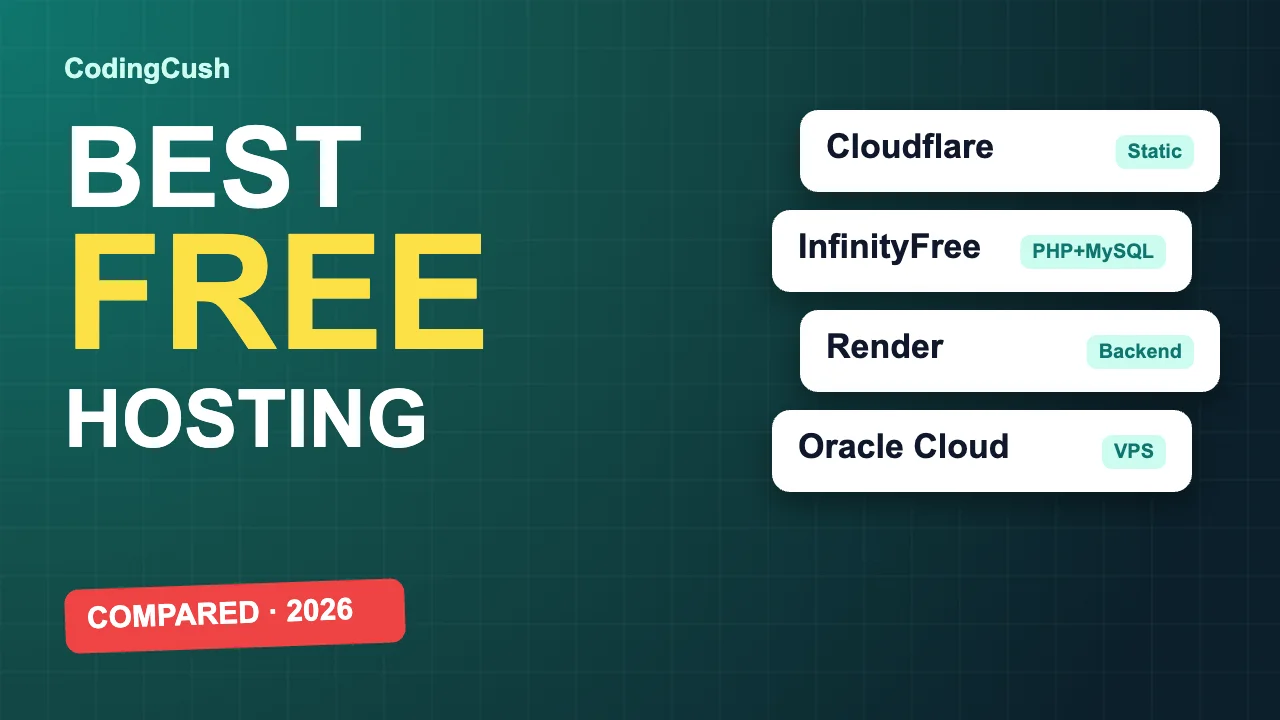
The best free hosting depends on what you are hosting: use Cloudflare Pages or GitHub Pages for static sites, InfinityFree for a small PHP and MySQL site, Render for a backend app, and an Oracle Cloud or Google Cloud always-free VM when you need full control. Free plans are great for learning, portfolios and college projects, but each one has limits that decide whether it fits your project. This guide compares the free hosting providers that are still worth using, with their real limits, so you can pick one in five minutes.
Limits below were checked in October 2026. Free tiers change often, so confirm the numbers on the provider's pricing page before you rely on them.
Quick comparison of free hosting providers
| Provider | Best for | Free plan highlights | Main catch |
|---|---|---|---|
| Cloudflare Pages | Static sites, React, Next.js export | Unlimited static bandwidth, 500 builds a month, 100 custom domains per project | Static first; server code runs as Functions with request limits |
| GitHub Pages | Portfolios, docs, project sites | 1 GB site size, soft 100 GB a month bandwidth | Not allowed for online shops or commercial SaaS; static only |
| Netlify | Static sites and forms | 300 credits a month; builds, bandwidth and functions all use credits | Site pauses when credits run out |
| Vercel (Hobby) | Next.js and front-end apps | 100 GB a month fast data transfer | Personal, non-commercial use only |
| InfinityFree | PHP and MySQL beginner projects | 5 GB disk, 400 MySQL databases, free subdomain, free SSL, no ads on your site | Daily hit limit, no SSH or cron, short PHP execution time |
| Render | Node, Python and Docker backends | 750 free instance hours a month, 512 MB RAM | Sleeps after 15 minutes idle; free database expires after 30 days |
| Railway | Small backends with a database | Small monthly credit; MySQL and PostgreSQL available | Services pause when the credit is used up |
| Oracle Cloud Always Free | Full control, self-hosted PHP or Node apps | Free VMs, up to 4 ARM cores and 24 GB RAM, 200 GB storage | Card verification, and ARM capacity is often unavailable |
| Google Cloud e2-micro | One small always-on server | 1 e2-micro VM, 30 GB disk, in three US regions | 1 GB RAM and only 1 GB monthly outbound transfer |
What is free web hosting, and what is the catch?
Free web hosting is a plan that lets you publish a website or app at no cost, usually on a free subdomain such as yourname.pages.dev. The provider covers the cost because you are a potential paying customer later, or because the free tier is small enough to be cheap to run. The catch is always one of these: limited traffic, limited server power, sleeping apps, a time limit, or rules against commercial use. None of these matter for a portfolio or a learning project, but they matter a lot for a business site.
Best free hosting for static websites
A static site is plain HTML, CSS and JavaScript, including output from React, Vue, Astro or Next.js static export. This is the easiest category to host for free, and the free plans are generous.
Cloudflare Pages
Cloudflare Pages connects to your GitHub repository and deploys on every push. The free plan has unlimited bandwidth for static files, 500 builds a month, up to 20,000 files per site and 25 MiB per file, and it allows commercial use. Your pages are served from Cloudflare's global network, so sites load fast in India and everywhere else. Best pick for most static sites.
GitHub Pages
GitHub Pages publishes a site straight from a repository, which makes it the simplest option for portfolios, documentation and project pages. Published sites can be up to 1 GB, with a soft limit of 100 GB bandwidth a month. GitHub says Pages is not meant for running online businesses, shops or commercial SaaS, so use it for personal and open-source projects.
Netlify
Netlify is known for easy deploys, form handling and serverless functions. Newer free accounts use a credit system of 300 credits a month: each production deploy costs 15 credits and bandwidth costs 20 credits per GB, which works out to roughly 15 GB of traffic if you only serve files. When the credits run out the site is paused until the next cycle, and it pauses all projects on the account. Great for small sites, risky for anything that could go viral.
Vercel
Vercel is the home of Next.js and gives the Hobby plan 100 GB of bandwidth a month and serverless functions. The important rule is that Hobby is for personal, non-commercial use. If you are building a client project or a product, you need a paid plan or another host.
Best free hosting for PHP and MySQL
Most free static hosts cannot run PHP. If your project needs PHP and a MySQL database, such as a login system, a CMS or an online examination system in PHP and MySQL, you need a traditional shared host.
InfinityFree
InfinityFree is the most popular always-free shared host for PHP beginners. The free plan includes 5 GB of disk space, up to 400 MySQL databases, a recent PHP version, free SSL, a free subdomain or your own domain, and no ads injected into your site. The limits to know: a daily hit cap (a traffic spike can get the site temporarily suspended), no SSH access, no cron jobs, and a short maximum PHP execution time. That is enough for a student project, a demo or a small personal site, and not enough for a busy production site.
Other free PHP hosts
Byet.host offers 5 GB with MariaDB and PHP 8, and TinkerHost offers a smaller 1 GB plan with one database. Both have upload size limits and no SSH. Avoid hosts that only offer PHP 7, because it has been end-of-life since 2022 and is no longer safe for new projects.
How do you deploy a PHP project to free hosting?
- Create a free account and a new website in the hosting control panel.
- Create a MySQL database and note the host name, database name, username and password.
- Import your
.sqlfile with phpMyAdmin. - Update the database settings in your project to the new host, name, username and password. If you are new to this, read how to connect PHP with a MySQL database.
- Upload the project files to the
htdocsfolder with the file manager or FTP. - Open your domain, test every page, and change any default admin password.
Note that some projects expect to run at the root of a domain, so a free subdomain works better than a subfolder.
Best free hosting for backend apps (Node.js, Python, Docker)
Render
Render runs web services from a GitHub repository or Docker image. The free tier gives 750 instance hours a month with 512 MB RAM and no credit card. Free services spin down after 15 minutes without traffic and take about a minute to wake on the next request, which is fine for demos and bad for anything users depend on. The free PostgreSQL database expires after 30 days, and Render has no free MySQL.
Railway
Railway has a developer-friendly dashboard and one-click MySQL, PostgreSQL and Redis. After the trial it provides a small monthly credit, and services pause when it is used up. Good for short experiments and hackathons.
A note on Fly.io and Koyeb
Both used to be popular free choices. Fly.io no longer offers a free tier to new accounts and requires a card, and Koyeb's pricing page no longer lists a free web service. If an older tutorial recommends them, check the current pricing first.
Best free VPS: Oracle Cloud and Google Cloud
If you want a real Linux server where you install Apache, PHP, MySQL or Docker yourself, two big clouds offer always-free machines.
- Oracle Cloud Always Free is the most generous: two small AMD VMs plus up to 4 ARM cores and 24 GB RAM, 200 GB of storage and 10 TB of monthly outbound transfer. It asks for a card for verification, and the ARM machines are often out of stock, so provisioning can take several attempts.
- Google Cloud e2-micro gives one VM with 2 shared vCPUs, 1 GB RAM and 30 GB disk in selected US regions. The 1 GB of free outbound traffic a month is small for a public website.
A VPS is more work: you manage updates, security and backups yourself. It is the best way to learn server administration, and not the easiest way to get a site online.
Which free hosting should you choose?
| If you are hosting... | Choose |
|---|---|
| A portfolio or landing page | Cloudflare Pages or GitHub Pages |
| A React or Next.js front end | Cloudflare Pages, Netlify or Vercel (personal use) |
| A PHP and MySQL college project | InfinityFree |
| A Node.js or Python API for a demo | Render or Railway |
| Something you want to configure yourself | Oracle Cloud Always Free |
| A business, shop or client site | A paid plan. Free tiers are not built for this. |
Risks of free hosting you should know
- Suspension on traffic spikes. Shared free hosts and credit-based hosts can pause your site when a limit is hit.
- No guaranteed uptime or support. Free users come last when something breaks.
- Weak backups. Keep your own copy of your files and database export.
- Commercial-use rules. GitHub Pages and Vercel Hobby restrict business use, so read the terms.
- Security. Never store real payment or sensitive personal data on a free plan, and keep PHP and your apps updated.
Frequently Asked Questions
Which is the best free web hosting?
There is no single best. Cloudflare Pages is the best for static sites, InfinityFree for PHP and MySQL, Render for backend apps, and Oracle Cloud Always Free for a full server.
Is free web hosting really free?
Yes, the plans listed here do not charge for the free tier. Some ask for a card for identity verification only. They limit resources, so you may need to upgrade if your site grows.
Can I host a PHP and MySQL website for free?
Yes. InfinityFree, Byet.host and TinkerHost offer free PHP and MySQL hosting, and you can also install PHP on an Oracle Cloud or Google Cloud free VM.
Can I use free hosting for a business website?
It is not recommended. Free plans can suspend sites, offer no support and some forbid commercial use. Cloudflare Pages allows commercial static sites, but for a client or shop a low-cost paid plan is safer.
Which free hosting is best for a final-year project?
For a PHP and MySQL project use InfinityFree. For a React or HTML project use Cloudflare Pages or GitHub Pages. For a Node.js backend use Render. Always keep a local copy and a screen recording of your demo in case the host is down on presentation day.
Why does my site on free hosting load slowly?
On Render the app may be waking from sleep, and shared hosts like InfinityFree run many sites on one server. Static hosts such as Cloudflare Pages are on a CDN and are usually much faster.
Do free hosting providers show ads on my site?
Not the ones in this guide. InfinityFree says ads appear only on its own site and control panel. Some other free hosts do inject ads, so check before you sign up.
Can I use my own domain on free hosting?
Yes, most of them support custom domains with free SSL. Cloudflare Pages allows up to 100 custom domains per project, and InfinityFree lets you point your own domain at the free plan.
Final thoughts
Start with the free plan that matches your project type, keep a backup, and upgrade when real users depend on the site. If you are learning backend development, follow the free PHP and MySQL course on CodingCush, then deploy your first project using the steps above.
Leave a Comment