

 Lavkush
 An Inventory Management System in PHP and MySQL is a web application that tracks the stock of a shop or warehouse — what came in, what went out, and what is about to run out. It is a practical final-year project for BCA, MCA, B.Tech and M.Tech students because almost every real business has stock, and almost every examiner understands the problem in the first ten seconds. On this page you get the complete synopsis, the admin and staff modules, the database tables with SQL, and the exact steps to run the project on XAMPP.
Project Synopsis
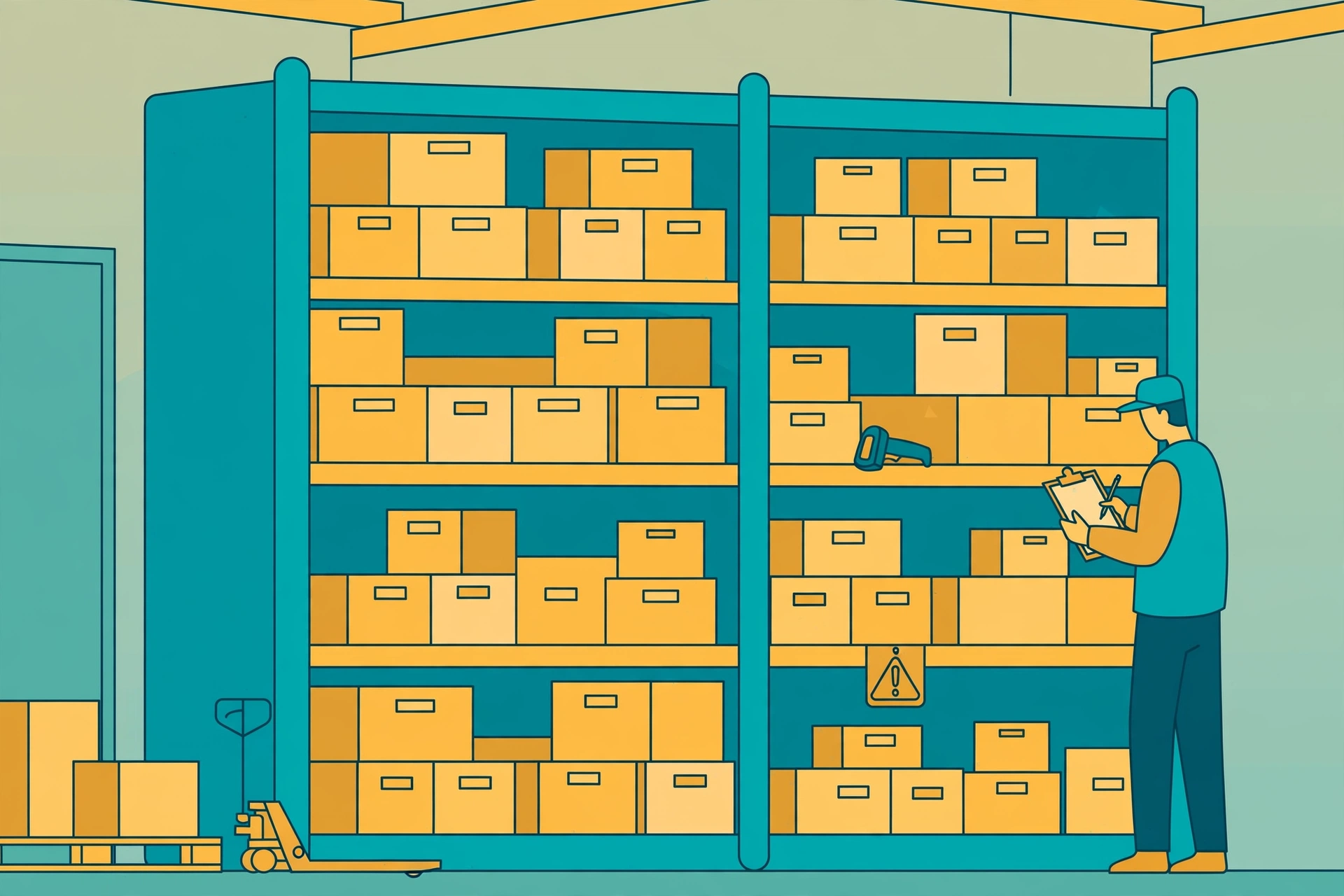
Walk into a medium-sized shop or a small warehouse and ask one simple question: "How many units of this item do you have right now?" The honest answer is usually a pause, a guess, and a walk to the back room. Stock is tracked in thick notebooks, in someone's memory, or in an Excel file that three people edited and nobody fully trusts. Items run out without warning, money sits sleeping in overstocked shelves, and at the end of the month the owner cannot say what the stock in the godown is actually worth.
This project replaces all of that with one browser-based system. Every product is recorded once with its category, price and a reorder level. When stock arrives from a supplier, an admin or staff member records the purchase, and the quantity updates automatically. When an item is sold or issued, the sale is recorded and the stock decreases. The moment any product falls to its reorder level, the dashboard raises a low-stock alert — before the shelf is empty, not after a customer walks away.
Why This Project Scores Well in Final Year
Many student projects are simple address books in a new costume. An inventory system is different: it has genuine business rules. Stock must never go negative, every movement must leave a record, and the totals must match at the end of the day. Those rules force you to write transactions, validation and careful updates, which is exactly the kind of thinking examiners reward. Underneath, the screens are still friendly add, view, edit and delete work — if you have built a CRUD app in PHP and MySQL, you already know the base pattern, and the stock logic sits neatly on top of it.
The reports are your second scoring weapon. A stock valuation report needs products joined with purchases and sales, with SUM and GROUP BY doing the heavy lifting. If joins still feel mysterious, our guide to MySQL JOINs explained covers exactly the queries these reports use. When the external examiner asks "how does your system calculate closing stock?", you will have a real answer instead of a nervous smile.
Modules of the Project
The admin controls the master data and the money side of the system, while staff handle the daily stock movement.
Admin Module
- Dashboard: total products, total stock value, today's purchases and sales, and low-stock alerts at a glance.
- Manage Products and Categories: add products with SKU, category, price and reorder level; edit or remove old items.
- Manage Suppliers: keep supplier records with contact details and the products they supply.
- Purchases (Stock In): record goods received from suppliers; stock increases automatically.
- Sales (Stock Out): record items sold or issued; the system blocks a sale larger than the available stock.
- Low-Stock Alerts: a live list of products at or below their reorder level, ready for the next purchase order.
- Reports: date-wise stock movement, stock valuation, supplier-wise purchases and best-selling products.
Staff Module
- Record Stock In and Out: enter daily receipts and issues against the correct product in seconds.
- Search Products: find any item instantly by name, SKU or category.
- View Stock Levels: check current quantities and spot low-stock items while working, without admin rights.
Main Features
| Feature | What It Does |
|---|---|
| Automatic Stock Updates | Every purchase increases and every sale decreases the product quantity — no manual editing of stock numbers. |
| Negative Stock Protection | A sale or issue larger than the available quantity is rejected with a clear message. |
| Reorder-Level Alerts | Each product has a reorder level; crossing it puts the product on the low-stock list automatically. |
| Supplier Records | Suppliers are linked to purchases, so you always know who supplied what, and when. |
| Date-Wise Movement Reports | See every stock-in and stock-out between two dates for audits and month-end checks. |
| Total Stock Valuation | Quantity multiplied by price across all products gives the value of stock in hand at any moment. |
| Search and Filters | Fast search by name or SKU, with category filters for long product lists. |
Technology Stack
| Layer | Technology |
|---|---|
| Frontend | HTML, CSS and JavaScript |
| UI Framework | Bootstrap |
| Backend | PHP 8.x |
| Database | MySQL |
| Local Server | XAMPP (Apache + MySQL) |
| Database Tool | phpMyAdmin |
The stack is free and runs on any college laptop. For the database layer, use PHP Data Objects (PDO) with prepared statements and transactions: a purchase should update the purchases table and the product quantity together, or not at all. That one detail — transactions — makes your viva answers sound like a real developer's.
Database Tables
Four tables carry the whole system. Purchases and sales are separate movement tables, which is what makes date-wise reports and honest audits possible.
| Table | Purpose |
|---|---|
| products | One row per product: name, SKU, category, current quantity, reorder level and price. |
| suppliers | Supplier name, contact person, phone, email and address. |
| purchases | Every stock-in record: product, supplier, quantity, rate and date. |
| sales | Every stock-out record: product, quantity sold, rate and date. |
Here is the products table. The official MySQL CREATE TABLE documentation explains every clause used here:
CREATE TABLE products (
    id INT AUTO_INCREMENT PRIMARY KEY,
    name VARCHAR(150) NOT NULL,
    sku VARCHAR(50) NOT NULL UNIQUE,
    category VARCHAR(100) NOT NULL,
    quantity INT NOT NULL DEFAULT 0,
    reorder_level INT NOT NULL DEFAULT 10,
    price DECIMAL(10,2) NOT NULL
);
How to Run This Project on XAMPP
- Download and install XAMPP, then start the Apache and MySQL services from the XAMPP Control Panel.
- Copy the project folder into the htdocs folder inside your XAMPP installation directory.
- Open localhost/phpmyadmin in your browser and create a new database for the project.
- Select the database, open the Import tab and import the provided .sql file to create all four tables.
- Check the database name and username in the project's config file so they match your setup.
- Visit localhost followed by the project folder name, and log in with the admin details from the project readme file.
What You Get in the Complete Project
For submission you need more than an idea — you need the working package. The complete project includes the full source code with the database file, so you can run it on XAMPP, add your own products and practise the demo until it is smooth. It also includes a ready project report with the synopsis, system requirements, DFD, ER diagram, table structures and screenshots, plus a clean PPT for your final presentation and viva. You can get the complete package from the Coding Cush shop. Add a few products from a real shop near your college and record one purchase and one sale before demo day — confidence like that cannot be faked, and examiners can tell.
FAQ
How does the system stop stock from going negative?
Before saving a sale, the code checks the product's current quantity. If the requested quantity is larger, the sale is rejected with a message. The check and the stock update also run inside one database transaction, so two quick sales cannot both pass the check on stale numbers.
What is a reorder level?
It is the minimum quantity you want on the shelf before ordering more. If a product's reorder level is 10, the system flags it as soon as the stock falls to 10, giving the shop time to order before it hits zero. Different products get different levels — fast-moving items get higher ones.
Which viva questions are asked on this project?
Two favourites: "How do you make sure a purchase and the stock update never get out of sync?" — answered with database transactions — and "How would you find the total value of stock in hand?" — answered with a SUM of quantity multiplied by price across the products table. Prepare these two and most of the viva is covered.
Can it generate GST-style invoices later?
Yes. Sales records already store product, quantity, rate and date, so adding an invoice screen with GST fields, an invoice number and a printable bill is a natural extension — a good future-scope point for your report and a realistic feature a real shop would ask for next.
Conclusion
The Inventory Management System is a business-grade final-year project: real stock rules, honest reports and a database design you can defend line by line. Build it, load it with real products, and demo one purchase and one sale live — that small performance is what separates top marks from average ones.

Leave a Comment