

 Lavkush
A Webflow developer needs a mix of design sense and technical understanding: strong Webflow platform skills, solid HTML and CSS fundamentals, responsive design, basic JavaScript, SEO basics, and good communication. Webflow hides the code behind a visual canvas, but the developers who earn the most are the ones who understand what the platform is doing underneath. This guide explains each key skill, why it matters, and how to build it step by step.
1. Webflow Proficiency: Master the Platform Itself
The first skill is Webflow itself. You should be comfortable with the Designer, the Navigator, style classes, combo classes, and the box model that controls every layout. Learn how flexbox and CSS grid work inside Webflow, because almost every modern layout is built with them. You also need the CMS: creating collections, adding fields, binding content to templates, and building collection lists for blogs, portfolios, and product pages.
Interactions and animations are where Webflow really shines. A good developer can build scroll-based animations, hover effects, page transitions, and multi-step interactions without making the site feel slow or confusing. Finally, learn the publishing side: custom domains, redirects, site search, and forms. Clients judge you on the finished, live website, not on a pretty design file.
2. HTML and CSS Fundamentals
Webflow writes HTML and CSS for you, but it follows your instructions. If you do not understand the box model, margins, padding, positioning, and display properties, your layouts will break and you will not know why. A Webflow developer who understands real HTML and CSS can predict what the canvas will do, fix problems quickly, and create clean class names that other developers can maintain.
This is also why many developers pair Webflow with general web knowledge. If you want to understand how websites are structured beyond one tool, our guide to Webflow vs WordPress shows how the two most popular platforms approach building sites in very different ways.
3. Responsive Web Design
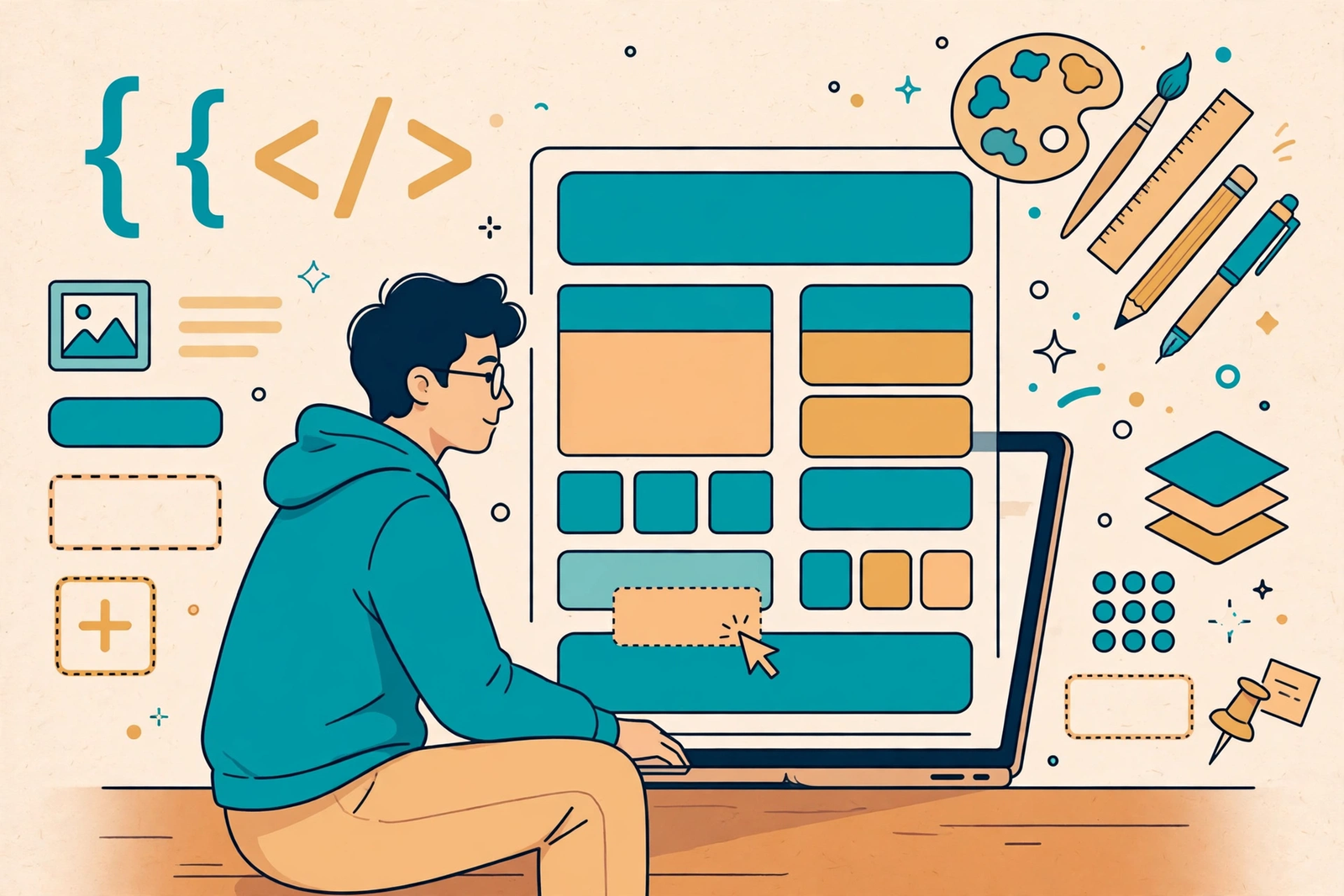
Most visitors will see your website on a phone first. Responsive design means the layout adapts cleanly to desktop, tablet, and mobile screens. In Webflow this means working with breakpoints, checking every section at each size, and adjusting spacing, font sizes, and stacking order so nothing overlaps or overflows.
Good responsive work is mostly testing. Shrink the browser, rotate the phone, and look for images that stretch, buttons that hide, and text that becomes too small to read. Clients rarely check these details, but their visitors feel them immediately.
4. Design Skills: Layout, Colour and Typography
Webflow is a design tool, so design skills are not optional. You need an eye for spacing, alignment, visual hierarchy, colour contrast, and typography. A developer who understands design can take a rough client idea and turn it into a polished page without waiting for a designer to fix every screen.
Study websites you admire and rebuild them in Webflow as practice. This is the fastest way to train your eye. Over time you will build a personal library of hero sections, pricing tables, testimonials, and footers that you can adapt for client work.
5. JavaScript and Custom Code
Webflow covers a lot without code, but real projects eventually need something extra: a custom slider, a filterable gallery, a calculator, or an integration with an outside service. That is where basic JavaScript comes in. You do not need to be a full programmer, but you should be able to read small scripts, paste embed code correctly, and adjust simple functions.
JavaScript also powers many Webflow integrations through tools like Zapier, Make, and member platforms. If you plan to learn it properly, start with the basics of arrays and DOM work; our article on JavaScript array methods is a friendly place to begin.
6. SEO Basics, Performance and Testing
A beautiful website that nobody finds is a failed project. Webflow developers should know how to set page titles, meta descriptions, heading structure, image alt text, clean URLs, and 301 redirects. They should also understand sitemaps and how to connect Google Search Console.
Performance matters just as much. Compress images, avoid heavy animations on mobile, and keep class structures clean so pages load fast. Before launch, test every link, form, and page on real devices. Add version control habits too: duplicate pages before big changes, name versions clearly, and use Git if you export code to host elsewhere.
Webflow Developer Skills at a Glance
| Skill | Why It Matters | How to Learn It |
|---|---|---|
| Webflow platform | It is the core tool of the job | Build practice projects in the Designer |
| HTML and CSS | Lets you control and fix layouts | Learn the box model, flexbox and grid |
| Responsive design | Most traffic is mobile | Test every page on real devices |
| Design skills | Clients buy polished, professional pages | Rebuild websites you admire |
| JavaScript | Unlocks custom features and integrations | Start with small scripts and embeds |
| SEO and performance | Fast, findable sites keep clients happy | Follow a launch checklist every time |
| Communication | Turns one project into repeat work | Send progress updates and explain choices simply |
7. Communication and Problem-Solving
The soft skills decide who gets rehired. Webflow developers work with clients, designers, and marketers who do not speak technical language. You need to explain problems simply, ask clear questions, give honest timelines, and show progress early instead of disappearing until launch day.
Problem-solving is the daily reality: a layout breaks, an integration fails, a client changes their mind. The developers who stay calm, isolate the problem, and test one fix at a time are the ones who build a reputation. Troubleshooting is a skill you can practise on every single project.
8. A Simple Learning Path for Beginners
If you are starting from zero, do not try to learn everything at once. In your first month, focus only on the Designer: sections, containers, classes, flexbox, and typography, and rebuild three simple landing pages. In the second month, add the CMS and build a working blog with categories and a template page. In the third month, learn interactions, responsive testing on real devices, and the SEO and launch checks described above.
After that, add JavaScript basics and complete one full client-style project: a business website with a blog, a contact form, animations, and a proper launch checklist. That single polished project teaches more than ten half-finished experiments, and it becomes the centrepiece of your portfolio. Employers and clients hire portfolios, not course certificates, so always finish and publish your practice work on a real domain.
One more read that pairs well with this post: HTML Semantic Tags Explained: header, nav, main, article, section and .
Frequently Asked Questions
Do I need to know coding to become a Webflow developer?
You can start without coding, but HTML and CSS knowledge makes a big difference. JavaScript becomes important as projects get more advanced. The strongest Webflow developers understand the code the platform generates.
How long does it take to learn Webflow?
Most people can build simple sites within a few weeks of daily practice. Becoming confident with the CMS, interactions, and responsive design usually takes three to six months of real project work.
Is Webflow development a good career in 2026?
Yes. Agencies and startups keep hiring Webflow developers because they can launch polished marketing sites quickly. Combining Webflow with SEO, copywriting awareness, or JavaScript makes you even more valuable.
What should a Webflow developer charge?
Beginners often start with small fixed-price projects and move to higher rates as their portfolio grows. Rates depend on your country, niche, and speed, but strong portfolios with live client sites always command better pay.
Conclusion
A great Webflow developer is part designer, part technician, and part communicator. Master the platform, learn the HTML and CSS underneath it, design responsively, add JavaScript when projects demand it, and never skip SEO, testing, or clear client updates. Build these skills one project at a time and you will stand out in a crowded market.


gujuy
yuuiuiu