

 Lavkush
 Vibe coding is a way of building software where you describe what you want in plain language and an AI tool writes the code for you, while you guide it by testing the result and asking for changes. Instead of typing every line yourself, you act more like a director: you explain the idea, review what the AI produces, and keep refining it in conversation until the app works the way you imagined.
The term took off in early 2025 and quickly escaped developer circles. Suddenly people with no programming background were showing off little games, dashboards and tools they had "vibe coded" over a weekend. It sounds like magic, and sometimes it honestly feels like it — right up until the app breaks in a way nobody can explain. Let us look at what vibe coding really is, how to try it, and where its limits are.
Where the Term Came From
The phrase was popularised by AI researcher Andrej Karpathy, who described coding by "fully giving in to the vibes" — talking to an AI assistant, accepting its suggestions, and pasting error messages back to it instead of reading the code closely. The name stuck because it captures the feeling honestly: you are steering by instinct and results, not by reading every line.
Vibe coding sits on a spectrum. At one end is traditional coding, where you write and understand everything. In the middle is AI-assisted coding, where a developer uses tools like GitHub Copilot for suggestions but still reads and owns the code. At the far end is pure vibe coding, where the human may never look at the code at all. All three are legitimate — they just suit different situations and different risks.
How Vibe Coding Works, Step by Step
The workflow is a loop, and it is simpler than most people expect:
Step 1: Describe the app. You write a prompt like "Build a small web page where I can add expenses, see a total, and filter by category." The clearer your description, the better the first draft.
Step 2: Let the AI generate. The tool produces code and often a running preview. Modern editors with built-in AI, such as VS Code with Copilot, can create whole files from one instruction — the VS Code Copilot documentation shows how chat and agent features turn plain-language requests into working code inside your project.
Step 3: Try it and react. You click around like a user. The button is the wrong colour, the total does not update, the page looks odd on mobile — you say so, in plain words, and the AI adjusts.
Step 4: Paste errors back. When something crashes, you copy the error message into the chat. The AI reads its own homework, apologises politely (it always does), and proposes a fix.
Step 5: Repeat until it feels right. That loop — describe, generate, test, react — is the entire method. A small tool might take ten loops. A bigger app might take a hundred.
A Tiny Example: Building a Pomodoro Timer by Talking
Imagine you want a focus timer. Your first prompt might be: "Make a Pomodoro timer web page: 25 minutes counting down, Start and Pause buttons, and a short beep when time ends." Within a minute you have a working page. Then the vibes take over: "Make the circle bigger and teal." "Add a 5-minute break mode." "Remember my sessions in a small list on the side." Each sentence becomes a feature. You never opened a code file — yet an app exists, because you described it into existence.
This is why vibe coding excites people. The distance between "I wish I had a tool that…" and having the tool has collapsed from weeks to an afternoon. For prototypes, personal tools, hackathon demos and learning projects, that speed is genuinely wonderful.
Tools People Use for Vibe Coding
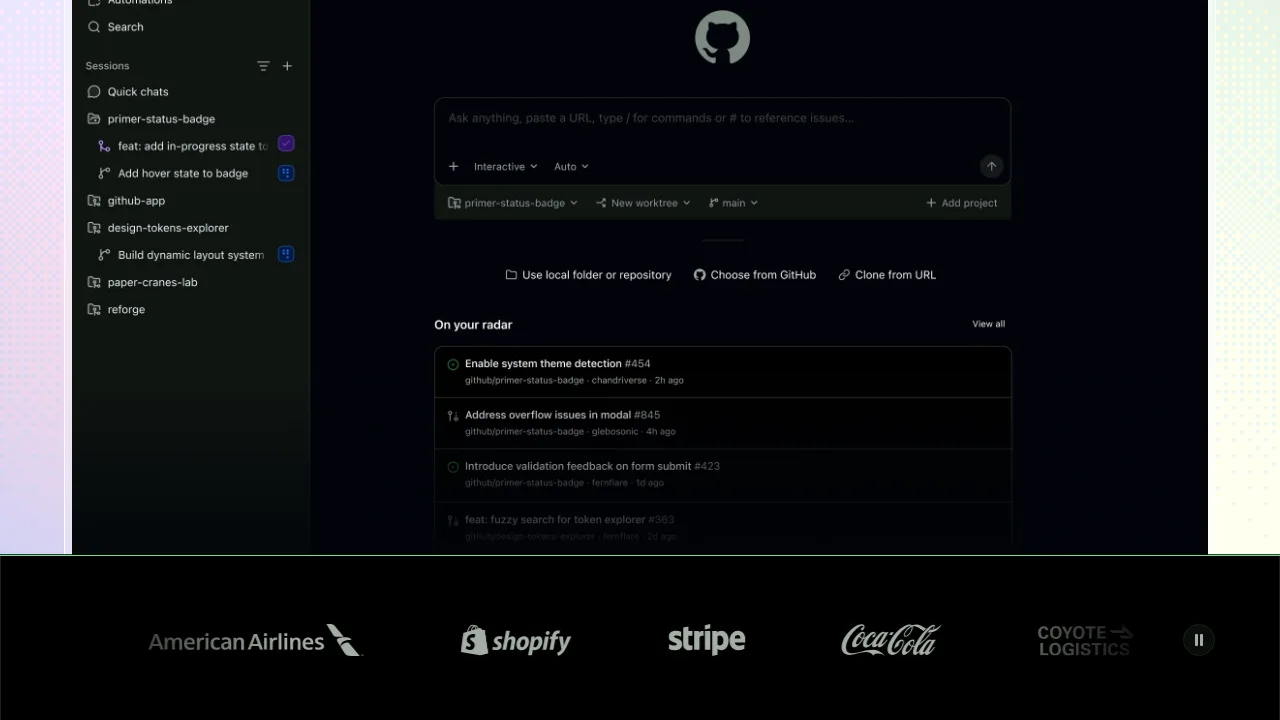
You do not need special software to start — a chat-based AI can generate code you paste into files yourself — but purpose-built tools make the loop much smoother. AI code editors like Cursor and Windsurf keep the AI inside your project, so it can create and edit files directly instead of you copying code back and forth. GitHub Copilot inside VS Code blends suggestions, chat and agent features into the editor most beginners already use. Browser-based tools such as Replit and Lovable go furthest: you describe the app and they build, run and even host it, so you may never see a folder of files at all. A sensible beginner path is to start with a chat tool or Copilot, where you still see the code flying past, and move to fully hands-off builders once you understand what a project looks like underneath. The tool matters less than the loop: describe clearly, test honestly, save often.
The Honest Limits: What Vibe Coding Cannot Do (Yet)
Now the part the hype skips. Vibe-coded apps hit a wall in predictable places:
Debugging gets strange. When a bug lives in code nobody has read, fixing it becomes a guessing game of prompts. Sometimes the AI fixes it in one try; sometimes you circle for an hour on a problem an experienced developer would spot in the code in two minutes.
Security is invisible. An app can look perfect while storing passwords badly or exposing data. You cannot vibe-check what you cannot see, which is why vibe-coded apps should not handle payments, private user data or anything important without a proper review.
Apps outgrow the vibe. Small tools stay manageable. But as features pile up, the AI starts forgetting earlier decisions, and changes in one place quietly break another. Real projects need structure, tests and someone who understands the whole picture.
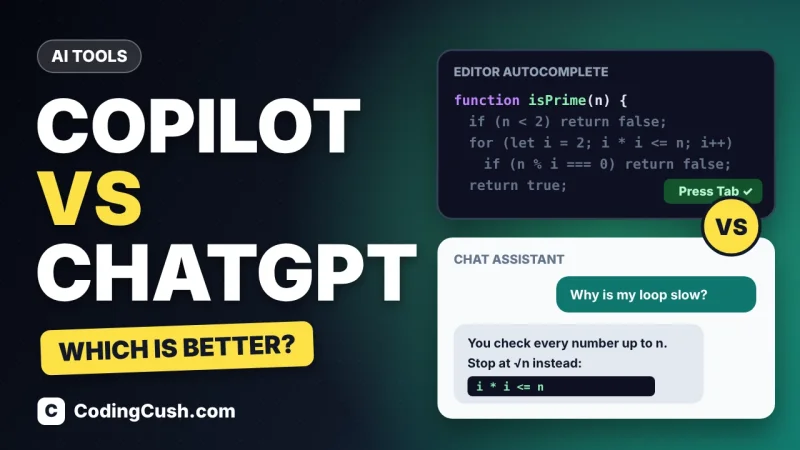
The skill gap shows at the worst moment. Everything is fun until deployment day, a strange error, or a user asking for one change the AI keeps failing to make. A little real coding knowledge turns those walls into speed bumps. If you are starting out, our guide on how to use ChatGPT for coding teaches the prompting habits that make AI help far more reliable, and our head-to-head of GitHub Copilot vs ChatGPT for coding helps you pick the right tool for this style of work.
How to Vibe Code Well: Beginner Tips
Describe one small thing at a time instead of your whole dream app in one giant prompt. Test after every change, so you know which request caused a problem. Save working versions often — when the vibes turn bad, you want a way back. Ask the AI to explain what it built in simple words; that explanation is free learning. And keep a list of what your app should do, because the AI will happily wander off building features you never asked for, like a very enthusiastic intern.
Frequently Asked Questions
Do I need to know coding to try vibe coding?
No. You can build small, working tools with prompts alone. But even basic coding knowledge makes you dramatically better at it, because you can judge results, describe changes precisely and fix small issues yourself.
Is vibe coding the same as using ChatGPT or Copilot?
Not exactly. Those are tools; vibe coding is a style of working with them — directing through conversation and results rather than writing and reviewing code line by line.
Can I build a real business app by vibe coding?
You can prototype one quickly, and that is valuable. But an app that handles real users, money or private data needs proper development, testing and security review before launch.
Will vibe coding replace programmers?
It is replacing some typing, not the thinking. Someone still has to decide what to build, judge whether it works, and take responsibility when it breaks — that judgement is the job.
Conclusion
Vibe coding means building apps by describing them to AI and steering by results. It is a brilliant way to prototype, learn and make small personal tools, and a risky way to build anything critical. Enjoy the vibes — just keep one hand on the wheel, save your working versions, and learn a little real code along the way. Your future self, debugging at midnight, will thank you.


Leave a Comment