

 Lavkush
 Big O notation is a simple way to describe how the running time (or memory use) of your code grows as the amount of data grows. It does not measure exact seconds — it describes the shape of the growth. If doubling your data roughly doubles the work, the code is O(n). If doubling the data makes the work four times bigger, it is O(n²). Once you can read these little labels, you can look at two pieces of code and predict which one will struggle when the data gets large — before your users find out the hard way.
Why Do We Even Need Big O?
Imagine two programs that both search for a name in a list. On your laptop, with 20 names, both answer instantly and feel identical. Now give them 10 million names. One still answers in a blink, while the other takes a long coffee break.
That is exactly the problem Big O solves. "Fast" and "slow" are feelings; Big O is a measurement of growth. It lets programmers compare approaches fairly, without depending on who has the newest laptop. It is also why Big O appears in almost every technical interview: it shows whether you think about what happens when things scale up, not just whether the code works on a small example.
The Common Big O Types, One by One
There are only a handful of Big O types you will meet again and again. Learn these and you can read most of what you see in tutorials and interviews. The letter n simply means "the size of the input" — the number of items in your list, string or table.
O(1) — Constant Time
The work stays the same no matter how big the input is. Picking the first item of an array is O(1):
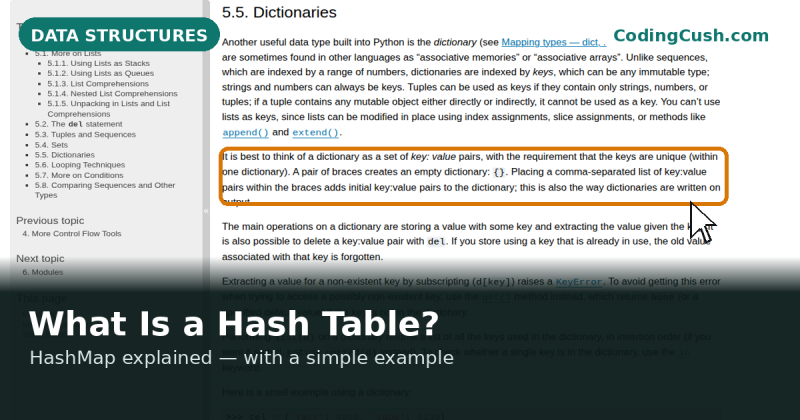
first = students[0] # one step, alwaysReal-life version: taking the top book off a pile. Whether the pile has 5 books or 500, you still just grab the top one. Looking up a value in a hash table is also O(1) on average, as we explained in our guide on what a hash table (HashMap) is.
O(log n) — Logarithmic Time
The work grows very slowly because each step throws away half of the remaining data. Searching a sorted list with binary search works like this: check the middle, decide which half holds your item, and repeat on that half only. Real-life version: finding a word in a paper dictionary. You never read page by page — you keep opening near the middle of the remaining pages. Even with a million items, O(log n) needs only about 20 steps.
O(n) — Linear Time
The work grows in direct proportion to the input. One loop over every item is O(n):
for name in students:
    print(name)       # visits every item once
Ten items, ten steps. A million items, a million steps. Real-life version: reading every name on a class list to find one student.
O(n log n) — The Good Sorting Speed
This is the speed of the efficient sorting algorithms built into most languages, like the ones behind Python's sort() and JavaScript's sort(). It grows a bit faster than O(n) but far slower than O(n²). When you sort a list using the built-in method, you are almost certainly using an O(n log n) algorithm without writing a single line of it yourself. Enjoy the free ride.
O(n²) — Quadratic Time
The work grows with the square of the input, usually because of a loop inside a loop:
for a in students:
    for b in students:
        print(a, b)   # every pair — this grows fast!
With 100 students this prints 10,000 pairs. With 10,000 students it prints 100 million. Real-life version: every person in a room shaking hands with every other person. Fine for a small room, a very long day for a stadium. O(n²) is usually the first thing to fix when code starts feeling slow.
O(2ⁿ) — Exponential Time
Here the work doubles with every extra item. Trying every possible combination of a password, or a naive recursive Fibonacci calculation, lives here. It feels fine for 10 items and becomes hopeless by 40. When you see exponential growth, the answer is almost never "buy a faster computer" — it is "find a smarter approach".
Big O at a Glance
This table shows roughly how many steps each type needs as the input grows. Look at how quickly the numbers separate — that gap is the whole point of Big O.
| Big O | n = 10 | n = 100 | n = 1,000 |
|---|---|---|---|
| O(1) | 1 | 1 | 1 |
| O(log n) | ~3 | ~7 | ~10 |
| O(n) | 10 | 100 | 1,000 |
| O(n log n) | ~30 | ~700 | ~10,000 |
| O(n²) | 100 | 10,000 | 1,000,000 |
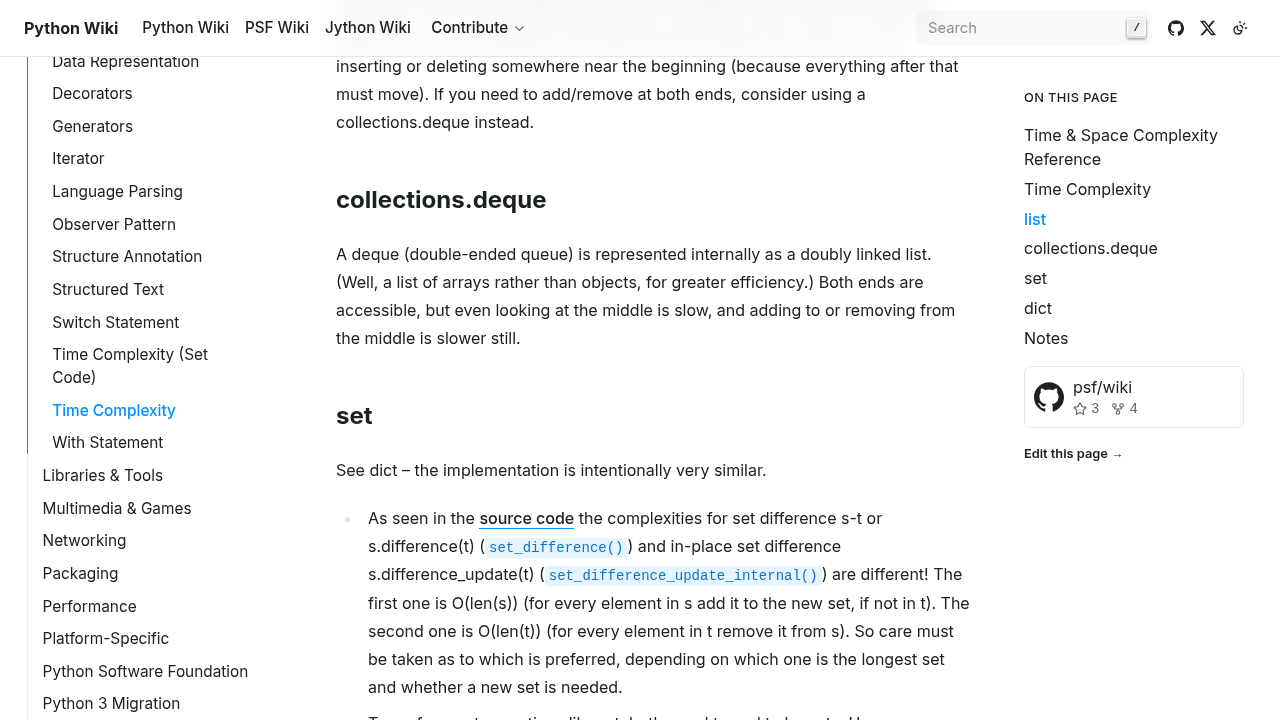
The Wikipedia article on Big O notation has the fuller mathematical treatment if you enjoy that side of it, and the Python wiki time complexity page is a handy bookmark that lists the cost of common operations on lists, dictionaries and sets.
Two Simple Rules Beginners Actually Use
Rule 1: Drop the constants. A loop that visits each item twice is still O(n), not O(2n). Big O cares about growth, not about the exact count, so the multiplier is dropped. Two separate passes over the data still grow linearly.
Rule 2: Drop the smaller terms. If your code does an O(n) step and then an O(n²) step, the total is written as O(n²) because the bigger term dominates as n grows. When the stadium handshake problem shows up, the class-list reading does not matter anymore. These two rules are why Big O stays simple enough to use in everyday conversation.
One Common Misunderstanding
Big O is not a stopwatch. An O(n) algorithm on a very fast machine can beat an O(1) algorithm on a slow one for small data, and O(1) code with heavy steps can feel slower than simple O(n) code when n is tiny. Big O also describes the worst case by default — the guarantee, not the typical day. And time is not the only thing that grows: we also talk about space complexity, which measures how extra memory grows with the input.
How Big O Helps You Choose a Data Structure
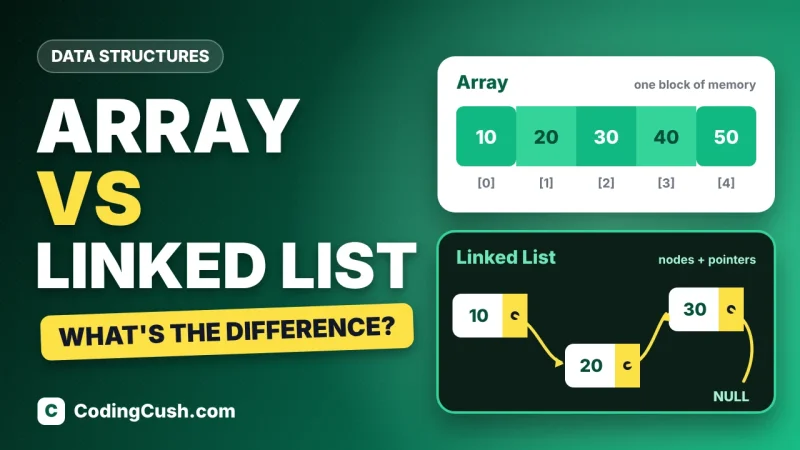
This is where the theory pays rent. Searching an unsorted array is O(n), because you may have to check everything; searching a hash table is O(1) on average, because the key calculates its own address. Inserting in the middle of an array is expensive, while a linked list handles it cheaply — trade-offs we compared in our guide on Array vs Linked List. Big O gives you the vocabulary to make those choices on purpose instead of by habit, and to explain your choice in an interview in one calm sentence.
Frequently Asked Questions
What does the "O" in Big O stand for?
It comes from the German word "Ordnung", meaning "order" — as in, the order of growth of a function. In practice, just read it as "on the order of". O(n) means the work grows on the order of n.
Is O(1) always the fastest choice?
Not always in real life. O(1) means the work does not grow with the input, but each step could still be heavy, and for tiny inputs a simple O(n) loop can be quicker. Big O compares growth, not stopwatch times on small data.
What is the difference between time complexity and space complexity?
Time complexity describes how running time grows with input size; space complexity describes how extra memory grows. An algorithm can be fast but hungry for memory, or slow but light — Big O is used for both.
Why do interviewers ask about Big O so much?
Because it shows how you think about scale. Anyone can write code that works for 10 items; interviewers want to know you will not accidentally write code that collapses at 10 million items.
Can I improve the Big O of my code?
Often, yes. Common fixes include replacing repeated searches with a hash table lookup, avoiding loops inside loops, and using the built-in sorting method instead of a hand-written slow sort. Choosing the right data structure is usually the biggest win.
Conclusion
Big O notation is simply a label for how your code's work grows as data grows: O(1) stays flat, O(log n) creeps, O(n) keeps pace, O(n log n) handles sorting nicely, O(n²) balloons, and O(2ⁿ) explodes. You do not need heavy mathematics to use it — just the two rules (drop constants, drop smaller terms) and the habit of asking "what happens when n gets huge?". Start noticing the Big O of the code you write every day, and you will quietly start choosing better data structures and avoiding the slow patterns before they become problems. That habit, more than any single definition, is what makes Big O worth learning.


Leave a Comment