

 Lavkush
 A Docker container packages an app with its libraries and settings, then shares the host computer's operating system kernel, so it is small and starts in seconds. A virtual machine, or VM, runs a complete guest operating system on top of virtual hardware, so it is larger, slower to start, and more strongly isolated. In short: containers virtualise the operating system, while virtual machines virtualise the hardware.
First, a Simple Picture to Remember
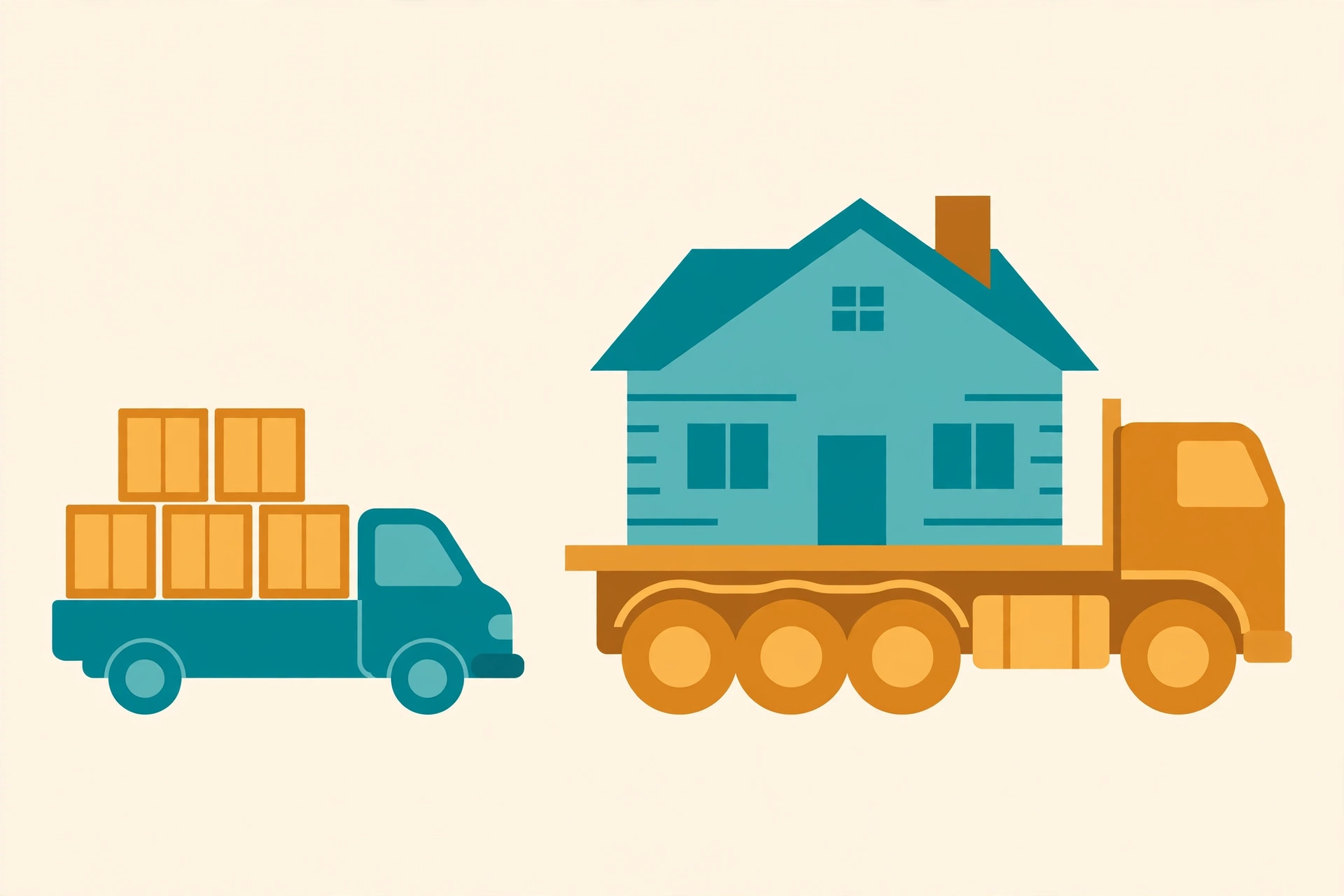
Think of a virtual machine like a separate house. Every house has its own foundation, plumbing, and wiring, even if several houses sit on the same land. That independence is useful, but building a whole house just to store one bicycle is a lot of work.
A container is more like a flat in a large apartment building. Each flat has its own locked door and furniture, but all flats share the building's foundation and main plumbing. You can move in much faster, and fit many more flats on the same land. Remember "house versus flat", and most differences below will make sense.
What Is a Virtual Machine?
A virtual machine is a computer inside a computer. Software called a hypervisor creates virtual hardware — a virtual CPU, memory, disk, and network card — and the VM installs a full guest operating system on it, just as you would install Windows or Linux on a real laptop.
Because the VM has its own operating system, it is strongly separated from the host and from other VMs. A Windows VM and a Linux VM can run side by side on the same server, unaware of each other, and if one crashes the others usually keep running. The price is weight: every VM carries gigabytes of OS files, and starting one means booting a whole computer, which normally takes minutes.
Cloud servers are a familiar example: when you rent a small cloud server, you are usually renting a VM, not a whole physical computer.
What Is a Docker Container?
A container packages an app with everything it needs to run: code, runtime, libraries, and settings. Unlike a VM, it includes no full guest OS. Instead, all containers on a host share that host's operating system kernel, the core part of the OS that talks to the hardware.
The official Docker overview describes how Docker uses the host kernel and isolates each app in its own container, which is why containers can be copied, shared, and started so quickly. If you are new to the tool itself, start with our guide on what Docker is and how it works, then come back here for the comparison.
Starting a container is refreshingly simple:
docker run hello-world

# Run a real web server in a container instead:
docker run -d -p 8080:80 --name my-site nginx

# See what is running, then stop it:
docker ps
docker stop my-site
No installing an operating system, no waiting for a boot screen with a spinning circle judging you quietly. The container starts, does its job, and stops when told.
Docker Container vs Virtual Machine: Side-by-Side Comparison
Here is the whole argument on one table:
| Feature | Docker Container | Virtual Machine |
|---|---|---|
| What it virtualises | The operating system | The hardware |
| Operating system | Shares the host kernel, no guest OS | Full guest OS inside every VM |
| Key software layer | Container engine, such as Docker Engine | Hypervisor |
| Typical size | Megabytes, often tens or hundreds of MB | Gigabytes, often 10 GB or more |
| Startup time | Seconds, sometimes under a second | Minutes, because the guest OS must boot |
| Isolation | Good process-level isolation, shared kernel | Stronger isolation, separate OS and kernel |
| Different OS than host? | Mostly no: Linux containers need a Linux kernel | Yes: Windows and Linux VMs can share one host |
| Best use cases | Microservices, web apps, APIs, CI testing, consistent dev environments | Different operating systems, legacy apps, strong security boundaries, full servers |
Microsoft's guide on containers versus virtual machines makes the same point from the Windows side: containers share the host kernel and stay lightweight, while VMs add a hardware-level layer of isolation. Different vendor, same physics: sharing is lighter, separating is stronger.
Why Containers Became So Popular
Containers solved a problem every developer knows: "But it works on my machine!" An app may run on your laptop and fail on the server because a library version differs or a setting is missing. A container carries the app's environment with it, so the same image behaves the same way on your laptop, a test server, and production.
Containers also fit modern teams, who split one big app into small services and deploy many times a day. They build quickly, start quickly, and can be replaced instead of repaired. If one breaks, you do not nurse it like a sick pet — you delete it and start a fresh one from the image.
Your Dockerfile also lives in your project repository, so anyone who clones the project can rebuild the same environment. That is one more reason it helps to understand why GitHub is important for sharing code and container instructions.
When to Use Containers
Choose containers when you want speed, consistency, and efficiency: building web apps and APIs, running microservices, testing code in a clean environment, or giving new team members an environment they can start with one command. They are also ideal when you need many copies of the same app, because starting ten small containers is far cheaper than booting ten full VMs. Once an app runs in a container on your laptop, the same image can usually be deployed to a server or cloud platform unchanged.
When to Use Virtual Machines
Choose a virtual machine when you need a complete, separate computer: running a different OS from the host, such as testing Windows software on a Linux server, running legacy apps that expect a full OS, or workloads needing the strongest practical isolation for security or compliance. VMs are also useful when you want to snapshot an entire machine and restore it exactly as it was. Think VM when the question is "I need another computer", and container when it is "I need another clean place to run this app".
Can You Use Both Together?
Yes, and in the real world you very often do. Most cloud containers actually run inside virtual machines: the provider gives you a VM for strong isolation between customers, and inside it you run many lightweight containers for your own services. You get the VM's security boundary and the containers' speed at the same time.
So this is not a boxing match with one winner. It is more like choosing between a bicycle and a bus — both are brilliant, and the right answer depends on the journey.
Frequently Asked Questions
Is Docker a virtual machine?
No. Docker runs containers, not virtual machines. A Docker container shares the host operating system kernel and has no guest OS inside it, which is why it is much smaller and faster to start than a VM.
Which is faster, a container or a virtual machine?
A container, by far. It starts in seconds because it only starts your app. A VM must boot a full operating system first, which normally takes minutes. Containers also use less memory and disk space.
Which is more secure, containers or virtual machines?
Virtual machines generally offer stronger isolation because each has its own OS and kernel, separated by a hypervisor. Containers are isolated too, but they share one kernel, so a serious kernel flaw could affect all of them. For sensitive workloads, teams often run containers inside VMs for both benefits.
Can a container run a different operating system from the host?
Only in a limited way. Linux containers need a Linux kernel, so on Windows or macOS, Docker quietly runs a small Linux VM in the background to provide one. A VM has no such limit.
Should beginners learn Docker or virtual machines first?
Learn the VM idea first — it is simply "a computer inside a computer" — then learn Docker for day-to-day development. You will meet containers more often in modern jobs, but understanding VMs makes cloud servers easier too.
Conclusion
The difference comes down to one idea: what gets shared. A Docker container shares the host kernel, so it is tiny, fast, and perfect for packaging and deploying modern apps consistently. A virtual machine carries its own guest OS on virtual hardware, so it is heavier, slower to start, and more strongly isolated. Use containers for apps and services, VMs for full computers and firm boundaries — and do not be surprised when real systems use both together.


Leave a Comment