

 Anand Bajrangi
 SEO for an agency website has one job: turn searches into enquiries. Your visitors are not students revising for an exam — they are business owners comparing two or three agencies before spending real money. So agency SEO is built differently from blog SEO: one clear page per service, strong local signals, proof everywhere, and tracking that counts phone calls and form fills, not just visitors. This guide walks through the exact steps, in order, with examples you can copy for your own agency site — whether you offer design, development, marketing or all three.
How Agency SEO Is Different
A blog wins when it answers questions. An agency wins when it is the obvious choice at the exact moment someone is ready to hire. Your future client does not search "what is web design" — she searches "web design agency in Pune" or "shopify developer near me". Every important page on your site should therefore end in one action: call, WhatsApp, or fill the enquiry form. Keep that in mind through every step below. If a page cannot lead to an enquiry, it is decoration.
Step 1: Give Every Service Its Own Page
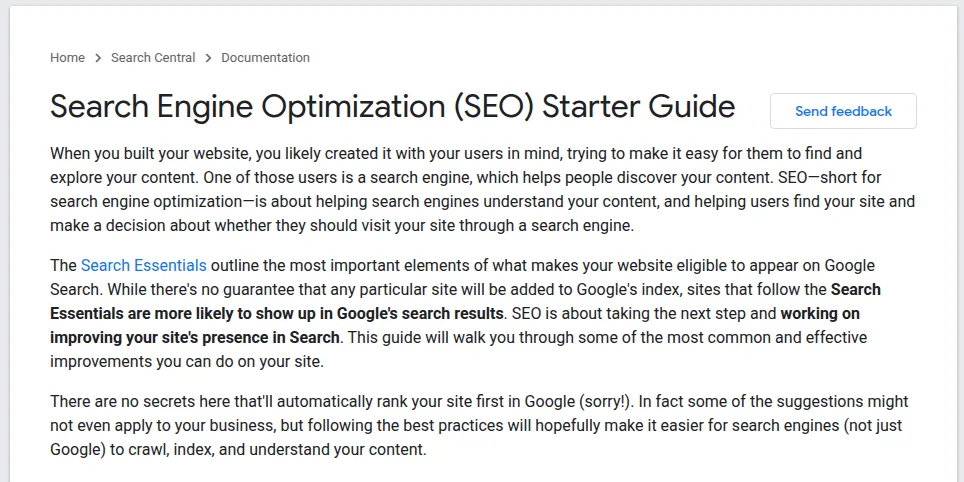
The most common agency mistake is one crowded "Services" page listing nine services in small paragraphs. Google cannot rank that page well for any single service, and clients cannot tell what you actually specialise in. Instead, build one focused page per service: what the service includes, who it is for, your process, proof (results, logos, a testimonial), a price hint, an FAQ, and a strong enquiry button. Google's own SEO Starter Guide makes the same point in general terms: organise a site so each page covers one topic clearly.
Example: A Pune web design agency had a single services page stuck on page 3. They split it into dedicated pages — "Website Design in Pune", "E-commerce Website Development", "Website Redesign Services". Within a few months the design page reached page 1 for its city term, because the page finally matched exactly what clients were typing into Google.
Step 2: Choose Keywords by Buying Intent
Not all keywords are equal. Sort every keyword into two buckets. Hire-intent keywords ("seo agency in delhi", "wordpress developer for hire") belong on service pages — these searchers have a budget. Research-intent keywords ("how much does a website cost", "shopify vs wordpress") belong on blog posts and guides — these searchers are learning, and your content earns their trust until they are ready to hire. Free or low-cost tools are enough for this research; our roundup of Google Search Console alternatives lists several worth trying for keyword and ranking checks.
| Keyword example | Intent | Best page type |
|---|---|---|
| web design agency in pune | Ready to hire | Service + city page |
| shopify developer near me | Ready to hire | Service page |
| how much does a business website cost | Researching | Pricing guide / blog post |
| wordpress vs webflow for a business site | Comparing options | Comparison blog post |
Step 3: Build Location Pages That Are Not Thin
City pages work — but only when each one is genuinely about that city. A page where you swap "Pune" for "Mumbai" in the same copied text is thin content, and Google mostly ignores it. Give every location page local proof: a client from that city, a short case study, a testimonial with a real business name, even photos of work delivered there. Three honest city pages will outrank and out-convert twenty copy-paste ones. Example: an agency serving two cities wrote two fully separate pages, each with its own client story and reviews. The pages brought steady enquiries; their eight swapped-text city pages brought none, and were later deleted without any loss.
Step 4: Turn Case Studies into Ranking Assets
Most agency case studies are pretty picture galleries that nobody finds. Written properly, a case study is your hardest-working page: it ranks for long-tail searches and it sells while you sleep. Use this structure every time: the client's problem, what you did step by step, and the numbers at the end. Title it like a search, not a slogan. Example: "How a Jaipur Salon Doubled Bookings with a New Website and Google Profile" beats "Our Latest Project" every time — it contains the service, the city, the business type and the result, which is exactly what the next salon owner searches for.
Step 5: Set Up Local SEO with a Google Business Profile
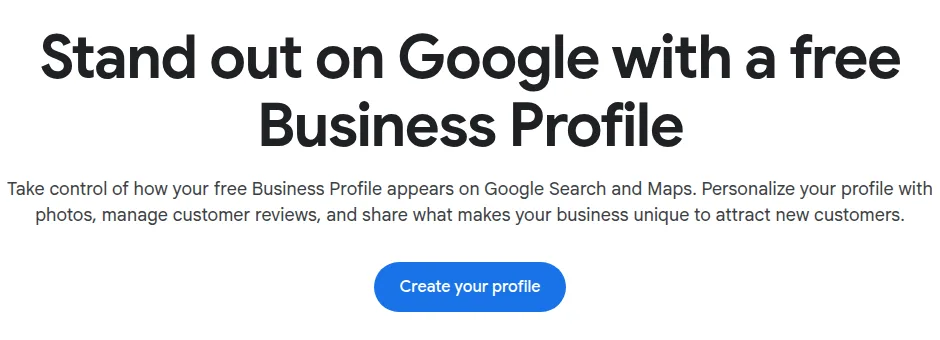
For agencies, the map results are prime land. Claim your free Google Business Profile, choose the most specific category (for example "Website designer" or "Marketing agency", not just "Agency"), list every service, and add real photos — office, team, work — every week or two. Then build a review habit: ask every happy client, at the moment a project finishes, and reply to every review politely. Example: a small Delhi marketing agency with 40+ genuine reviews and fresh photos started appearing in the top-3 map pack for "digital marketing agency near me" searches nearby — ahead of bigger agencies with prettier websites but empty profiles.
Step 6: Fix the Technical Basics That Actually Matter
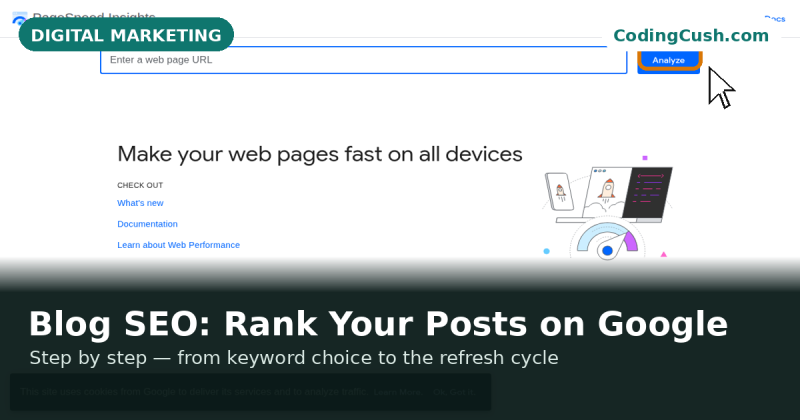
You do not need a 40-point technical audit to start. Cover these five and you are ahead of most competitors: your site opens fast on a phone (test it free with PageSpeed Insights), every page works on HTTPS, your contact details and enquiry form are reachable from every page in one click, you have added LocalBusiness/ProfessionalService schema so Google understands the business, and no important page is orphaned — every service page is linked from the menu or footer. Fix these before paying anyone for "advanced" SEO.
Step 7: Track Enquiries, Not Just Traffic
Traffic is a vanity number for an agency; enquiries pay the rent. Once a month, check two things: which pages bring calls and form fills, and which search terms are climbing in Google Search Console. Then double down — expand the pages that produce leads, and improve the pages stuck at positions 5–15 with better proof and clearer offers. Our guide to SEO metrics, backlinks and rankings explains exactly which numbers to show clients (and yourself) so reports stay honest and useful.
Frequently Asked Questions
How long does SEO take for an agency website?
For local and service keywords, expect visible movement in 6–12 weeks and solid results in 3–6 months, assuming the service pages, local profile and reviews are in place. Competitive city terms take longer. Anyone promising page 1 in seven days is selling, not informing.
Does an agency website really need a blog?
Yes — but a small, sharp one. Research-intent posts (pricing guides, comparisons, how-tos) catch clients early in their decision and link naturally into your service pages. Four genuinely useful posts beat forty thin ones.
Should we make a page for every city we serve?
Only cities where you have real proof — a client, a project, reviews. Start with your home city and one or two strong expansions. Thin swapped-text pages do not rank and can make the whole site look low quality.
What matters more: the website or the Google Business Profile?
For local enquiries, the profile often brings the first call; the website closes the sale when the client checks you out. You need both, but if you only have one free hour this week, spend it completing the profile and asking for two reviews.
Conclusion
Agency SEO is not a mystery service — it is a checklist. One page per service, keywords sorted by buying intent, honest location pages, case studies with numbers, a complete Google Business Profile with reviews, five technical basics, and monthly tracking of enquiries. Do it in that order, give it a quarter, and your website stops being a digital visiting card and starts doing what it was hired to do: bring clients.



Leave a Comment