

 Lavkush
 Short answer: if you want your first website live this week with zero maintenance, Webflow is easier — you design visually and pay one monthly bill. If you want the cheapest start and endless flexibility, WordPress wins — the software is free, but you arrange hosting and handle updates yourself. Confused between the two? Perfect, this guide is written exactly for you. We compare both the way a beginner actually experiences them: what year one costs, how hard the first week feels, and who should pick which.
First, a 30-Second Introduction
WordPress is free, open-source software that powers a huge share of the world's websites. You install it on hosting you rent, pick a theme, add plugins for extra features and manage everything from a dashboard. It began as a blogging tool and grew into an all-purpose platform.
Webflow is an all-in-one hosted platform. You design pages visually in a browser-based editor called the Designer, and Webflow provides the CMS and the hosting. There is nothing to install and nothing to update — but you pay a monthly subscription for as long as the site lives.
Round 1: Ease of Use — How Hard Is the First Week?
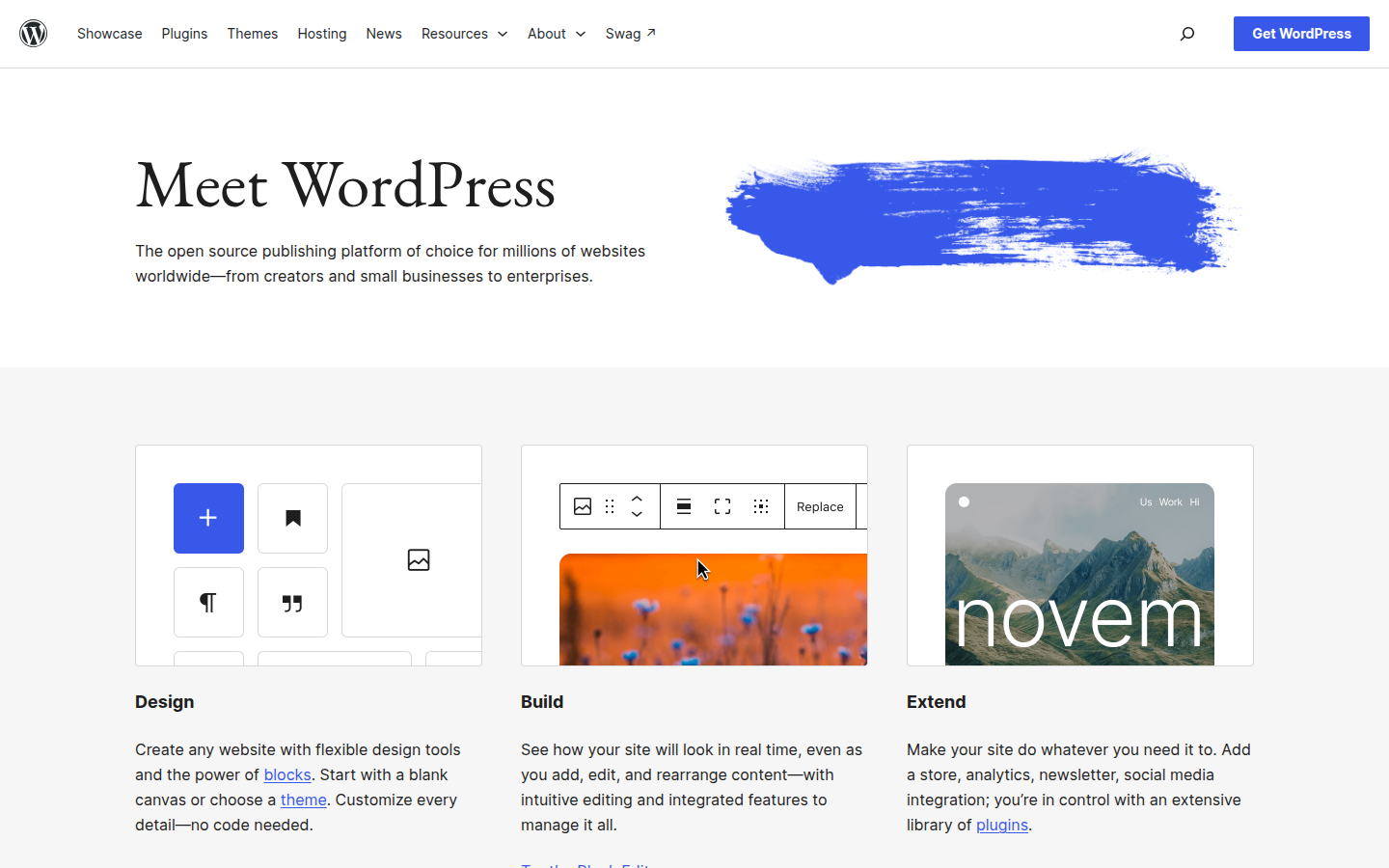
With WordPress, day one goes like this: buy hosting, install WordPress (most hosts do it in one click), then log in to a dashboard that looks a little like a control room. The block editor is friendly for posts and simple pages, but real design changes mean choosing themes and plugins — and beginners often spend their first days figuring out which of the fifty settings pages actually matters. Totally learnable, just expect some wandering.
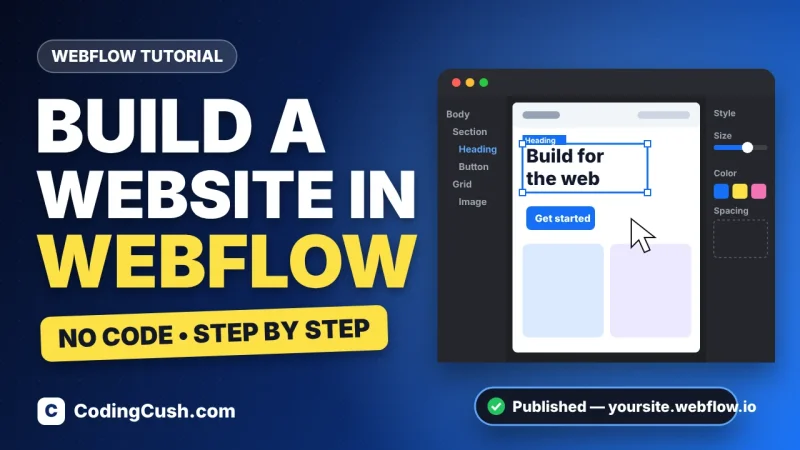
With Webflow, day one is design-first: you open the Designer and start placing sections and headings on a canvas. The first ten minutes feel technical — classes, style panels, boxes inside boxes — but what you see is literally what visitors get. If you want a walkthrough, our guide on how to build a website in Webflow takes you from a free account to a published site, step by step.
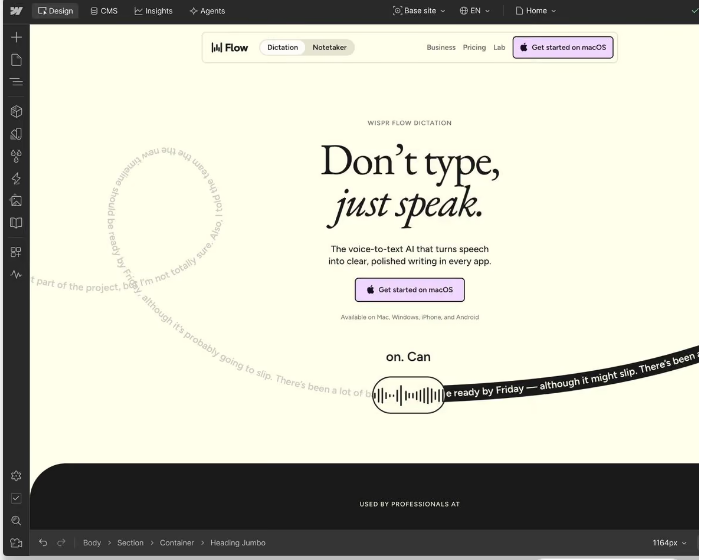
Verdict: Webflow feels harder for one hour and easier for the rest of the month. WordPress feels easy for one hour — then the plugin-and-theme maze begins. For a beginner who wants a designed site, Webflow's first week is smoother.
Round 2: What It Really Costs in Year One
This is where most comparisons get vague, so here are honest ranges. Prices change, so treat this as a map, not a bill.
| Cost item | Webflow | WordPress |
|---|---|---|
| Software / platform | Included in the plan | Free |
| Hosting | Included | Roughly $3–$10/month on starter plans |
| Domain name | Extra, about $10–$15/year | Often free for year one with hosting, then about $10–$15/year |
| Design | Free templates; premium ones cost a one-time fee | Thousands of free themes; premium themes cost extra |
| Extras | A paid Site plan is needed for a custom domain and CMS | Most starter plugins are free; some premium ones are yearly |
| Typical first-year total | Roughly $170–$300 | Roughly $50–$150 |
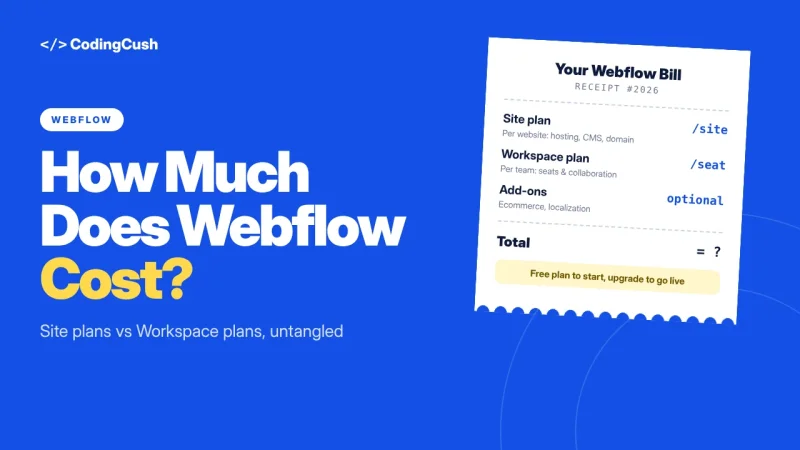
Verdict: WordPress is cheaper to start — there is no arguing with that maths. Webflow costs more, but the bill is one predictable subscription that includes hosting, SSL and updates. Think of it as buying a phone outright versus a monthly contract: both end with a phone.
Round 3: Design Freedom
Webflow gives you pixel-level control: spacing, typography, layouts and animations are all visual, and the code it generates is clean. If you can imagine it, you can usually build it — the limit is your design skill, not the tool. WordPress design depends heavily on your theme and page builder. Beautiful WordPress sites absolutely exist, but you are often decorating inside someone else's structure, and fighting a theme that refuses to move a button two pixels left is a rite of passage.
Verdict: Webflow, clearly — design freedom is its home ground.
Round 4: Blogging and SEO
WordPress was born as a blogging platform, and it shows: categories, tags, comments and a mountain of SEO plugins make publishing very comfortable. Webflow's CMS is simpler — design one blog template and every post follows it — and the SEO essentials (page titles, meta descriptions, alt text, clean code, fast hosting) are built in, no plugins needed. Honestly, Google does not care which one you choose; both can rank well with good content.
Verdict: a tie for most beginners — WordPress if blogging is the whole point, Webflow if the blog supports a designed site.
Round 5: Maintenance — Who Fixes Things at 2 AM?
On WordPress, you are the caretaker: core updates, plugin updates, backups and security are your responsibility (or your host's, on managed plans). Most months it is a few clicks; occasionally a plugin update breaks something and your evening is gone. On Webflow there is simply nothing to maintain — no updates, no plugins to babysit, no backup schedule. The platform team handles it while you just design and publish.
Verdict: Webflow, and it is not close. Zero maintenance is a real feature, not a footnote.
Round 6: Selling Online
Both can run a shop. WordPress uses the free WooCommerce plugin — powerful, with a huge ecosystem of payment and shipping add-ons — ideal if the store is the main business. Webflow's ecommerce is built in and beautifully designed out of the box, but it suits smaller catalogues and needs a higher plan tier.
Verdict: WordPress for a serious store; Webflow for a small shop attached to a pretty site.
The Honest Verdict: Which One Should YOU Pick?
Pick Webflow if you are building a portfolio, agency, startup or small business site, you care how it looks, and you happily trade a monthly bill for zero maintenance.
Pick WordPress if the budget is tight, blogging is the main event, you may want a big store someday, or you enjoy having a plugin for everything and don't mind a little caretaking. You can even practise free on your own computer first with our guide to installing WordPress on localhost using XAMPP.
Want the deeper, feature-by-feature breakdown as well? Read our Webflow vs WordPress: which CMS is better comparison next. And remember the secret nobody tells beginners: you are not married to either platform. A launched site on the "wrong" one beats a perfect plan that stays in draft forever.
Frequently Asked Questions
Which is cheaper, Webflow or WordPress?
WordPress. The software is free, so your main costs are hosting and a domain — roughly $50–$150 in year one. Webflow typically lands around $170–$300 in year one because the Site plan is a monthly subscription, though it includes hosting and zero maintenance.
Which is better for SEO?
Neither has a magic advantage. WordPress offers more SEO plugins and finer control; Webflow gives clean code, fast hosting and the essential settings built in. Content quality decides rankings far more than the platform does.
Can I move from Webflow to WordPress (or back) later?
Yes, but it is a rebuild, not a copy-paste. Your text and images can move; the design must be recreated. That is why we suggest starting where you will actually launch, not where you might end up.
Which one is truly better for a complete beginner?
For a first designed website, Webflow's all-in-one setup removes the most friction. For a first blog on a small budget, WordPress is friendlier to the wallet. Match the tool to the site you are building, not to a leaderboard.
Conclusion
Webflow sells you time and design freedom; WordPress sells you ownership and a tiny bill, paid partly in caretaking. Neither is the wrong answer — the wrong answer is the site you never launch. Pick the one whose weaknesses you mind least, build the first version this week, and improve it in public. Websites, like gym plans, only work if you actually show up.


Leave a Comment