

 Lavkush
 A Python function is a reusable block of code that does one job, runs only when you call it, and can take inputs and return a result. You define a function once with the def keyword, give it a clear name, and then use it as many times as you like — with different inputs each time. Functions are how programmers stop repeating themselves: instead of copying the same greeting, calculation or check into ten places, you write it once, test it once, and call it ten times. If one idea turns beginner scripts into real programs, it is this one. A script without functions is a long list of instructions; a script with functions reads like a set of named, trustworthy helpers.
You have already been using functions without writing any. print() is a function. len() is a function. input() is a function. Today you start making your own — and honestly, the first one feels like a small promotion.
Defining Your First Function with def
A function begins with def, followed by its name, a pair of brackets, and a colon. The code that belongs to the function is indented underneath — Python uses indentation as its structure, so those spaces are not decoration. Defining a function does not run it. It simply teaches Python the name and the steps, the way writing a recipe does not cook dinner.
def greet():
    print("Hello! Welcome to Coding Cush.")

greet()
greet()
The two greet() lines at the bottom are calls. Each call runs the indented block once, so the message prints twice. The official Python tutorial introduces functions in exactly this spirit — the Python documentation on defining functions shows def, calls and documentation strings with small examples you can type along with. Keep your first functions tiny. A function that does one clear thing is easy to test, easy to name, and easy to trust.
Arguments: Giving a Function Inputs
A function that can only ever do the exact same thing is useful, but a function that accepts inputs is powerful. Inputs are called parameters when you define the function, and arguments when you pass them in a call. The name inside the function works like a variable that receives whatever value the caller sent.
def greet(name):
    print("Hello, " + name + "!")

greet("Asha")
greet("Rahul")
One definition, two different greetings. You can have several parameters, separated by commas, and you can give a parameter a default value so callers may leave it out when the common case applies. Defaults are perfect for settings like a currency symbol, a tax rate, or the number of items per page — the usual value lives in the definition, and special cases can still override it.
def bill(amount, tax_rate=0.18):
    total = amount + (amount * tax_rate)
    print("Total:", total)

bill(1000)        # uses the default tax rate
bill(1000, 0.05)  # uses 5 percent instead
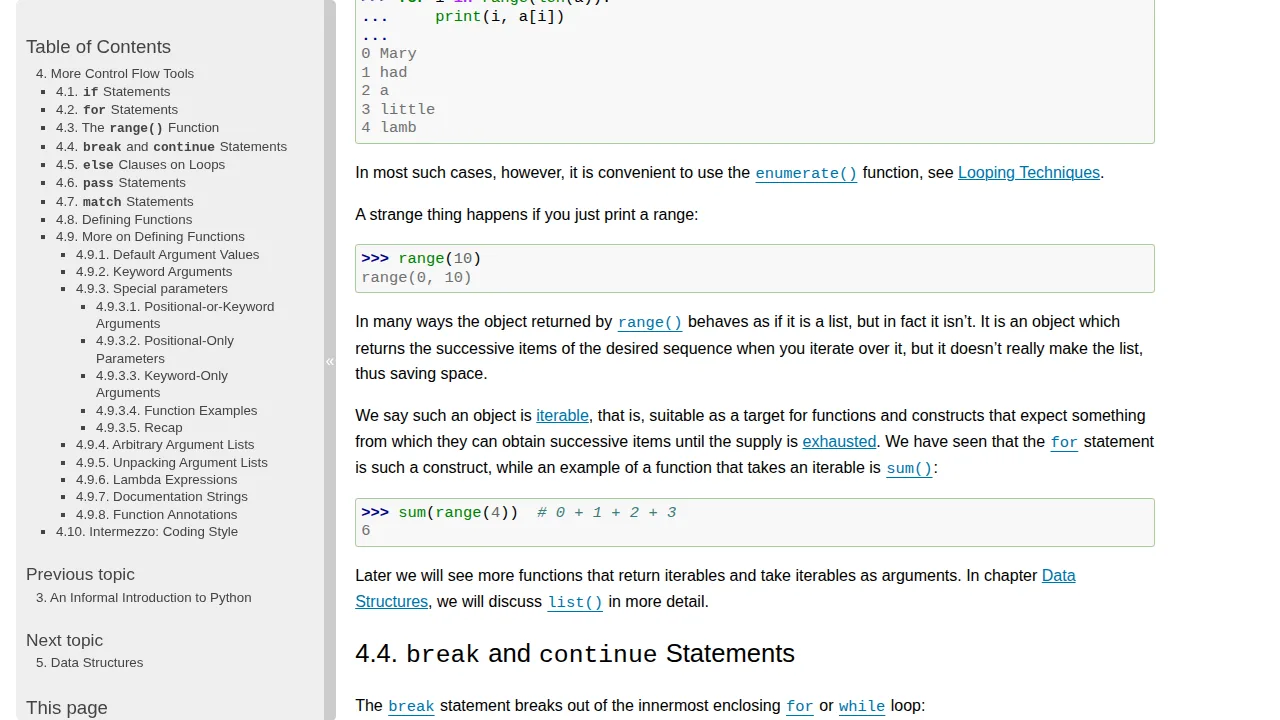
If loops are still new to you, functions will feel easier after our guide to Python loops: for vs while — functions and loops are the two tools that appear in almost every real script you will ever read.
Return Values: Getting an Answer Back
print shows a value to a human; return gives a value back to the program, so it can be stored, combined or passed onward. This difference confuses beginners more than almost anything else in functions, so let us make it concrete. A function that calculates should usually return its result. A function whose whole job is displaying something can print. Many good functions do the calculation and return, leaving the printing to the caller.
def square(number):
    return number * number

result = square(6)
print(result)          # 36
print(square(3) + 1)   # 10
Because square returns a number, you can use square(3) anywhere a number can go — inside a calculation, a comparison, or another function call. When a function reaches a return, it stops immediately and hands the value back. Code after return inside the same function never runs. A function with no return gives back None, which is Python's way of saying "nothing here" — useful to know when a print inside a function works but saving its result gives you a mysterious None.
Scope: Where a Variable Lives
Variables created inside a function are local to it: they are born when the call starts and disappear when it ends. Variables defined outside, at the top level of the file, are global and can be read inside functions. This separation is a feature. It means a helper function cannot accidentally trample on the rest of your program, and two functions can safely use the same local name, like total, without fighting.
def add_tip(price):
    tip = price * 0.10
    return price + tip

print(add_tip(500))  # 550.0
# print(tip) would fail — tip only lives inside the function
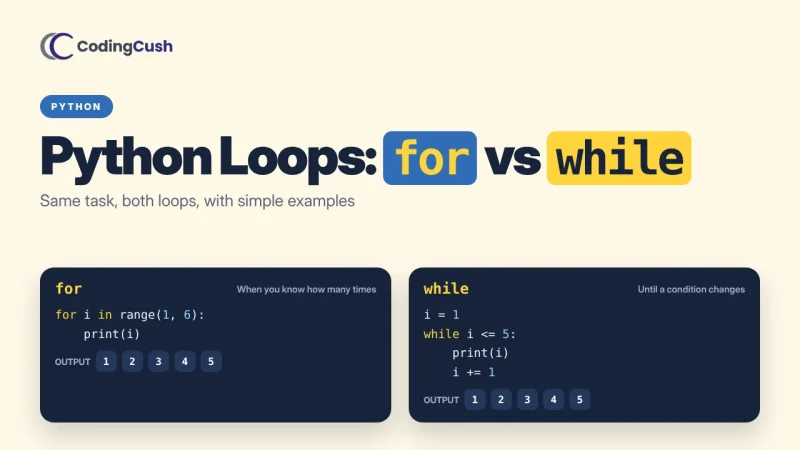
That commented-out last line failing is not Python being difficult; it is Python keeping your program tidy. When you later meet classes, you will see the same organising instinct at a bigger scale — our explainer on Python classes and objects is a natural next read once functions feel comfortable.
Built-in Functions You Already Know
Python ships with a generous set of ready-made functions, listed in the official built-in functions documentation: len() counts items, type() tells you what something is, int() and str() convert values, max() and min() find extremes, and range() produces sequences of numbers for loops. Your own functions follow the same contract as these — a name, inputs in brackets, a result out. That consistency is why Python feels calm to learn: the language's own tools and your tools play by the same rules.
| Part | Meaning | Example |
|---|---|---|
| def | Starts the definition | def greet(name): |
| Parameter | Named input in the definition | name |
| Argument | Actual value in a call | greet("Asha") |
| return | Sends a value back to the caller | return number * number |
| Call | Runs the function | square(6) |
A Small Practice Function That Uses Everything
Let us put the pieces together in one honest little example. This function takes a list of marks, uses a default passing mark, loops through the list, counts how many students passed, and returns that count to the caller. It has a parameter, a default, local variables, a loop and a return — almost everything from this guide, working together in twelve lines.
def count_passed(marks, pass_mark=40):
    passed = 0
    for mark in marks:
        if mark >= pass_mark:
            passed = passed + 1
    return passed

scores = [35, 72, 40, 91, 28]
print(count_passed(scores))
Run it and you get 3. Change the list, and the same function answers again without being rewritten. That is the quiet superpower you have just learned: write the logic once, trust it, and reuse it wherever the same job appears.
Frequently Asked Questions
What is the difference between a parameter and an argument?
A parameter is the named input in the function definition, like name in def greet(name). An argument is the actual value you pass when calling, like "Asha" in greet("Asha").
Does a function run when I define it?
No. def only teaches Python the name and steps. The code runs when you call the function by writing its name with brackets.
Should my function print or return?
Return values your program needs to use again. Print only when the function's job is to display something to a person. When in doubt, return — the caller can always print the result.
Can a function call another function?
Yes, and good programs do this constantly. Small functions that each do one job, calling each other, are easier to read and fix than one giant function.
How long should a function be?
Short enough that you can explain it in one sentence and see it without much scrolling. If you need the word "and" several times to describe it, it may be two functions wearing one coat.
Conclusion
Define with def, feed inputs as arguments, hand answers back with return, and let each function do one clear job. That is the whole beginner map of Python functions — and it is enough to transform copied, fragile scripts into tidy programs you can actually extend. Write three tiny functions today: one that greets, one that calculates, one that checks something. Small, named, and proudly reusable.


Leave a Comment