

 Lavkush
Encryption is a way of scrambling information so that only the right person can unscramble and read it. When you send a WhatsApp message, buy something online or sign in to your bank, encryption quietly turns your readable words into secret code for the journey, and turns them back into words at the other end. Anyone who grabs the data in the middle sees only nonsense.
Start with a Sealed Envelope
Think of sending a letter. A postcard can be read by everyone who handles it. A sealed envelope hides the words from the postman, the sorting office and anyone nosy in between, and only the person who opens it at the destination reads the message. Encryption is the sealed envelope of the internet, except the envelope is made of mathematics, and it would take the world's fastest computers far longer than anyone's lifetime to tear it open by force.
The readable original is called plaintext. The scrambled result is called ciphertext. The secret that does the scrambling and unscrambling is called a key. Change the key, and the same message scrambles into completely different nonsense.
How Encryption Works, in Simple Steps
- You type a normal message, like "see you at 7".
- Your phone or browser scrambles it with a key, producing gibberish.
- The gibberish travels across Wi-Fi networks, cables and servers. Anyone watching sees only gibberish.
- The receiver's device uses the matching key to unscramble it.
- The receiver reads "see you at 7". Nobody in the middle learned a thing.
The maths behind this is cleverer than it sounds, because the two devices often perform this trick without ever meeting and without sending the secret key across the open internet where it could be stolen. They exchange special half-secrets that let each side work out the same final key on its own. It feels a bit like magic the first time you hear it, but it is well tested mathematics that has protected information for decades.
End-to-End Encryption: the Strongest Kind
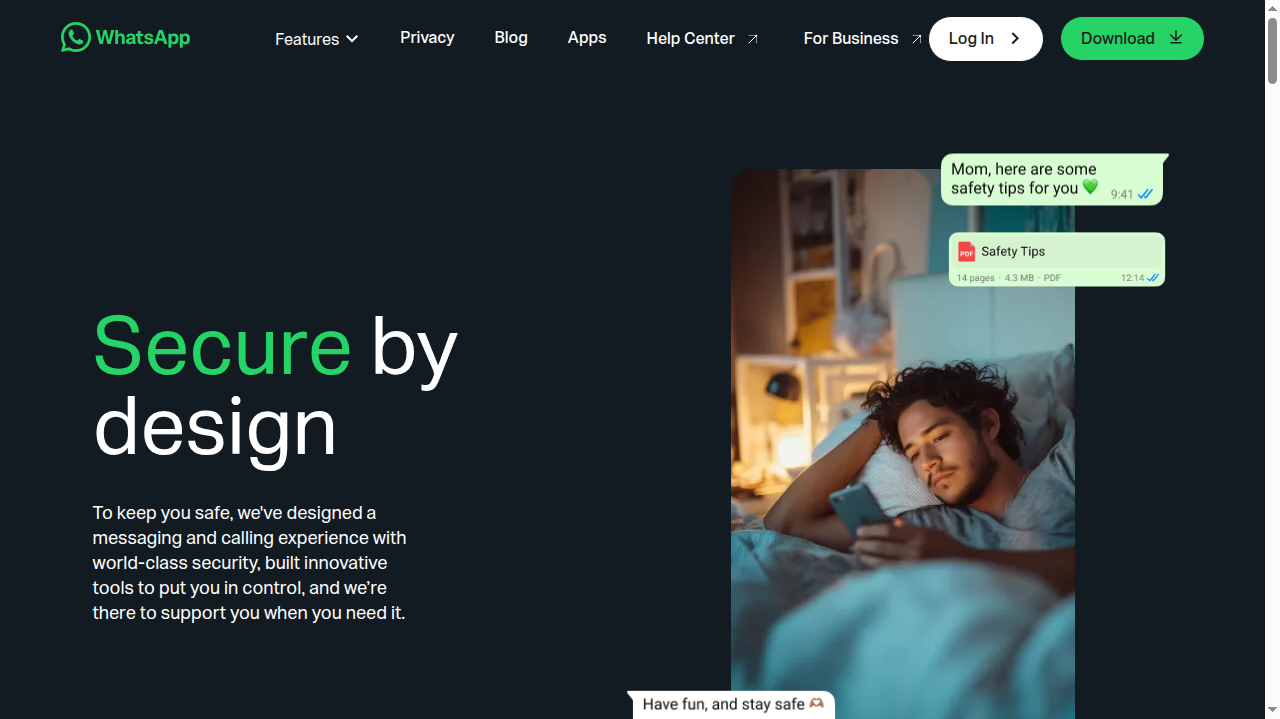
You will see the phrase end-to-end encryption a lot, and it is worth understanding. It means the message is scrambled on your device and only unscrambled on the receiver's device. Even the company running the service cannot read it in the middle, because the keys live on the two phones, not on the company server.
This is how the apps you use every day work. The official WhatsApp security page describes how its messages, calls and photos are protected end to end by default, using the Signal protocol. Signal, the privacy focused messaging app, built that protocol and encrypts everything by default, which is why security experts recommend it so often. In both cases the important point is the default: you do not switch anything on, and there is no unprotected mode quietly waiting to catch you out.
Two Flavours of Encryption (and Why Both Exist)
There are two main ways to scramble data, and your apps quietly combine them. Symmetric encryption uses one shared key to both scramble and unscramble, like a house key that locks and unlocks the same door. It is extremely fast, so it does the heavy lifting for messages and files. Its weakness is delivery: both sides need that same key, and sending it openly would defeat the purpose.
Asymmetric encryption solves the delivery problem with a pair of keys: a public key you can share with the whole world, and a private key you never show anyone. Anything scrambled with the public key can only be unscrambled with the private one, like a padlock anyone can snap shut but only the owner can open. It is slower, so it is used briefly at the start of a conversation to agree on a fresh symmetric key safely. Your browser does this handshake every time you visit an HTTPS website, and your messaging apps do something similar for every contact. Two flavours, one team, and together they give you speed and safety at the same time.
Where Else Encryption Protects You
Messaging is only the most famous example. Encryption is working for you in many places at once:
| Where | What it protects | How you spot it |
|---|---|---|
| Websites (HTTPS) | Passwords, card numbers and forms you submit | The padlock icon in the address bar |
| Messaging apps | Chats, calls and shared photos | An "end-to-end encrypted" note in the chat |
| Your phone storage | Everything on the device if it is lost or stolen | Automatic on modern phones with a screen lock |
| VPN connections | All traffic between you and the VPN server | The VPN app shows the connection as secured |
| Backups | Copies of your chats and files stored online | An encrypted backup option in settings |
That last row connects to a bigger theme: when a company's stored data is stolen, encryption decides whether the thieves get treasure or trash. Our explainer on what a data breach is and what to do if your data leaks shows why properly encrypted stolen data is often useless to criminals. Encryption is also the engine inside a VPN tunnel, which our guide to what a VPN is and whether you need one explains step by step.
Encryption and Passwords: a Family Resemblance
Encryption has a close cousin called hashing, used for passwords. Good websites do not store your actual password; they store a scrambled fingerprint of it, so even the site itself cannot read it back. Your login works because the same fingerprint is produced when you type the password again. The newest login method, the passkey, goes further and uses encryption keys instead of passwords entirely, which is why our guide on what a passkey is and how to set it up is worth ten minutes of your day. In simple terms: fewer shared secrets, less for thieves to steal.
What Encryption Cannot Do
Honesty time, because encryption is sometimes sold as a magic shield. It protects data on its journey and at rest, but it cannot protect you from everything. If the person you are messaging is a scammer, the scam arrives perfectly encrypted. If your own phone is infected or unlocked in a thief's hand, encryption has already done its job and stepped aside. And a fake website can use HTTPS too, so the padlock means the connection is private, not that the site is honest. Encryption is a superb lock; you still have to choose which doors to walk through.
Frequently Asked Questions
Can hackers break encryption?
Modern encryption, properly used, cannot realistically be broken by guessing. The number of possible keys is so enormous that trying them all would take far longer than the age of the universe with today's computers. Attackers instead target the people and devices at the ends, which is why updates and strong logins matter so much.
Does encryption slow down my phone or browser?
No. Modern phones and computers have dedicated hardware for this work, and the scramble and unscramble happen in tiny fractions of a second. You will never feel it.
Is my normal SMS encrypted?
No. Plain text messages travel unprotected and can be intercepted far more easily than app messages. For private conversations, use an app with end-to-end encryption, such as WhatsApp or Signal.
What does the padlock in my browser really promise?
Two things: the connection between you and the website is encrypted, and the site has proven it controls its domain name. It does not promise the site is trustworthy, well run or honest, so keep your scam radar switched on.
The Short Version
Encryption scrambles your information so only the intended receiver can read it, using secret keys and strong mathematics. It protects your chats through end-to-end encryption, your browsing through HTTPS, your phone through storage encryption, and your connection through a VPN. You mostly do not have to do anything, because good services encrypt by default. Your job is simply to prefer those services, keep the padlock in sight, and remember that a private connection is not the same thing as an honest destination.


Leave a Comment