

 Anand Bajrangi
 Keyword research is the process of finding the exact words and questions people type into Google, and then choosing which of those searches your pages should target. Instead of writing a post and hoping, you first check what people already look for, how many search it monthly, and how hard it is to rank for. It is the difference between shouting in an empty room and joining a conversation that is already happening.
Every successful blog post, product page and YouTube video quietly starts with this step. The good news: keyword research is not a dark art and needs no expensive tools, just a simple method, a few free tools and ten minutes of thinking like your reader.
What Is Keyword Research, in Simple Words?
A keyword is any search term someone types (or speaks) into a search engine: "best budget phone", "how to boil eggs", "php login system project". Keyword research means collecting these terms for your topic, measuring them, and picking the ones worth creating content for.
Think of it like opening a shop. You could stock whatever you like and hope customers agree, or first walk the market, see which stalls have crowds and what people keep asking for, then stock exactly that. Keyword research is the walk around the market; the content is your stock.
One honest warning: a keyword is not always one word. Most searches today are full questions and long phrases, and those long phrases, called long-tail keywords, are often the easiest for a new website to win, so that is where beginners should start.
Why Keyword Research Matters So Much
Google cannot rank a page for a search it does not clearly answer. When your page targets a real keyword, three good things happen at once. Your title and headings match what people type, so Google understands the page faster. Your content answers a proven demand instead of a guessed one. And your traffic becomes predictable, because you know roughly how many people search it monthly.
Skip the research and even a beautifully written post can sit at zero visitors, simply because nobody searches for the words in its title. That is why keyword research comes before writing, as we explained in our Blog SEO step-by-step guide: research first, write second, publish third.
The Three Things Every Keyword Tells You
Every keyword you consider gives you three signals. Learn to read them and you can judge almost any keyword in under a minute.
| Signal | What it means | Why it matters |
|---|---|---|
| Search volume | How many people search this term each month | Shows the size of the prize. Zero volume means zero visitors, however good your post is |
| Keyword difficulty | How strong the pages already ranking for it are | A new site cannot outrank giant websites on day one. Pick fights you can win |
| Search intent | What the searcher actually wants: an answer, a product, a place, a tool | If your page gives the wrong type of answer, Google will not rank it, even if the words match |
Beginners usually obsess over volume and ignore the other two, like choosing a shop location only because the road is busy, without checking the rent or whether the crowd wants what you sell. Difficulty and intent decide whether the traffic ever reaches you.
Search Intent: The Part Most Beginners Skip
Intent is the reason behind the search, and Google sorts it into four rough types. Informational searches want knowledge: "what is keyword research". Navigational searches want a specific site: "youtube". Transactional searches want to buy or sign up: "buy running shoes online". Commercial searches are comparing before buying: "best running shoes for beginners".
Your page must match the intent of the keyword it targets. A blog post will struggle to rank for a transactional keyword because Google shows product pages there. A product page will fail on an informational keyword because searchers want a guide, not a checkout button. Before choosing any keyword, search it and look at what ranks: that first page is Google showing you, for free, exactly what kind of page it wants. Copy the format, then write something better.
How to Do Keyword Research, Step by Step
Here is the simple five-step method we recommend to every beginner. It uses free tools only and takes about twenty minutes per post.
Step 1: List seed keywords. Write down the broad words for your topic from your reader's point of view. Selling a PHP course? Your seeds are "learn php", "php tutorial", "php projects". Five to ten seeds is plenty.
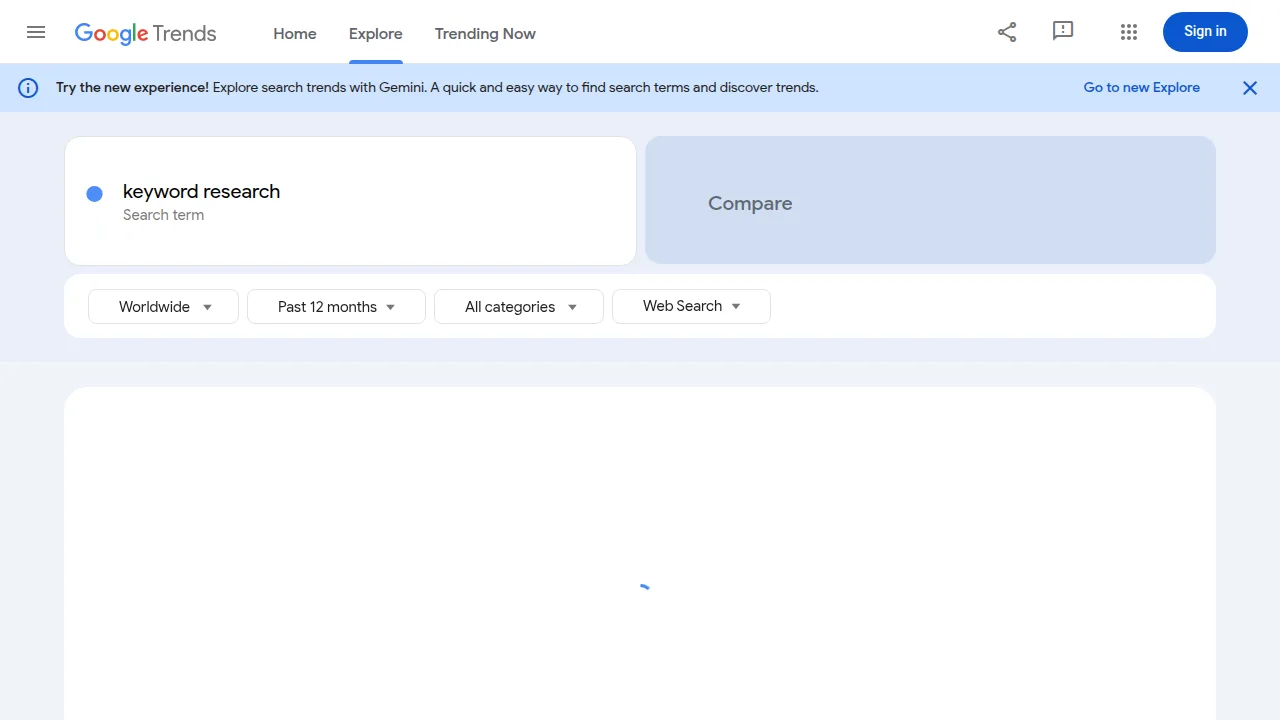
Step 2: Expand each seed into real searches. Type a seed into Google and note the autocomplete suggestions and the "People also ask" questions; those are real searches by real people. Then open Google Trends to compare ideas: it shows which terms get searched more and the related queries rising right now.
Step 3: Check volume and difficulty. Put your best candidates into a free keyword tool or Google's Keyword Planner for rough monthly volumes. Treat the numbers as a weather report, not exact science: the order of size between keywords matters, not the last digit.
Step 4: Favour long-tail keywords. "SEO" gets searched a lot and is nearly impossible for a new site. "What is keyword research for beginners" gets fewer searches, but its searchers want exactly the guide you can write, and far fewer strong sites compete for it. A new website grows by winning twenty small searches, not by losing one giant one.
Step 5: Check the first page before you commit. Search your chosen keyword. If the results are all huge brands or videos, think twice. If smaller blogs and slightly old articles are ranking, that is your opening: write the fresher, clearer, more complete page.
Free Tools That Are Honestly Enough
Paid tools are lovely, but four free ones cover serious keyword research. Google Trends shows demand and seasonality. Google search itself gives autocomplete ideas and shows the competing pages. Keyword Planner, inside Google Ads, gives volume ranges with a free account. And Search Console shows the searches your site already appears for, pure gold once you have traffic; our guide to the SEO metrics that actually matter explains how to read those numbers.
The official SEO Starter Guide keeps repeating one idea in different words: think about what your readers are looking for, use the words they use, and organise your content around those topics. That is keyword research, described by the people who run the search engine.
A Quick Example, Start to Finish
Imagine you run a small bakery in Pune and blog to attract customers. Your seed is "cake recipes". Far too broad. Autocomplete suggests "eggless cake recipe", "chocolate cake recipe in cooker" and "birthday cake recipe eggless". Trends shows "eggless cake recipe" rising every festival season. The long-tail winner is "eggless chocolate cake recipe in cooker": clear intent (a recipe, eggless, made in a cooker), modest competition, and exactly the post a home baker can write brilliantly. One afternoon of research just became a post that can bring visitors for years.
Common Beginner Mistakes
Chasing only high-volume keywords is the classic one. The second is targeting keywords nobody searches because the phrase sounds clever; clever titles are for novels, not search. The third is putting five different topics into one post, so Google cannot tell what it is about: one main keyword per page is the rule. And the fourth is doing the research once and never again. Searches change with seasons and news, so revisit your list every few months.
Frequently Asked Questions
What is a keyword in SEO?
A keyword is the word, phrase or question a person types into a search engine. In SEO it also means the term you choose as one page's main target, so Google knows what that page should rank for.
How many keywords should one page target?
One main keyword per page, supported by a handful of closely related phrases used naturally in the text. Trying to target ten unrelated keywords on one page confuses Google and usually ranks for none of them.
Can I do keyword research without paid tools?
Yes. Google autocomplete, Google Trends, Keyword Planner and Search Console together cover everything a beginner or small business needs. Paid tools mainly save time once you publish at a large scale.
What is a long-tail keyword?
A longer, more specific search phrase, usually three or more words, like "eggless chocolate cake recipe in cooker". It gets fewer searches but has clearer intent and much weaker competition, which makes it perfect for new websites.
Conclusion
Keyword research is simply listening before you speak. Find the words your readers already type into Google, check the volume, difficulty and intent behind them, then write the clearest answer on the internet for the ones you can win. Do that for every post and your blog stops depending on luck.



Leave a Comment