

 Lavkush
You can check if your email was in a data breach in about two minutes, for free. When a website or app gets hacked, the stolen data, often email addresses and passwords, ends up being sold and shared in hacker circles for years. Breach checking services collect these leaked databases and let you search your own email address in them, so you know exactly which of your accounts need a new password. This guide shows the check step by step, explains what the result really means, and lists what to do next so a leaked password cannot hurt you.
What a Data Breach Actually Is
A data breach happens when attackers break into a company's systems and copy its user database. Sometimes the news announces it loudly. Sometimes the company itself finds out months later, from the same public leak everyone else sees. The copied data usually includes email addresses, names and passwords, and in worse cases phone numbers, addresses and payment details.
Here is the part most people miss: you do not need to have done anything wrong. Your favourite shopping site, a forum you joined in 2016, or a food delivery app can be the weak link. Your email address is probably sitting in more databases than you remember creating accounts for, which is exactly why this two minute check is worth doing once or twice a year.
Step by Step: Check Your Email on Have I Been Pwned
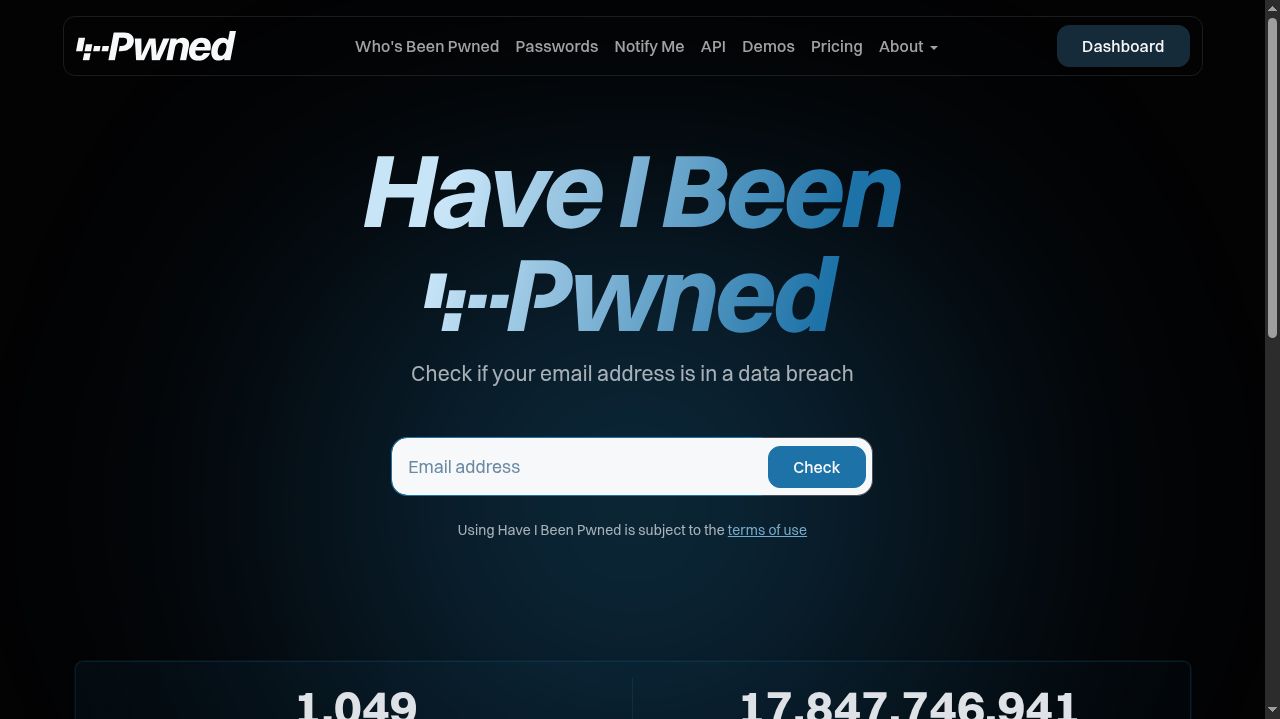
The best known checking service is Have I Been Pwned, a free and respected site run by a security researcher. It holds billions of leaked records collected from real breaches. The check takes less time than making tea:
| Step | What to do | What it means |
|---|---|---|
| 1 | Open haveibeenpwned.com and type your email address | The site searches its breach collection for your email |
| 2 | Read the result page carefully | Green means no match found; red lists the breaches your email appears in |
| 3 | Note the names and dates of the breached services | These are the accounts that need your attention first |
| 4 | Repeat the check for every email address you use | Old college and work emails get leaked too |
A second opinion never hurts. Mozilla Monitor, from the makers of the Firefox browser, offers a similar free breach check and can alert you when your email appears in a new breach. Using both takes four minutes in total and covers you from two directions.
What the Result Really Means
If the result is green, breathe easy, but understand the limit: it means your email is not in the known leaks the service has collected. A fresh breach that nobody has published yet will not appear. Green is good news, not a lifetime guarantee.
If the result is red, do not panic, but do act. A red result means your email, and possibly an old password, is circulating in files that thousands of strangers can download. Attackers use these files for something called credential stuffing: software tries your leaked email and password pair on hundreds of other websites automatically, hoping you reused the same password. This is why one old forum leak can suddenly break into your email or social accounts years later.
Signs Your Account May Already Be Misused
Sometimes a breach stops being history and becomes an active problem. Watch for these warning signs on any of your accounts: password reset emails you never requested, login alerts from cities or devices you do not recognise, messages in your sent folder that you never wrote, friends asking about strange links from your account, and small unknown transactions on a linked card. Any one of these means someone may already be inside. In that case skip the calm checklist order: change that account's password immediately from a clean device, turn on two-factor authentication, sign out all other sessions from the account's security settings, and only then continue with the remaining steps below.
What to Do If Your Email Was Found
Work through these steps in this order, starting today:
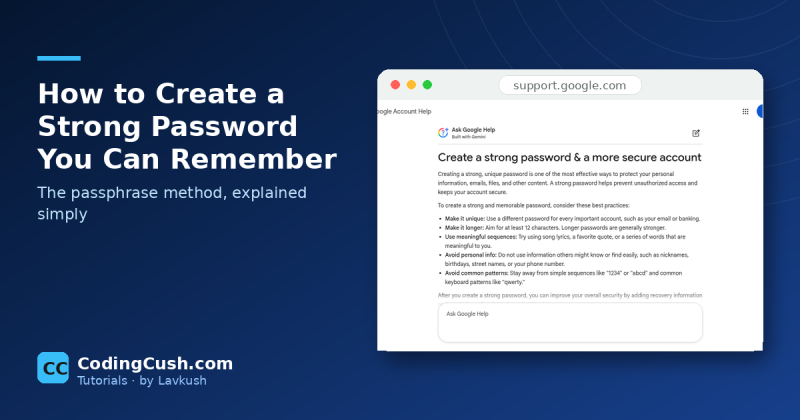
1. Change the password on the breached service first, if you still use it. Then change the password on every other account where you reused that same password or a close variation. If you need a method for making passwords that are both strong and memorable, follow our guide on how to create a strong password and use a different one for every account.
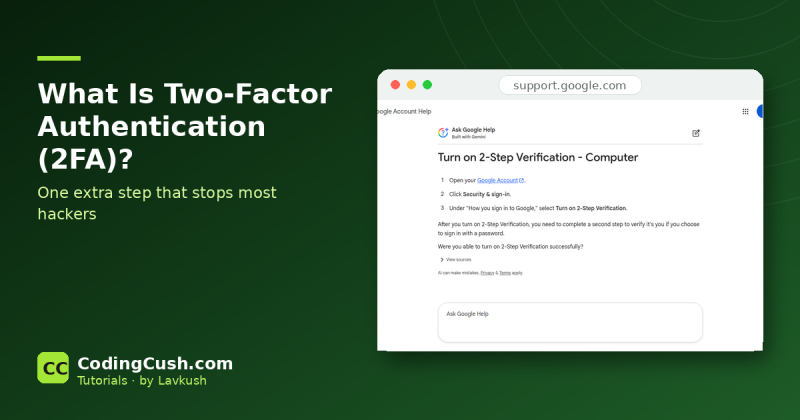
2. Turn on two-factor authentication on your important accounts, starting with your main email, banking and social media. Our simple explainer on what two-factor authentication is shows why it blocks attackers even when they know your password, and how to switch it on in minutes.
3. Watch for phishing. A breached email address receives more scam messages, because attackers know it is real and now know which services you use. Be extra suspicious of emails claiming to be from the breached company.
4. Check your bank and payment apps if the breach included financial services, and scan recent statements for transactions you do not recognise.
Why Companies Take So Long to Tell You
People often ask why a breach from two years ago is in today's news. There are two common reasons. Sometimes the company genuinely did not know: attackers can sit quietly inside a system for months, and the copied database only becomes public when someone tries to sell it. In other cases the company knew but needed time to investigate what was taken, fix the hole and prepare support for millions of users at once. Neither reason is very comforting, but both explain the same practical lesson: the leak date and the news date are rarely the same, so your safety routine cannot depend on headlines. Regular checks and unique passwords protect you even when the announcement arrives fashionably late.
How to Stay Ahead of the Next Breach
You cannot stop companies from being hacked, but you can make every breach boring. Use a unique password for every account, ideally stored in a password manager so you only remember one master password. Turn on two-factor authentication wherever it exists. Keep your email inbox as your early warning system: your main email is the reset point for almost every other account, so it deserves your strongest password and your fastest reaction. And run this breach check every few months, the way you would check a bank statement. Two minutes, twice a year, is a very cheap insurance policy.
Frequently Asked Questions
Is it safe to type my email into a breach checking site?
Yes, for the established services named in this guide. You are only entering an email address, never your password. Never type your actual password into any checking site; a site that asks for it is not trustworthy.
My email was in a breach from 2018. Should I still worry?
Only if you still use that old password anywhere. Leaked data never expires for attackers, but it becomes useless the moment you change the password and use a unique one for every account.
Can I remove my email from leaked databases?
Realistically, no. Once data is copied and shared, it cannot be pulled back. What you can do is make it worthless by changing passwords and turning on two-factor authentication, which is what actually protects you.
How often should I check my email for breaches?
Every three to six months is a sensible habit, and immediately whenever you hear news of a big breach at a service you use. Mozilla Monitor can also alert you automatically when a new breach includes your email.
Conclusion
A data breach sounds dramatic, but your response is calm and mechanical: check your email on a trusted breach service, change any reused passwords, turn on two-factor authentication, and stay alert for phishing. Do that, and a leaked database becomes an old news story instead of a break-in. Run the two minute check today, before a stranger runs it against you.


Leave a Comment