

 Lavkush
Phishing is a trick where a criminal sends you a fake email, SMS or message that looks like it came from a real company, your bank or even your boss. The message wants one thing: to make you click a bad link, open a bad file, or type your password and card details into a fake website. The name sounds like "fishing" for a reason. The message is the bait, and you are the fish they are hoping to catch. The good news is that phishing is easy to stop once you know the warning signs, and this guide teaches you those signs in simple words.
What Phishing Means in Simple Words
Imagine someone prints a fake uniform, stands outside your house and says, "I am from the electricity department, please give me your house keys for checking." You would look closely before handing anything over. Phishing is the same trick on the internet, only faster and cheaper for the criminal. One person can send a million fake emails in a day for almost no money. If even a few hundred people believe the message, the trick has paid for itself.
The fake message usually copies a real brand very well. The logo looks right, the colours look right and the words sound official. The difference hides in the small details: the sender address, the link destination and the pressure the message puts on you. Learning to check those three things will protect you from almost every phishing attempt you will ever receive.
Why Phishing Works So Well
Phishing does not attack your computer first. It attacks your feelings. Almost every fake message uses one of four levers. The first is urgency: "Your account will be closed in 24 hours." The second is fear: "Someone logged into your account from another country." The third is greed: "You have won a prize, claim it now." The fourth is authority: a message that looks like it came from your bank, your company CEO or a government office.
All four levers have the same goal. They want you to act fast and think later. A calm person checks the sender. A panicked person clicks first and regrets it in the evening. So the first rule of phishing defence is almost funny in its simplicity: the more a message hurries you, the slower you should go. Real banks do not close accounts because of one unanswered email, and real prizes do not arrive by random text message.
The 6 Warning Signs to Check
Before you click anything in a surprising message, run through these six checks. They take less than a minute, and most fake messages fail at least two of them.
| Sign | What to check |
|---|---|
| 1. Sender address | Look at the full email address, not just the name. "support@paypa1-secure.com" is not PayPal. One changed or extra letter is the classic trick. |
| 2. Greeting | Real companies usually use your name. "Dear customer" or "Dear user" often means the sender does not actually know you. |
| 3. Urgency | Threats, countdowns and "act now or lose access" language are pressure tools. Treat every hurry-up message as suspicious. |
| 4. Link destination | Hold your mouse over the link, or long-press it on a phone, and read where it really goes. This is much easier once you understand what a URL is and how to read one. |
| 5. Spelling and design | Awkward sentences, spelling mistakes and slightly blurry logos are common in fake messages, because criminals work fast. |
| 6. Unexpected attachments | An invoice, receipt or document you never asked for is a favourite hiding place for harmful files. Do not open it to "check what it is". |
If a message fails even one of these checks, do not click. Open the real app or type the real website address yourself, log in there, and see whether the company actually needs anything from you. Almost every time, it does not.
The Main Types of Phishing
Email phishing is the original and still the most common type: a fake email pretending to be a bank, delivery company, shopping site or office tool. Smishing is the same trick by SMS, often about a parcel, a bank alert or a government refund. WhatsApp and social media phishing arrives as messages about prizes, job offers or a friend in trouble who suddenly needs money. Vishing is voice phishing: a phone call from a fake bank officer or support agent who tries to talk you into sharing a one-time code. Finally, fake websites are the trap at the end of most of these messages: a copy of a real login page that records whatever you type.
The channel changes, but the recipe never does: a trusted name, a strong feeling and a link or request. Once you see the recipe, you start seeing it everywhere, which is exactly the skill you want. Criminals use many other tricks too, including technical attacks like how hackers break into websites, but phishing stays their favourite because it needs no special skill, only your trust.
Train Yourself with Two Trusted Resources
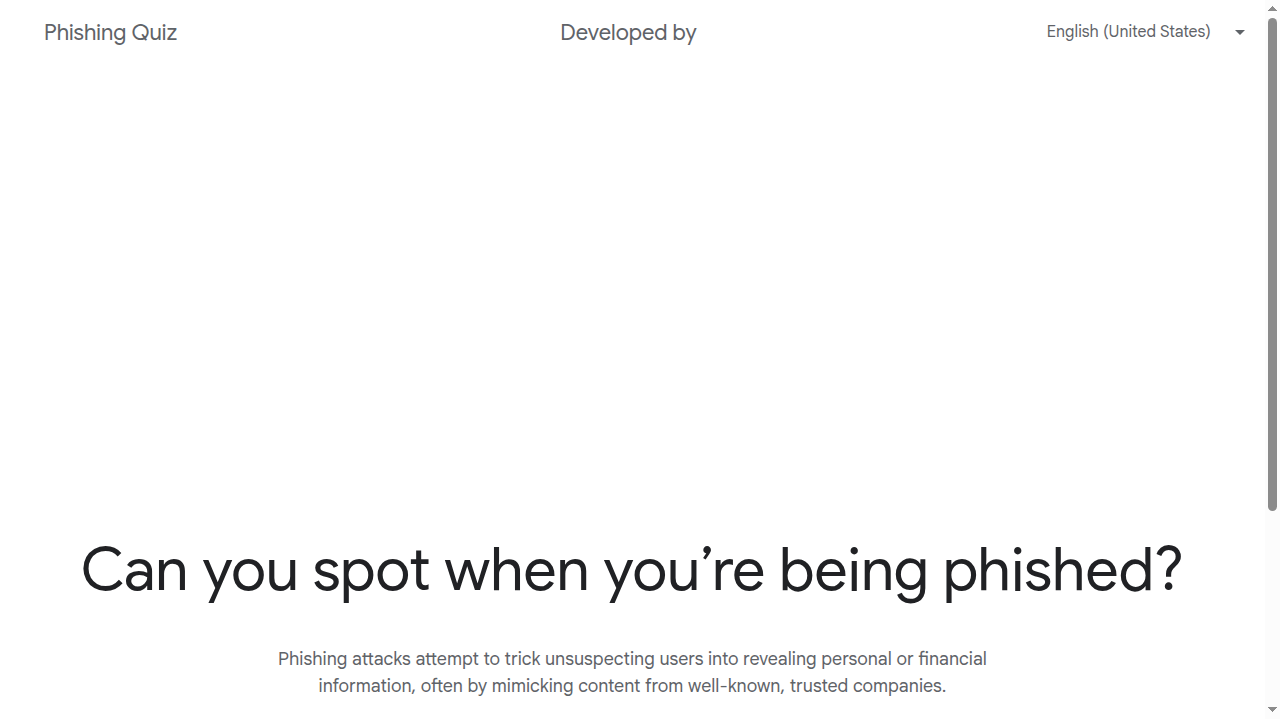
The UK National Cyber Security Centre publishes clear, practical NCSC guidance on phishing that explains how to spot and report fake messages, and it is written for normal people, not engineers. If you prefer learning by doing, try Google's phishing quiz. It shows you a series of messages and asks a simple question each time: real or fake? Most people get at least one wrong, and that small surprise is the best teacher. Take it once, and you will read your inbox differently forever.
What to Do If You Already Clicked
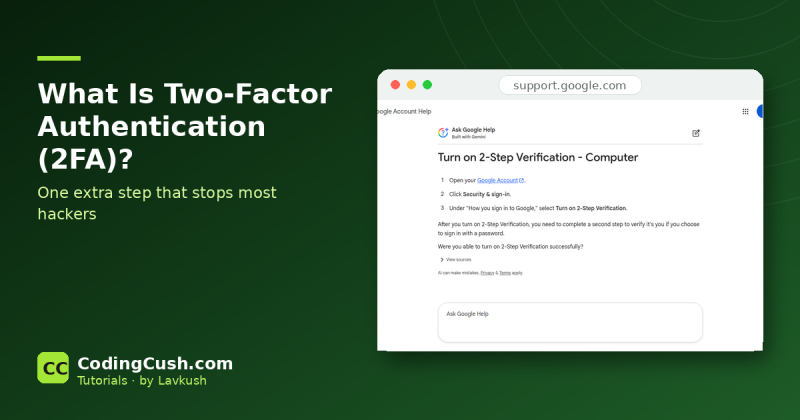
First, do not panic, and do not feel foolish. These messages are designed by professionals to fool busy people, and they fool security experts too. Then act in this order. If you typed your password on a fake page, open the real website yourself (never through the message link) and change that password immediately. If you use the same password anywhere else, change it there too. Turn on two-factor authentication for that account. Watch the account for a few days for logins or changes you do not recognise. If you entered card or bank details, call your bank on the number printed on your card and tell them what happened. Finally, report the message: most email apps have a "report phishing" option, and reporting helps protect the next person.
Frequently Asked Questions
Can phishing happen on WhatsApp and SMS too?
Yes. Phishing is about the trick, not the channel. Fake parcel messages, prize messages and "your account is blocked" texts are all phishing, whether they arrive by email, SMS or WhatsApp.
How can I check a link without clicking it?
On a computer, hold your mouse over the link and the real destination appears, usually in the corner of the window. On a phone, press and hold the link to preview it. If the address looks strange or misspelled, do not open it.
I clicked a phishing link but did not type anything. Am I safe?
Usually yes, especially if you closed the page quickly and your device is up to date. Still, run a security scan, watch the related account for odd activity, and be careful with follow-up messages, because the criminals now know your address responds.
Why do companies not just stop phishing completely?
Because the fake messages come from outside the company, from accounts and servers the company does not control. Companies block millions of them daily, but a few always slip through, which is why your own checks matter so much.
Conclusion
Phishing is a confidence trick dressed as an email. It works by rushing your feelings, and it fails the moment you slow down and check the sender, the link and the story. Learn the six warning signs, practise with the quiz, and remember the golden rule: when a message creates panic, open the real app yourself instead of clicking. That one habit will keep you safer than any software you can buy.


Leave a Comment