

 Lavkush
 A JavaScript Promise is an object that represents a value you do not have yet, but will get later — like a token at a food counter that stands for the meal being prepared. Code that waits for data, timers or file reads uses Promises so the page never freezes while waiting. The async and await keywords are simply a cleaner way to write Promise code, letting asynchronous work read almost like normal, step-by-step code.
If callbacks ever left you staring at a staircase of nested functions wondering how you got there, this guide is for you. We will take one small example — loading a user from a server — and walk it through callbacks, then Promises, then async/await, so you can see exactly what each step improves.
The Problem: JavaScript Does Not Wait
JavaScript runs one line after another and does not pause at slow operations. Ask for data from a server and the next line runs immediately, long before the answer arrives. That is a feature, not a bug: while the network is busy, the page stays responsive and buttons still click. But it means you need a way to say "when the data finally arrives, then do this."
console.log('1. Asking the server for a user...');
setTimeout(function () {
    console.log('2. The user arrived (2 seconds later)');
}, 2000);
console.log('3. This line does NOT wait');
Run this and the order is 1, 3, 2. Line 3 refuses to wait, exactly as designed. Try it yourself in your browser console right now — it takes ten seconds and makes the idea stick far better than any diagram. So how do we run code in the right order when some steps are slow? For years, the answer was callbacks.
The Old Way: Callbacks, and the Pyramid Problem
A callback is a function you hand over, asking for it to be called when the work finishes. One callback is fine. The trouble starts when each step depends on the one before it: get the user, then get their orders, then get each order's delivery status. Each new step nests inside the previous one, and the code slides sideways into what developers cheerfully call the pyramid of doom.
getUser(7, function (user) {
    getOrders(user.id, function (orders) {
        getDelivery(orders[0].id, function (status) {
            console.log('Delivery status:', status);
        });
    });
});
It works, but reading it is hard, and handling an error means repeating checks inside every layer. Promises were added to JavaScript to flatten exactly this staircase.
What a Promise Is, in Plain Words
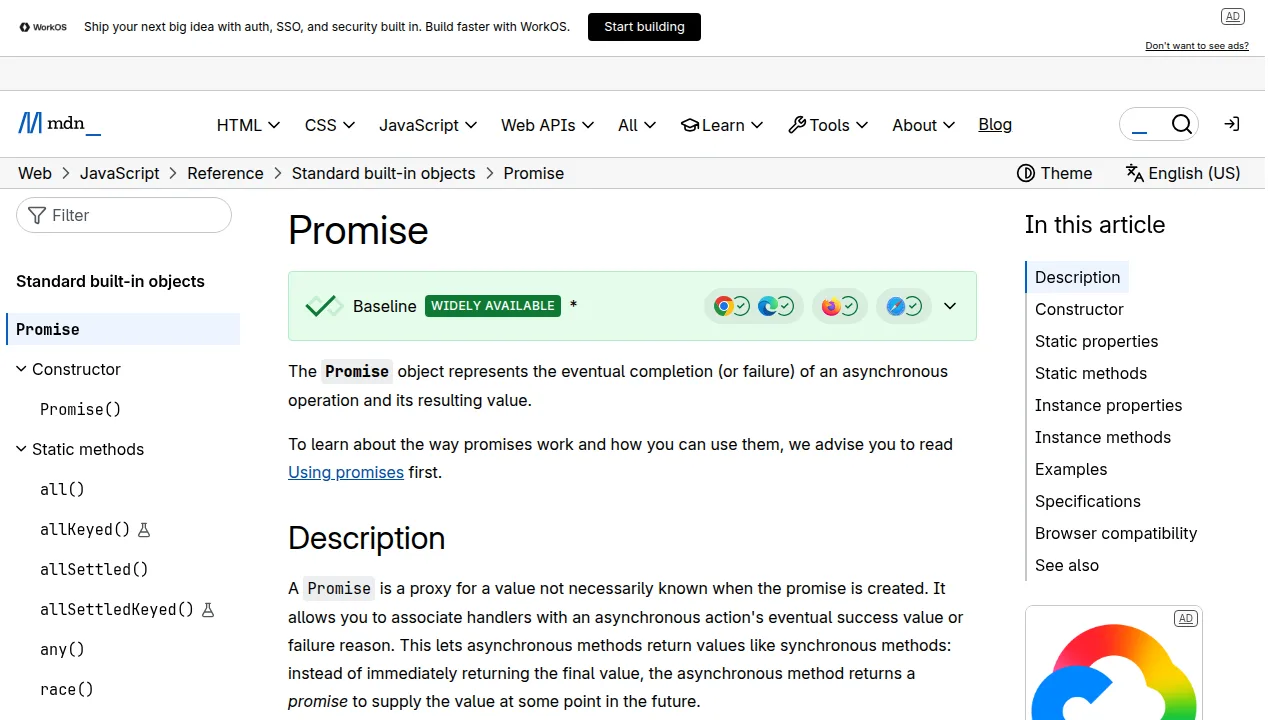
A Promise is in one of three states. It starts as pending, still waiting. It then settles in one of two ways: fulfilled, meaning the work succeeded and a value is ready, or rejected, meaning something went wrong and you get an error instead. A settled Promise never changes its mind, which makes the behaviour predictable. MDN's reference page for the Promise object describes these states and every method in full detail.
function waitTwoSeconds() {
    return new Promise(function (resolve, reject) {
        setTimeout(function () {
            resolve('Done waiting!');
        }, 2000);
    });
}

waitTwoSeconds().then(function (message) {
    console.log(message); // runs after 2 seconds
});
Inside the Promise, you call resolve(value) when things go well and reject(error) when they do not. Outside, .then() receives the success value, and .catch() receives any error. In practice you will use Promises returned by tools like fetch() far more often than you create your own.
Chaining: Promises Flatten the Pyramid
The real magic is that .then() returns a new Promise, so calls can chain in a straight line instead of nesting. Here is the same three-step job from earlier, rewritten flat:
fetch('https://jsonplaceholder.typicode.com/users/7')
    .then(function (response) { return response.json(); })
    .then(function (user) {
        console.log('User:', user.name);
        return fetch('https://jsonplaceholder.typicode.com/users/7/posts');
    })
    .then(function (response) { return response.json(); })
    .then(function (posts) {
        console.log('First post:', posts[0].title);
    })
    .catch(function (error) {
        console.log('Something went wrong:', error.message);
    });
Read it top to bottom, like a recipe. One .catch() at the end catches an error from any step above it — no repeating the same check at every level. That single change is why Promises replaced nested callbacks across the whole ecosystem.
async/await: The Same Promises, Written Simply
JavaScript then added async and await, which are not a new system at all — they are new spelling for the same Promises. Mark a function with async and it automatically returns a Promise. Inside it, await pauses that function (not the whole page) until a Promise settles, and hands you the value directly. MDN's page on the async function declaration shows how the two keywords fit together.
async function showFirstPost() {
    try {
        const response = await fetch('https://jsonplaceholder.typicode.com/users/7');
        const user = await response.json();
        console.log('User:', user.name);

        const postsResponse = await fetch('https://jsonplaceholder.typicode.com/users/7/posts');
        const posts = await postsResponse.json();
        console.log('First post:', posts[0].title);
    } catch (error) {
        console.log('Something went wrong:', error.message);
    }
}

showFirstPost();
Compare the two versions honestly: identical work, identical Promises underneath, but the async/await version reads like ordinary code and uses the familiar try/catch for errors. This is why almost all modern JavaScript you will meet at work is written this way.
| Style | How success is handled | How errors are handled | Best for |
|---|---|---|---|
| Callbacks | Pass a function to run later | Check inside every layer | Very old code and simple timers |
| Promises with .then() | Chain .then() calls in a line | One .catch() at the end | Chained steps and parallel work |
| async/await | await each step, top to bottom | try/catch around the awaits | Most new code you write |
One Useful Extra: Running Promises Together
Sometimes steps do not depend on each other — you need a user's profile and their settings, but either can arrive first. Awaiting them one by one wastes time. Promise.all() starts them together and gives you all the results when the slowest one finishes, which can make a page feel much snappier.
const [userRes, postsRes] = await Promise.all([
    fetch('https://jsonplaceholder.typicode.com/users/7'),
    fetch('https://jsonplaceholder.typicode.com/users/7/posts')
]);
If any one of them fails, Promise.all() rejects as a whole, so keep the try/catch around it. Use it when the steps are truly independent, and plain sequential awaits when each step needs the previous result.
Where This Fits With What You Already Know
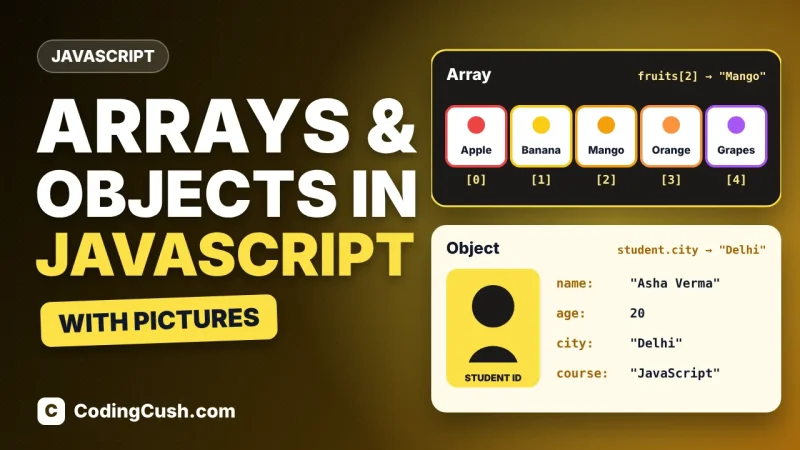
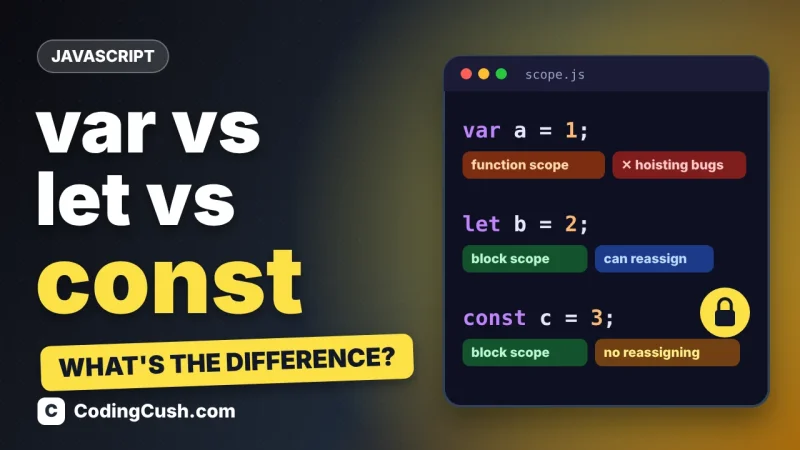
Promises sit underneath almost everything in modern JavaScript: fetching API data, loading images, timers, and most library calls. If array work is your next topic, our guide to JavaScript array methods pairs nicely, because real code usually fetches an array and then transforms it. And if variable declarations still trip you up while reading examples, our var vs let vs const explainer clears that up in minutes. More guides are gathered in the Learn JavaScript hub.
Frequently Asked Questions
Is async/await different from Promises?
No. async/await is syntax built on top of Promises. An async function returns a Promise, and await pauses until a Promise settles. You can mix both styles in the same project without any problem.
Does await block the whole browser page?
No. await pauses only the async function it sits in. The rest of the page — clicks, scrolling, other scripts — keeps running normally while the Promise is pending.
What happens if I forget await?
You get the Promise object itself instead of its value, so printing it shows "Promise { pending }" instead of your data. It is one of the most common beginner bugs, and now you will recognise it instantly.
Should I learn .then() if async/await exists?
Yes. You will meet .then() in older code, library examples and interviews, and Promise methods like Promise.all() are used inside async functions too. Learn to read both; write mostly async/await.
Conclusion
Callbacks asked you to nest. Promises let you chain in a straight line with one place for errors. async/await then made the same ideas read like plain, top-to-bottom code. Learn the food-token picture — pending, fulfilled, rejected — practise the fetch example twice, and asynchronous JavaScript stops being the scary chapter and becomes the chapter everything else stands on.


Leave a Comment