

 Lavkush
Cyber security means protecting computers, phones, accounts and data from people who want to steal, damage or misuse them. In simple words, it is the lock on your digital front door. Every day you trust the internet with your email, your bank balance, your photos and your private messages, and cyber security is the set of tools and habits that keeps all of that safe from criminals. The good news is that you do not need to be a technical expert to benefit from it. Most protection comes from simple habits, plus software that quietly does the hard work in the background.
What Cyber Security Means in Simple Words
Imagine your online life as a small house. Your email account is the front door, your passwords are the keys, your photos and documents are the valuables inside, and your phone is the window you sometimes leave open. Cyber security is everything you do to keep unwanted visitors out of that house: strong locks, closed windows, an alarm that warns you, and the common sense not to hand your keys to a stranger. Just like home security, no single measure does everything, so you layer several together.
The people on the other side are not always shadowy geniuses in dark rooms. Many are ordinary criminals using ready-made tools, and many attacks are automated: a program tries millions of doors looking for one that is open. That is actually hopeful news. Because most attacks are not personal, basic defences stop the majority of them. You do not have to outsmart a mastermind. You mostly have to avoid being the easiest target on the street.
Why It Matters to Ordinary People, Not Just Companies
It is tempting to think hackers only chase big companies and celebrities. In reality, ordinary accounts are valuable. Your email can reset every other password you own. Your social media account can be used to scam your friends. Your saved card details can be spent in minutes, and your personal photos can be used for blackmail or identity theft. Criminals also love small businesses and individuals because their defences are usually weaker. A big bank has a security team. You have a password you have reused since college.
The cost of an attack is not only money. Losing an account can mean losing years of photos, messages and work. Recovering from identity theft can take months of paperwork. And once private data leaks online, you cannot take it back. A few minutes spent on basic security now is far cheaper than cleaning up later, in the same way that a small lock is cheaper than replacing everything in the house.
The Common Threats, Explained Simply
Most online attacks use a handful of well known tricks. Once you can recognise them, they lose much of their power, because nearly all of them depend on speed, fear or carelessness. Here are the five threats an ordinary user is most likely to meet, in plain words.
| Threat | What it does | How it reaches you |
|---|---|---|
| Malware | Harmful software that spies on you, steals data or damages your device | Fake downloads, infected email attachments and shady apps |
| Phishing | Tricks you into typing passwords or card details into a fake page | Emails, texts and messages pretending to be from trusted brands |
| Ransomware | Locks your files and demands payment to unlock them | Infected attachments, fake software updates and compromised websites |
| Weak passwords | Lets attackers guess or crack their way straight into your accounts | Old breach lists, guessing tools and simple trial and error |
| Data breaches | Leaks personal data stored by a company you trusted | Attacks on company servers, databases and websites |
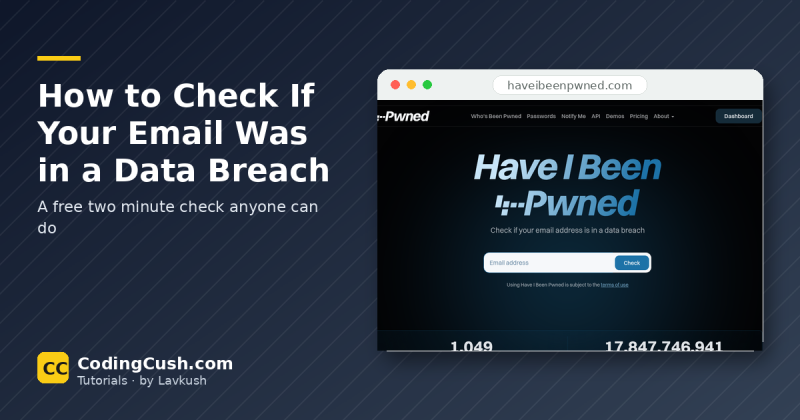
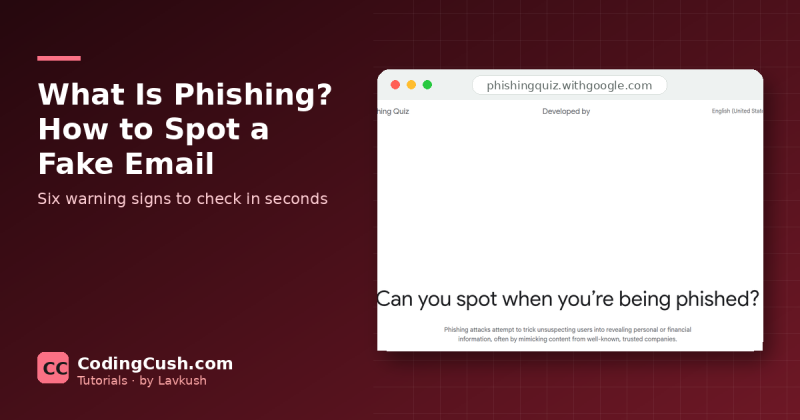
Notice the pattern: most threats arrive through something you open, click or type. Phishing is the clearest example. A message claims your account will be blocked, you panic, you click, and you land on a page that looks exactly like your bank. The giveaway is usually the address of the page, which is why it helps to slow down and understand what a URL is and how it works before you trust any link. Attackers also target websites directly rather than individual users. When a site stores data carelessly, a single break-in can expose thousands of accounts at once, sometimes through classic tricks like how hackers break into websites using SQL injection. Your data is only as safe as the weakest site holding it, which is why your own habits matter so much.
The Three Goals: Confidentiality, Integrity, Availability
Security professionals judge every system against three goals, often called the CIA triad, which sounds like a spy film but is really a simple checklist. The first is confidentiality: only the right people can see your information, so your messages stay private and your files stay yours. The second is integrity: your data is not secretly changed along the way, so the bank balance you see is the real one and the file you download is the file that was sent. The third is availability: your data and services are there when you need them, not locked, deleted or knocked offline. Every security tool you will ever meet, from a password to a firewall, exists to protect one or more of these three things.
Basic Habits That Protect You
You do not need expensive software to be much safer than average. A few habits stop the most common attacks, and most of them take minutes to set up once.
Keep everything updated. Updates are not just new features; they quietly repair security holes that attackers already know about. Turn on automatic updates for your phone, computer, browser and apps, and stop postponing that restart notification.
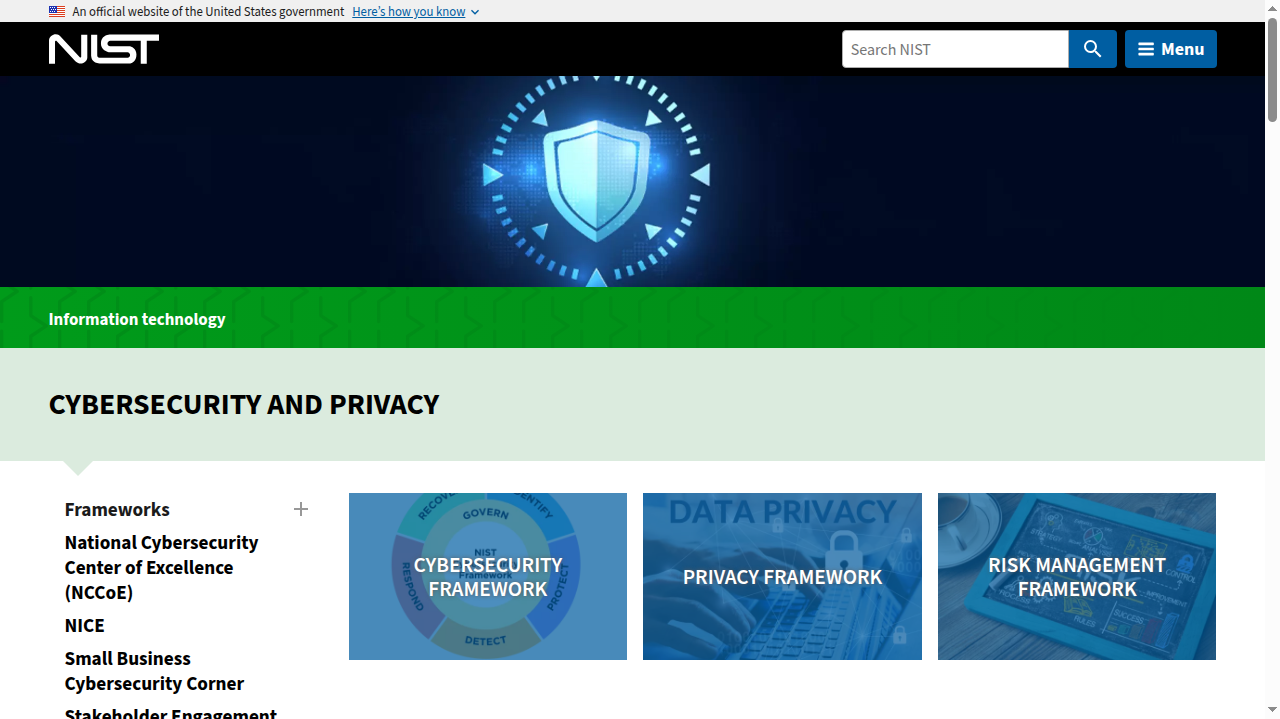
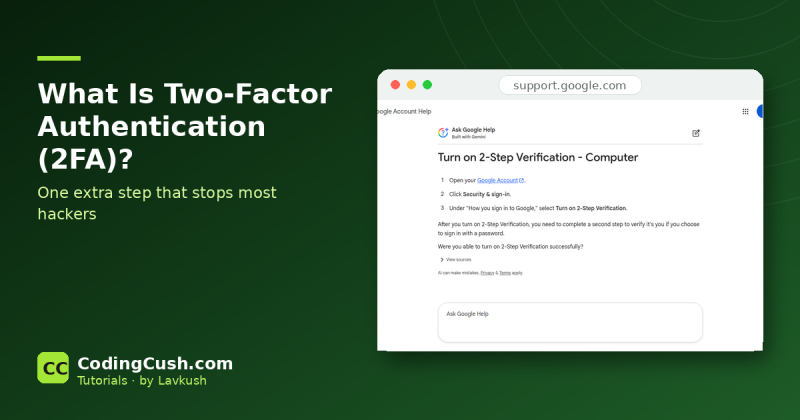
Use a long, different password for every account, and switch on two factor authentication wherever it is offered. Two factor means a second proof, usually a code on your phone, so a stolen password alone is not enough to get in. The NIST cybersecurity resources publish clear guidance on exactly this, because proving identity is where most accounts are won or lost.
Slow down before you click or pay. Urgency is the attacker's favourite tool, so any message demanding instant action deserves extra suspicion. Finally, keep backups of important files in a second place, such as an external drive or cloud storage, so ransomware becomes an annoyance instead of a disaster. The UK's National Cyber Security Centre shares a similar shortlist in its top tips for staying secure online, and the overlap is no accident: the basics work everywhere.
Cyber Security as a Career
Because every organisation runs on computers, cyber security has become a career path rather than a niche hobby. Security teams hire people to monitor systems, test defences, investigate incidents and teach staff safer habits. The work suits curious problem solvers, and it pays well because skilled people are scarce. Beginners usually start with basic IT or networking knowledge, then add security certifications and practice in home labs. If you enjoy understanding how systems break, it is a future proof corner of tech.
Frequently Asked Questions
Is antivirus software enough to keep me safe?
No. Antivirus is one useful layer, but it cannot stop you typing your password into a fake website or reusing a leaked password. Safety comes from layers working together: updates, unique passwords, two factor authentication, backups and your own attention. Think of antivirus as a seat belt, essential but not a substitute for careful driving.
Do hackers only target rich people and big companies?
No. Most attacks are automated and impersonal: your account simply happened to be reachable. Criminals happily empty small accounts, hijack modest social profiles and attack tiny businesses. Everyone with an email address and a bank card is worth protecting, including you.
What should I do first if I think I have been hacked?
Act quickly but calmly. Change the password of the affected account from a clean device, turn on two factor authentication, and check your email account next, because it controls password resets for everything else. Then warn your bank if money is involved, and warn contacts about strange messages from you.
I am not technical. Where should I start?
Start with three moves this week: update your phone and apps, change your email password to something long and unique, and switch on two factor authentication for email and banking. Those three steps block the most common attacks, and everything else can be added gradually.
Conclusion
Cyber security sounds grand, but in daily life it is mostly housekeeping: lock your accounts with long, unique passwords, add a second factor, keep software updated, back up what matters, and pause before you click. Do those things and you have already defeated the tricks that catch most people. The internet does not have to be a frightening place. It just rewards the careful.


Leave a Comment