

 Lavkush
Salesforce is the world's most widely used customer relationship management (CRM) platform. It is a cloud-based software service that helps a business manage its leads, customers, sales pipeline, marketing campaigns and customer support from one single place, without installing any software on its own servers. Because everything runs in the cloud, the whole team can log in from any laptop or phone and see the same up-to-date customer information. In this complete overview, you will learn what Salesforce is, how it works, its main products and features, and why companies of every size choose it.
What Is Salesforce, in Simple Words?
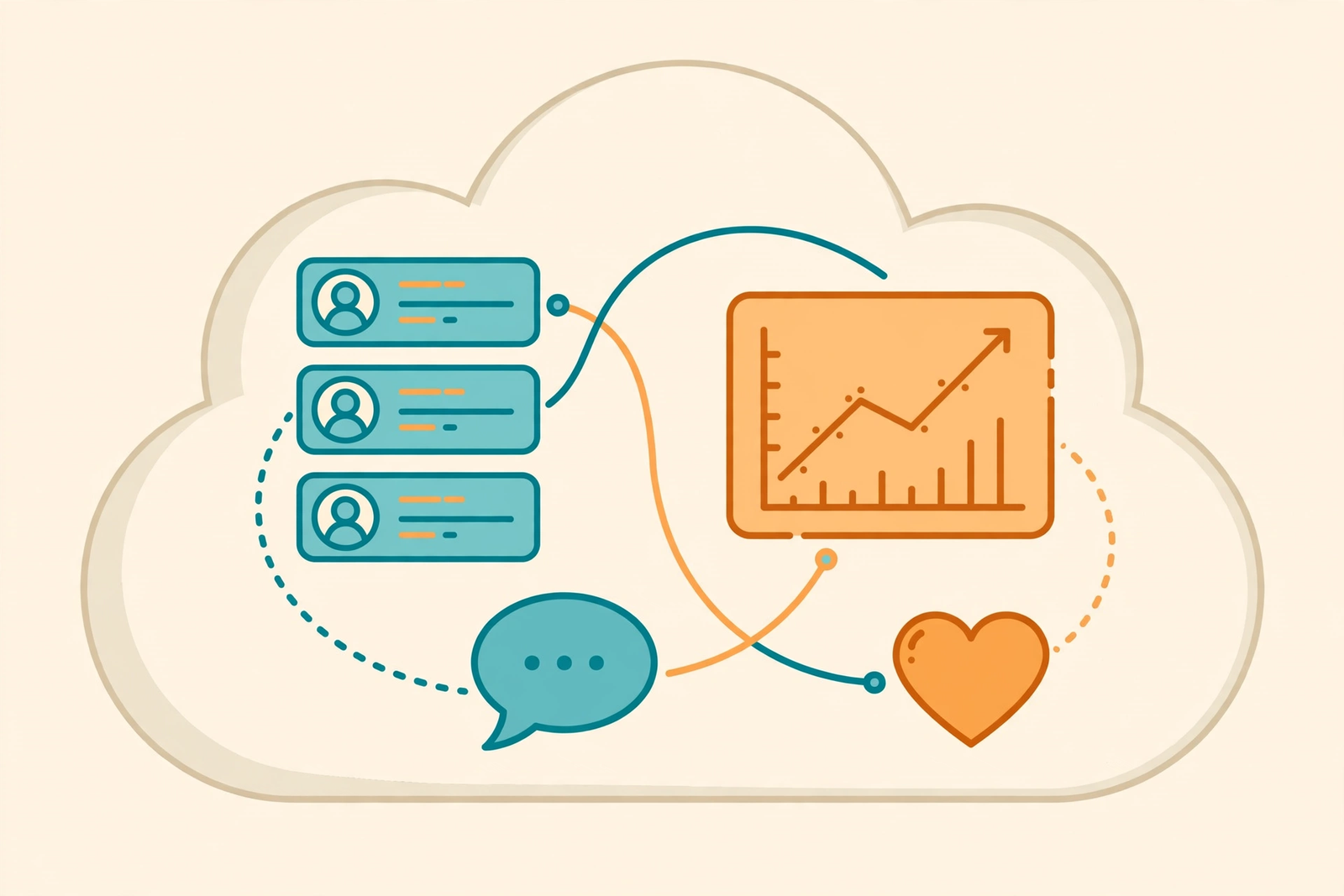
Think of Salesforce as one big, organised notebook for everything your business knows about its customers — except this notebook lives on the internet, updates itself, and reminds you what to do next. Every phone call, email, meeting, quotation and support request related to a customer is stored against that customer's record. When a salesperson opens a customer's page, they can see the full history in seconds: what the customer bought, what they asked about, and what was promised to them.
Salesforce calls this way of working CRM — Customer Relationship Management. Before tools like Salesforce, this information lived in spreadsheets, email inboxes and people's memories, and it was lost the moment an employee left the company. Salesforce keeps it safe in one central system that the whole organisation shares.
A Short History of Salesforce
Salesforce was founded in 1999 in San Francisco by Marc Benioff and his co-founders, working from a small apartment. Their idea was radical at the time: business software should be delivered over the internet, like a website, instead of being installed from CDs onto company servers. Their famous slogan was "No Software." Companies would simply subscribe, log in through a browser, and start working — no servers to buy, no IT team needed for installation, and no painful upgrades.
That idea became the model the whole software industry now follows, called Software as a Service (SaaS). Today Salesforce is one of the largest software companies in the world, and its platform is used by everyone from two-person startups to global enterprises and governments.
How Salesforce Works
Salesforce is usually described in three layers. The first is Software as a Service (SaaS): ready-to-use applications, like the CRM itself, that you access through the web on a subscription. The second is Platform as a Service (PaaS): the underlying Force.com platform (now called the Salesforce Platform) lets you build your own custom applications — for example a warehouse management system, a recruitment and payroll system, a project tracker or a survey tool — on top of the same secure infrastructure. The third layer is the cloud infrastructure underneath, which handles storage, security and scaling automatically.
The most important practical point is how customisation works. Roughly 80% of a typical Salesforce setup is done with configuration — clicking, dragging and setting options — and only about 20% needs actual coding. Administrators can add fields, design page layouts, build approval processes and automate routine work without writing a single line of code. Developers step in only for the advanced parts, which makes Salesforce fast and comparatively cheap to adapt to a business.
The Main Salesforce Products
Salesforce is not one product but a family of products, often called "Clouds," that share the same customer data:
- Sales Cloud — the original CRM. It manages leads, accounts, contacts, opportunities, contracts, the sales pipeline and forecasting, so managers can see which deals are likely to close this month.
- Service Cloud — customer support tools: support cases, knowledge bases, live chat and call-centre features that help agents resolve problems quickly.
- Marketing Cloud — email campaigns, customer journeys and audience targeting, so marketing teams send the right message at the right time and measure the results, much like you would track SEO metrics and rankings for a website.
- Commerce Cloud — online stores and shopping experiences connected directly to customer records.
- Experience Cloud — portals and communities where customers or partners log in and help themselves.
On top of these sits the AppExchange, a marketplace with thousands of ready-made third-party apps that plug into Salesforce, and Einstein, Salesforce's AI layer, which adds predictions and recommendations — for example, scoring leads by how likely they are to buy. Einstein is part of the same wave of generative AI tools reshaping every industry, applied specifically to sales and service data.
Key Features and Benefits
- Lead and account management — every prospect and customer organised in one place, with tasks and follow-up reminders.
- Pipeline and forecasting — a live view of every deal, its stage and its expected closing date.
- Reports and dashboards — high-end reporting with dynamic dashboards, so managers view performance data in one place instead of building spreadsheets.
- Automation — routine steps like assigning leads, sending follow-up emails and approving discounts happen automatically.
- Flexibility and customisation — fields, layouts and processes tailored to how your business actually works.
- Team collaboration — built-in feeds and sharing keep sales, marketing and support working from the same facts.
- Security and trust — enterprise-grade security, user permissions and audit trails; Salesforce calls this its "Cloud of Trust."
- Time management — streamlined workflows mean less manual data entry and fewer forgotten follow-ups.
Salesforce vs Traditional On-Premise CRM
| Point | Traditional On-Premise CRM | Salesforce (Cloud CRM) |
|---|---|---|
| Installation | Installed on company servers by an IT team | Nothing to install; log in via browser |
| Cost model | Large upfront licence plus hardware | Monthly or yearly subscription per user |
| Updates | Manual, slow and often skipped | Automatic releases three times a year |
| Access | Usually office network only | Anywhere, including mobile apps |
| Scaling | Buy more servers as you grow | Add users instantly |
| Maintenance | Your IT team is responsible | Handled by Salesforce |
Salesforce for Developers
Although most of Salesforce is point-and-click, it is also a serious development platform. Developers write server-side logic in Apex, a Java-like language, build interfaces with Lightning Web Components, and query records with SOQL, a SQL-like language. Salesforce also offers APIs, so other systems — your website, your billing software, your support desk — can read and write customer data automatically. This combination is why "Salesforce developer" and "Salesforce administrator" are both well-paid, in-demand job roles: businesses need people who can configure the platform, and people who can extend it with code when configuration is not enough. Salesforce's free learning platform, Trailhead, is where both administrators and developers train for those roles.
Frequently Asked Questions
Is Salesforce only for large companies?
No. Salesforce offers editions for small businesses as well as enterprises. A small team can start with a basic edition covering contacts, leads and deals, and move up as it grows — that scalability is one of its main selling points.
Do I need coding skills to use Salesforce?
For everyday use and most customisation, no. Salesforce is designed so administrators can configure fields, layouts, workflows and reports with clicks. Coding in Apex is only needed for advanced custom logic and integrations.
What is a CRM, exactly?
CRM stands for Customer Relationship Management. It is the practice — and the software — of storing everything a business knows about its customers in one system, so sales, marketing and support teams can serve them better and sell more effectively.
How much does Salesforce cost?
Pricing depends on the edition and products you choose and is charged per user, per month. Basic editions start at a modest monthly price per user, while advanced editions with AI and automation cost considerably more. Most businesses start small and expand.
What is the AppExchange?
The AppExchange is Salesforce's app marketplace. It contains thousands of third-party applications — for e-signatures, surveys, accounting, mapping and more — that install directly into your Salesforce account and work with your existing data.
Conclusion
Salesforce is the world's leading CRM because it took customer data out of scattered spreadsheets and put it into one secure, cloud-based system that sales, marketing and support teams all share. Its mix of ready-to-use apps, no-code customisation, a huge app marketplace and built-in AI makes it suitable for a two-person startup and a global enterprise alike. If you understand what Salesforce is and how its products fit together, you understand how most modern businesses organise their customer relationships.
 Anand Bajrangi


Leave a Comment