

 Lavkush
 If your Shopify store is not getting sales, the cause is almost always one of three things: not enough of the right people are visiting, the product pages are not convincing the people who do visit, or the checkout quietly pushes buyers away at the last step. Very few stores fail for mysterious reasons. The trick is finding which part of your funnel is leaking before you start "fixing" things at random — because redesigning your logo will not cure a traffic problem, and buying ads will not cure a product page nobody trusts. This guide walks you through an honest diagnosis first, then the twelve most common reasons stores do not sell, each with a concrete fix you can start today.
Step One: Diagnose Before You Fix
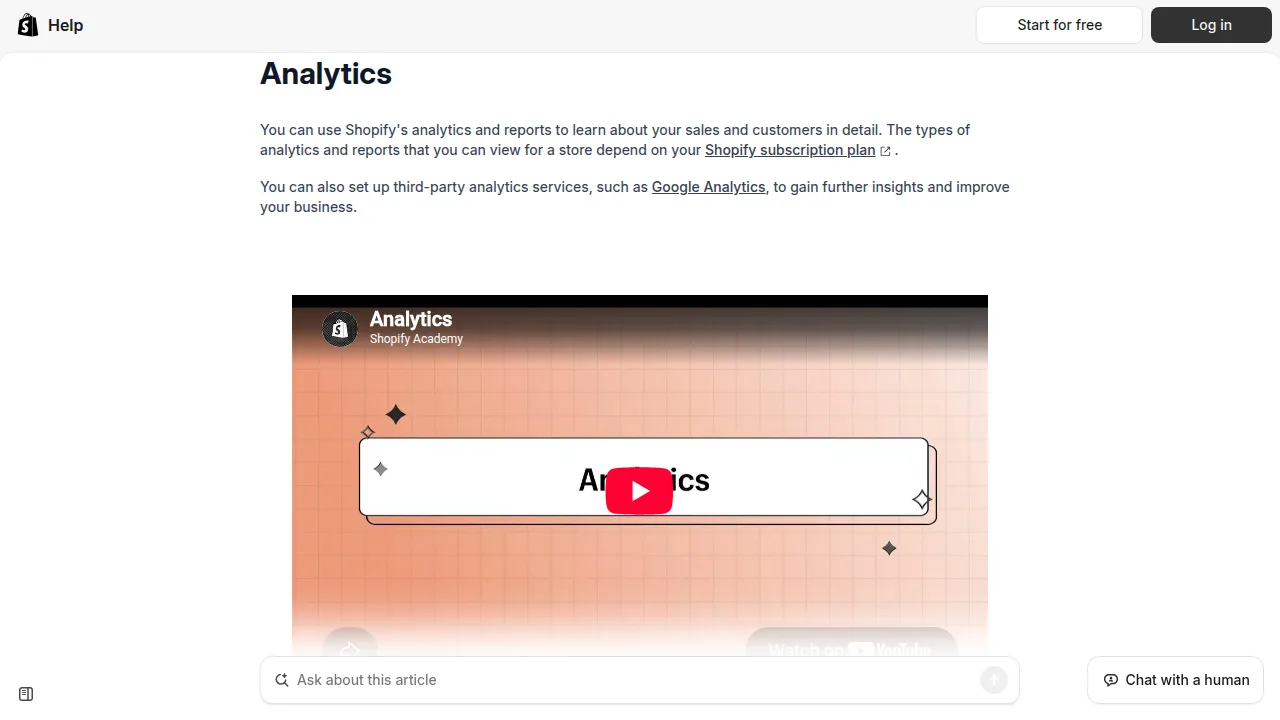
Open your Shopify Analytics dashboard and look at three numbers for the last 30 days: sessions (visitors), your conversion rate, and where visitors come from. Shopify's own guide to ecommerce conversion rates explains the benchmarks well: a typical online store converts somewhere around 1–3 percent of visitors into buyers. That one fact sorts most problems instantly. If you had 80 visitors last month, zero sales is not a mystery — it is arithmetic. If you had 5,000 visitors and three sales, your traffic is fine and your store is the problem. Match your symptom to the likely cause below, then work on that section of the twelve reasons.
| Symptom | Likely cause | First fix |
|---|---|---|
| Very few visitors | No traffic or poor SEO | Reasons 1 and 11 — one traffic channel, basic SEO |
| Visitors, but nobody adds to cart | Weak product pages or wrong traffic | Reasons 2, 3 and 4 — photos, descriptions, targeting |
| People add to cart but never pay | Surprise costs or a hard checkout | Reasons 5 and 7 — show shipping early, simplify checkout |
| Decent traffic, almost no trust signals | Store looks unfinished or risky | Reasons 4 and 9 — policies, reviews, social proof |
| A few sales, then silence | No repeat or capture system | Reason 10 — email capture and follow-up |
Traffic Problems
1. You simply do not have enough traffic
At a 2 percent conversion rate, one sale needs roughly fifty decent visitors. Many store owners judge their store after forty visitors total. Fix: pick ONE channel and work it properly for a month — short-form video of your product in use, search ads on one exact product, or marketplaces and communities where your buyers already gather. One channel done well beats five channels done guiltily.
2. You have the wrong traffic
Ten thousand visitors who wanted something else are worth less than fifty who wanted exactly this. Broad viral posts and cheap untargeted ads bring tourists, not buyers. Fix: match every ad, post and keyword to one specific product and one specific buyer, and check in Analytics which sources produce adding-to-cart, not just visiting. Keep those; cut the rest.
3. Your SEO basics are missing
If your product titles are "Untitled Product 3" and your descriptions are two lines long, Google has nothing to rank and shoppers have nothing to find. Fix: write clear product titles a human would search for, descriptions that answer real questions, and alt text on images. Our step-by-step guide on how to start a Shopify store includes the product-page setup this builds on.
Product Page Problems
4. Weak photos and thin descriptions
Online, your photos ARE the product — buyers cannot touch, lift or try anything. Blurry single-angle photos and a three-word description ask strangers to gamble. Fix: show the product from several angles, in use, at real scale, and write descriptions that cover benefits, materials, sizes, shipping and who it is NOT for. Specific beats fancy, every time.
5. No trust signals
A new store from an unknown name asks for card details. Visitors look for reasons to believe: clear returns policy, delivery times, a real contact page, secure checkout badges and an About page with actual humans behind it. Fix: add these pages, fill them in honestly, and link them in your footer. Trust is a feature; ship it.
6. Pricing that makes no sense to the buyer
Too high without a reason, or so low it smells suspicious — both stall sales. Buyers compare in seconds. Fix: check your real competitors, price against the value and proof you show, and test small changes rather than guessing. Sometimes free shipping folded into the price outsells a cheaper price plus a shipping fee, which brings us to the classic killer.
Checkout and Experience Problems
7. Shipping costs appear only at checkout
The number one reason carts get abandoned: a total that jumps at the final step. A buyer who loved your product at ₹999 meets ₹250 shipping at checkout and leaves — not because it is unaffordable, but because it feels like a trick. Fix: show shipping costs on the product page or cart, offer a free-shipping threshold, and state delivery times plainly and early.
8. A slow, clumsy mobile experience
Most of your visitors are on phones. If pages load slowly, buttons hide under popups, or the cookie banner, discount popup and chat widget declare war on the buy button, mobile buyers quietly give up. Fix: browse your own store on a mid-range phone, on mobile data, and try to buy something. Fix whatever made you wince. Remove one popup today.
9. A complicated checkout
Forced account creation, long forms and surprise steps all cost sales. Shopify's checkout is already one of the most optimised there is — Shopify's official guide to selling online walks through setting it up well. Fix: enable accelerated options like Shop Pay where available, keep checkout settings lean, and never add steps between the cart and payment that do not earn their place.
10. No social proof
Zero reviews, no photos of customers, no mention anywhere — the store feels like it opened this morning, even if it did not. Fix: ask every early buyer for a review (a polite email works), show them on product pages, and display any press, community or user photos you genuinely have. Never fake this; borrowed trust collapses at the first real question.
The Quiet Problems Nobody Mentions
11. No email capture — every visitor leaves forever
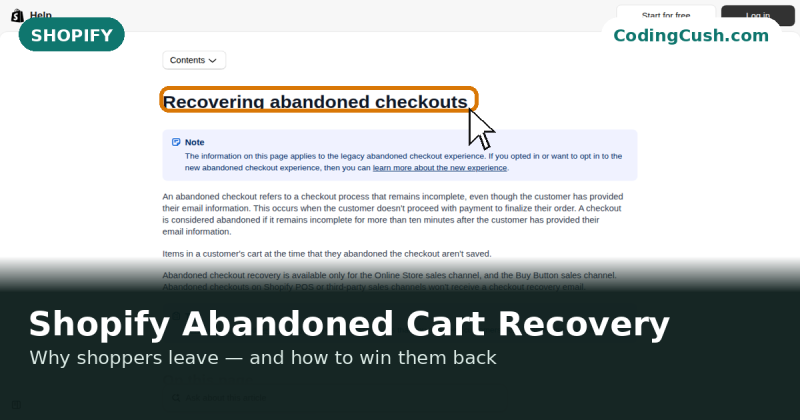
Most first-time visitors were never going to buy today. Without an email signup (with a small honest incentive), they vanish and you pay to find them again. Fix: add a simple capture form, send a welcome email, and follow up abandoned checkouts with Shopify's built-in automations. If you are still fuzzy on how the platform pieces fit together, our explainer on what Shopify is and how it works is a useful reset.
12. Giving up too early
The least technical reason on this list, and maybe the most common. Stores usually fail from stopping, not from one fatal flaw. Fix: work the list above in order — traffic, page, checkout, capture — measure for a few weeks after each change, and let data, not mood, decide what to change next.
Frequently Asked Questions
How many visitors do I need before I should expect sales?
As a rough guide, expect roughly one sale per 50–100 well-matched visitors while you are starting out. Judging a store on twenty visitors is like judging a shop that opened for one morning — the sample is simply too small to mean anything yet.
What is a normal conversion rate for a new Shopify store?
Around 1 percent is common for new stores, and 2–3 percent is healthy for an established one. If you are far below 1 percent with real traffic, your product pages, pricing or checkout are the places to look first.
Should I run ads if my store has no sales yet?
Ads amplify what already works — including what does not. Fix your product pages, trust signals and shipping transparency first, then test small, tightly targeted campaigns. Sending paid traffic to a store that cannot convert is an expensive way to confirm the leaks.
How long does it take to get the first sale?
Anywhere from days to a few months, depending on your product, traffic and how actively you promote it. There is no standard timeline, which is exactly why the diagnosis above matters more than any deadline.
Can one product change everything?
Sometimes, yes. Many stores find that one product with a clear audience outsells their whole catalogue. Watch your analytics for the product people almost buy, and give it better photos, proof and visibility before adding new products.
Conclusion
No sales is not one problem — it is a funnel with a leak somewhere. Check the numbers first, patch the leak you actually have, and resist the urge to redesign everything at once. Traffic, product page, checkout, capture: work them in that order, measure honestly, and keep going. Most stores that eventually sell were, at some point, exactly where yours is now.


Leave a Comment