

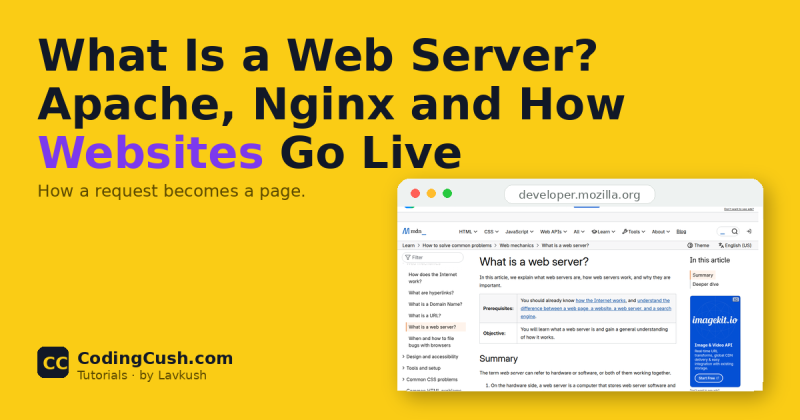
What Is a Web Server? Apache, Nginx and How Websites Go Live
A web server listens for browser requests and sends pages back. Learn how it works, how Apache and Nginx differ, and how a website goes live, step by step.
DevOps and server guides in simple English — Linux, hosting, deployment, CI/CD, Docker basics, server setup and troubleshooting.
A web server listens for browser requests and sends pages back. Learn how it works, how Apache and Nginx differ, and how a website goes live, step by step.
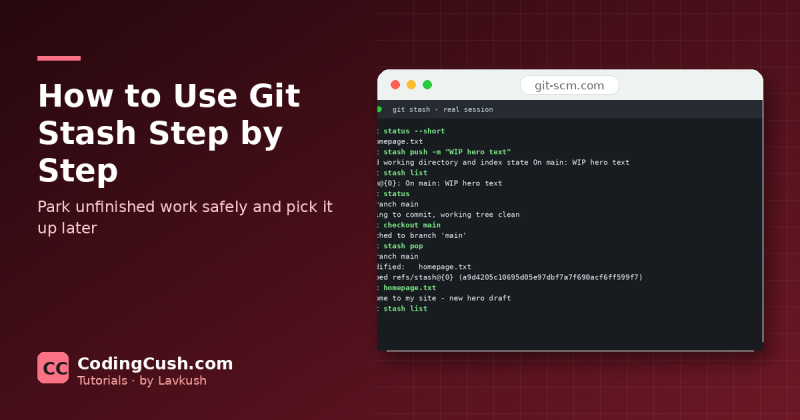
Git stash explained step by step: shelve unfinished work, switch branches safely, then pop it back, stash one file, include untracked files, and tidy up.
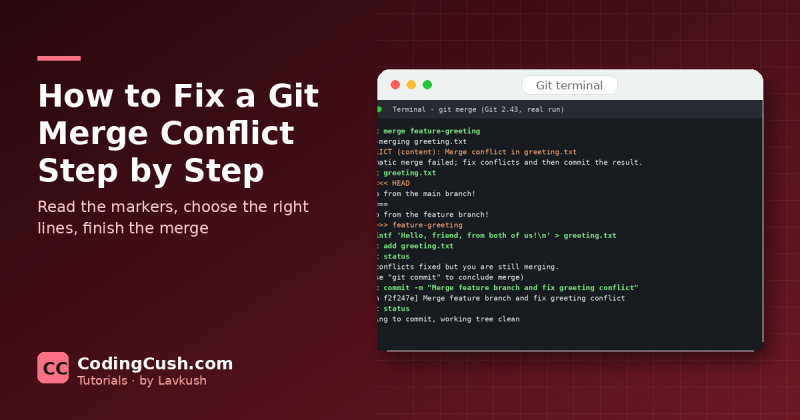
Learn how to fix a Git merge conflict step by step: read the markers, choose the right lines, finish the merge, or abort safely and try again today.
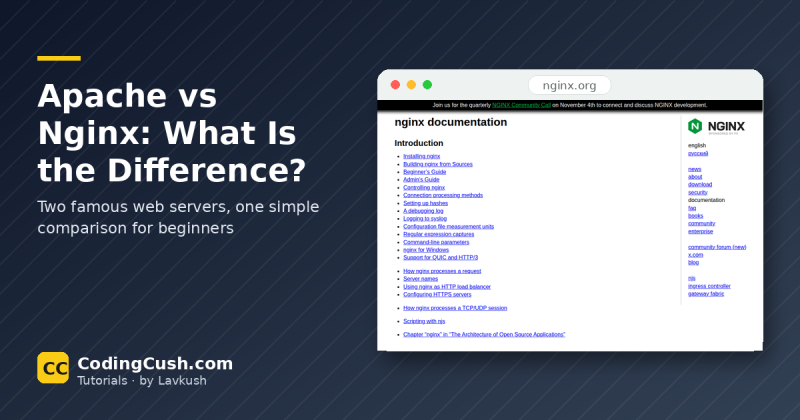
Apache vs Nginx explained simply: how each handles traffic, memory and PHP, .htaccess vs central config, and which server you should choose for your site.
Install Docker step by step on Windows, Mac and Linux, check the system requirements, fix WSL 2 and virtualisation errors, and verify with hello-world.
What is version control? A simple beginner guide to snapshots, commits, branches and undoing mistakes with Git, plus your first four commands to try.
A Git commands cheat sheet for beginners: the 20 commands for setup, staging, commits, branches and syncing, explained in simple words with examples.
A handy Docker cheat sheet for beginners: 25 commands for images, containers, volumes, networks, inspecting problems and cleaning up safely, with examples.
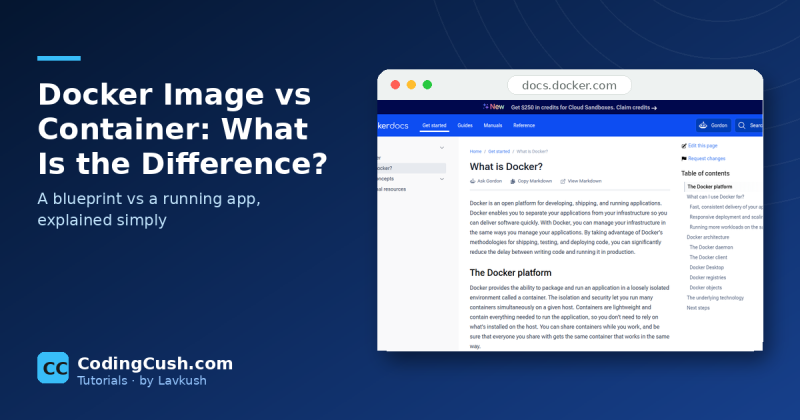
Learn the difference between a Docker image and a container in plain English, with a simple analogy, a clear table and real commands for beginners.
Git branches explained simply: create, switch, merge and delete branches with git branch, switch -c, merge, -d vs -D and push -u, plus common mistakes.
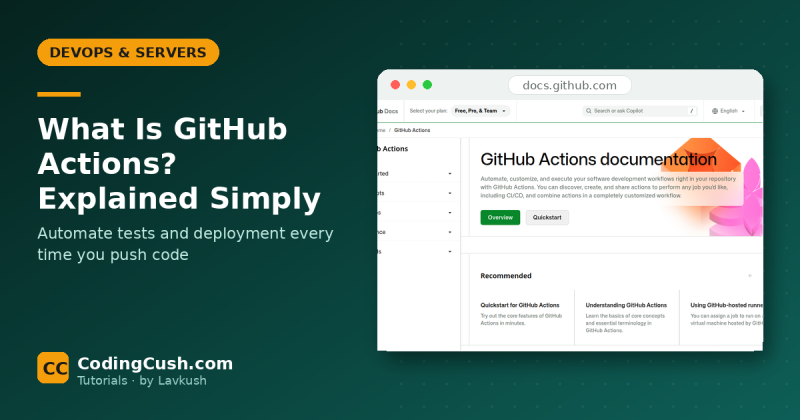
GitHub Actions explained simply: events, workflows, jobs, steps and runners, plus a first workflow file that runs automatically every time you push code.
Install Git the simple way on Windows, Mac and Linux: official downloads, the right default options, the git --version check, and your first config settings.
Try a different word, or clear the filter to see everything on this page.


Join 620+ developers learning the simple way. One useful email when new tutorials land — no spam, ever.
You're on the list — the next tutorial will land straight in your inbox.
 Lavkush