

 Anand Bajrangi
 If your website is not getting traffic, the reason is usually not one big disaster. It is one broken link in a chain: Google cannot find your pages, or people cannot find a reason to click them, or they visit once and nothing brings them back. The most common causes: a site that is not indexed, keywords nobody actually searches for, thin content, a slow mobile experience, and — very often — tracking that was never installed, so real visitors exist but you cannot see them. Work through the ten fixes and you will find your leak.
One honest warning: zero traffic is normal for a brand-new website's first few weeks — Google needs time to discover and trust it. But if your site is months old and the graph is still flat, something below is wrong.
Fix 1: First Check That Analytics Is Even Working
This sounds silly, and it catches more people than any other item on this list. Plenty of business owners stare at a flat traffic graph that is flat because the measuring tool is broken, not the website. Maybe the Analytics tag vanished in a redesign, was added twice, or you are simply looking at the wrong property.
Open your site in a private browser window, click a few pages, and watch the Realtime report in Google Analytics. If your own visit does not appear within a minute, your tracking is broken and every decision from that data is a guess. Google's Analytics Help guide to getting started walks through correct setup. Also connect Google Search Console — for a "no traffic" diagnosis it is the more honest tool, because it shows what Google itself sees.
Fix 2: Check Whether Google Can Find Your Pages at All
No indexing means no search traffic, full stop. Type site:yourwebsite.com into Google. If no pages appear, Google has not indexed your site, or something is blocking it: a "noindex" tag left over from development, or a robots.txt file disallowing everything. In Search Console, open the Pages report and read the reasons pages are excluded — Google lists them for you.
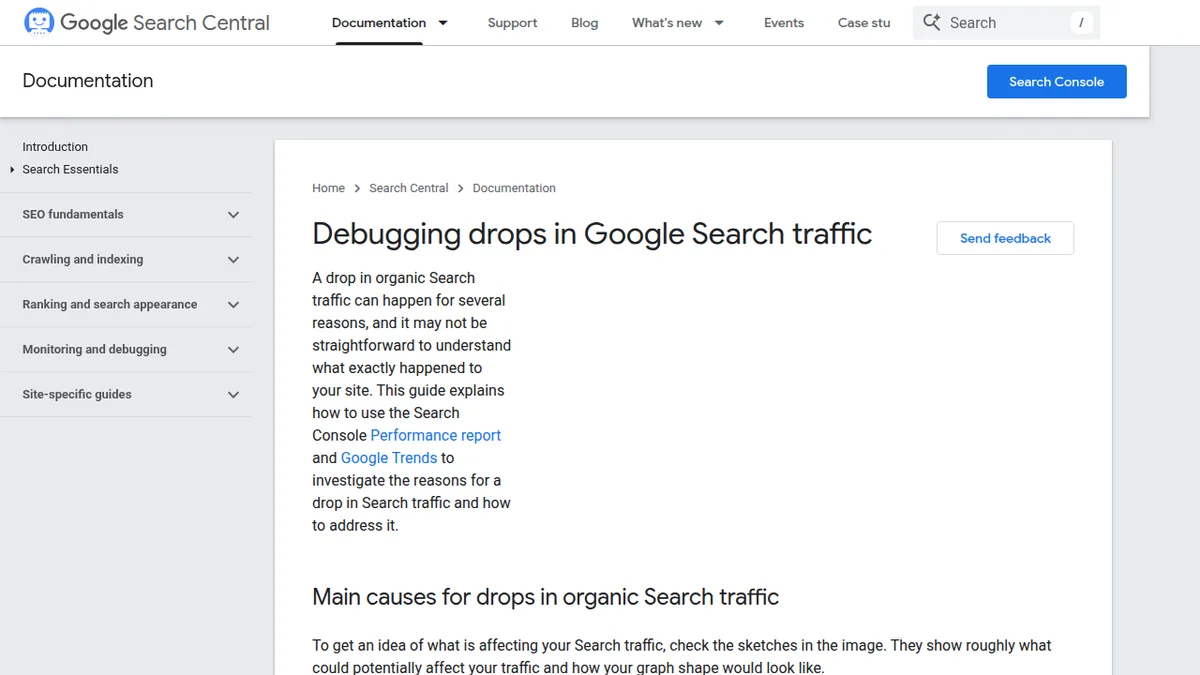
Google's Search Central team publishes a practical guide on how to debug drops in search traffic, and most of its checklist applies just as well to sites that never had traffic: check for manual actions, technical blocks, and changes after a redesign or migration. If you recently moved domains or restructured without redirects, that is your prime suspect.
Fix 3: You Are Targeting Keywords Nobody Searches For
A page can be perfectly written and still get no visitors if it is aimed at a phrase real people never type. Business owners often target their own internal language — the name of their service package, an industry term customers do not use, or a clever slogan. Customers search like humans: "plumber near me", "best birthday cakes in Pune", "how to fix a leaking tap".
Good keyword research means finding the words your customers actually use, at a competition level a site of your size can win. Our beginner guide on what keyword research is and how to do it shows the free way with Google's own suggestions. Small sites win faster with specific, longer phrases ("affordable wedding photographer in Jaipur") than giant ones ("photographer").
Fix 4: Your Content Is Too Thin to Deserve a Click
Google can find your page, rank it on page three, and still send you nobody — because searchers choose the results that look like real answers. Pages with two short paragraphs, no examples, no images, and no clear answer lose to pages that genuinely help. Ask of every page: if a stranger landed here from Google, would they get a complete answer, or would they bounce back and click the next result?
Fixing this does not mean writing longer for its own sake. Cover the topic properly: the direct answer first, the steps, the common mistakes, the questions people ask next. Our blog SEO step-by-step guide shows how to structure posts so both Google and humans can follow them.
Fix 5: Your Site Is Slow, Especially on Mobile
Most visitors are on phones, and phones are unforgiving. A page that takes six seconds to open on mobile loses most visitors before it finishes loading, and Google knows it — speed is part of how pages are judged. Run your homepage through PageSpeed Insights. Red scores usually mean giant uncompressed images, too many plugins or scripts, and cheap overloaded hosting.
You do not need a perfect 100. Compressing the biggest images and removing unused plugins typically moves a site from "painfully slow" to "fine" in one afternoon.
Fix 6: You Publish and Pray — Nobody Promotes the Content
Search is not the only road to your site, and for a young site it is the slowest. Many "no traffic" sites have a promotion problem: posts are published and shared nowhere — no social post, no email to past customers, no mention in the communities where their audience already talks.
Every new page deserves a small launch: share it on your social profiles, email it to your list if you have one, and link to it from your most-visited existing pages — internal links pass visitors across and tell Google the page matters.
Fix 7: Your Pages Target Everyone, So They Win No One
A homepage that says "we do everything for everyone" competes with the entire internet. Specific pages win sooner: one service per page, one city per page where relevant, one problem per blog post. Local businesses should especially not ignore the next fix.
Fix 8: Local Businesses Are Invisible on Maps and "Near Me" Searches
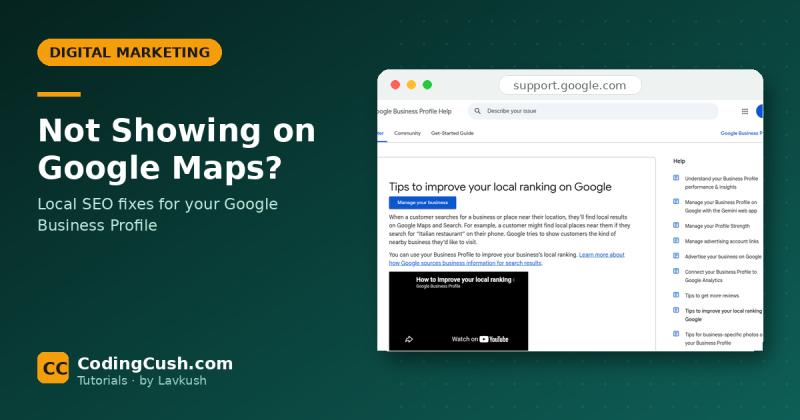
If your customers are local and your Google Business Profile is unclaimed, unverified or empty, you are missing the highest-intent traffic there is: people nearby, ready to buy, searching right now. Claim it, fill in hours, photos, services and categories, and keep your name, address and phone identical everywhere. For a local service, this one fix often brings more calls than months of blogging.
Fix 9: You Changed Something and Broke the Flow
Traffic that suddenly disappears has a different diagnosis. Think about what changed: a redesign, a domain move, a hosting change, an SEO plugin "cleanup". Check Search Console's Pages report by date, confirm important URLs still exist at the same addresses, and redirect anything that moved. Google's SEO Starter Guide covers the basics redesigns most often break — crawlability, sensible URLs, descriptive titles.
Fix 10: You Are Judging Too Early, With No Routine
SEO compounds slowly. The healthy pattern: publish useful content weekly, promote each piece, fix one technical issue at a time, and review Search Console weekly — not hourly. Judge a page after 60 to 90 days, not a weekend. Sites that "suddenly" get traffic in month six kept this boring routine through months one to five.
Quick Diagnosis Table
| What you see | Likely cause | First fix |
|---|---|---|
| Analytics shows exactly zero | Tracking tag missing or broken | Verify Analytics with the Realtime report |
| site: search shows no pages | Not indexed or blocked | Check Search Console Pages report, remove blocks |
| Impressions but no clicks | Weak titles, wrong intent | Rewrite titles around real search phrases |
| Clicks but visitors leave instantly | Thin content or slow mobile pages | Improve the answer, compress images |
| Traffic vanished after a change | Redesign or migration break | Restore URLs, add redirects |
Frequently Asked Questions
How long does a new website take to get traffic?
Expect the first trickle within 4 to 8 weeks if the site is indexed and you publish useful content regularly. Meaningful, steady traffic usually takes 4 to 6 months of consistent work. Anyone promising page one in a week is selling you something.
My traffic is zero but my site looks fine. What is wrong?
Start with measurement and indexing, in that order: confirm Analytics records your own visit, then confirm with a site: search that Google has your pages. A beautiful site that is not indexed, or not measured, looks identical to a site with no visitors.
Should I buy traffic to get started?
Paid ads can test whether your pages convert, but they do not fix the reasons organic traffic is missing. Fix indexing, content and speed first; then ads become a choice, not a crutch.
How often should I check my traffic?
Weekly is plenty for a small site: Search Console for the clicks trend, Analytics for which pages people actually read. Daily checking mostly produces anxiety, not insight.
Conclusion
A website with no traffic is not a mystery — it is a checklist. Measure properly, make sure Google can find you, aim at words people really type, answer questions better than the page above you, keep the site fast, and promote what you publish. Fix one leak at a time, in the order above, and the graph will start moving.


Leave a Comment